
Tidymint
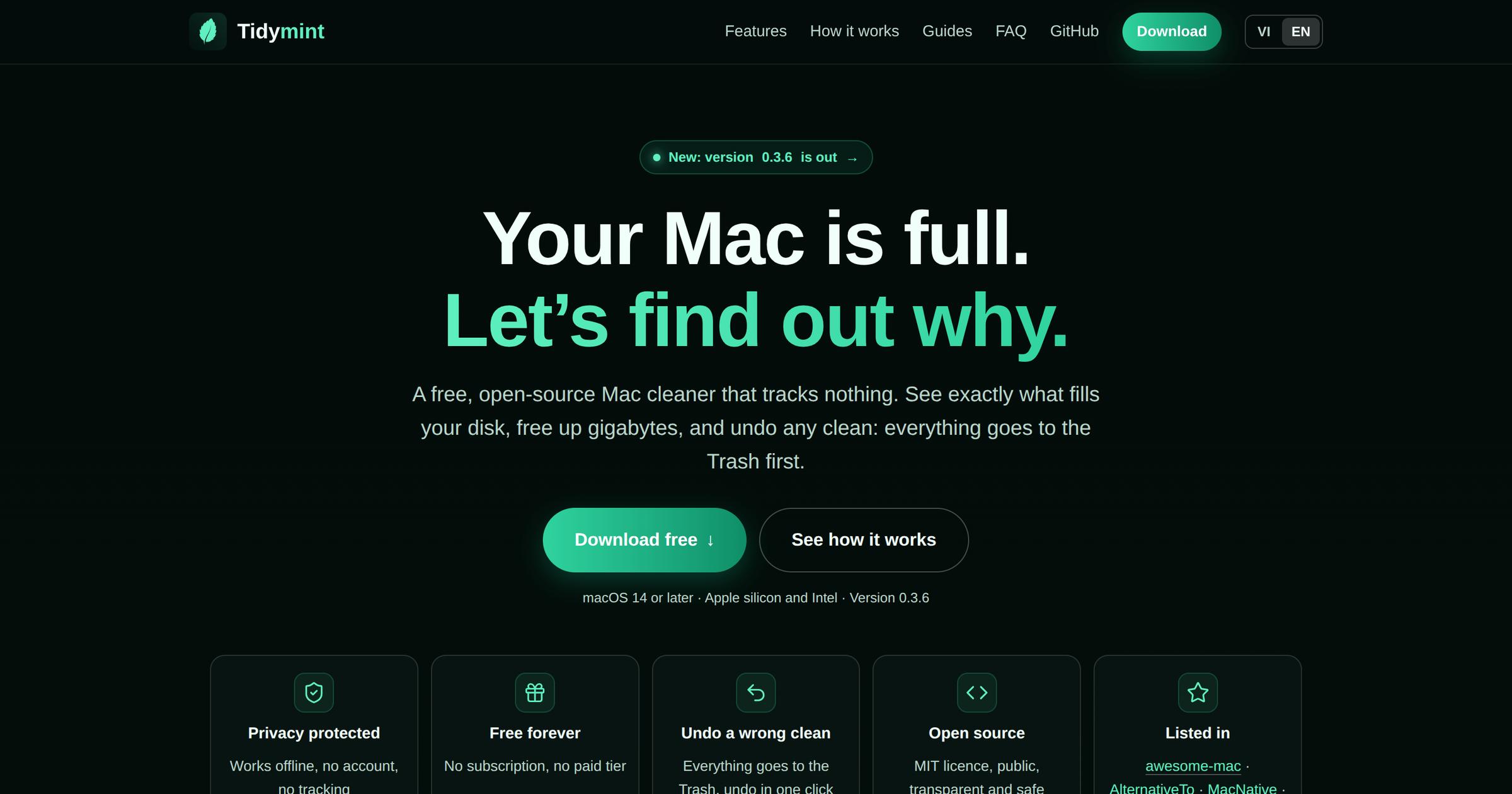
Free Mac disk cleaner with cache cleaning, duplicates, and space map
Replaces Cleanmymac, Sensei
Who it's for
Model weights from Ollama, Hugging Face, LM Studio, and local inference tools can fill a Mac in weeks. Tidymint's Space Lens labels these folders directly, Clean Now includes their cache directories, and Clean by App lists each model individually so you remove only what you no longer use.
You manage models programmatically with tools like the Ollama CLI and prefer deletions in a terminal workflow. Tidymint's GUI approach adds a step you may not want.
npm, Homebrew, pip, and similar tools leave large caches that do not clean themselves automatically. Clean Now targets these by name, sized and grouped, and also surfaces project build libraries (node_modules, Python environments) left idle for six months so you can reclaim space without hunting through Library folders. The project-folder protection prevents accidental deletion of files your active projects reference.
You already run automated cache clearing scripts in your dotfiles or CI setup. The manual GUI workflow does not add much if automation already handles it.
Exported renders, project drafts, and duplicate source assets accumulate quickly in creative workflows. The Large Files tab surfaces files over 100 MB sorted by size or last-opened date. The Duplicates scanner matches files by SHA-256 content hash across folders and keeps one copy.
You use a dedicated digital asset manager that already tracks versions and duplicates across your project library. Tidymint's duplicate detection is file-level, not aware of media library project structures.
The problem
Mac storage fills up faster than most users expect, and the culprit is rarely a single large file. Browser caches, editor caches, npm and Homebrew package stores, AI model weights, render drafts, and leftover files from apps you already deleted accumulate quietly across dozens of folders. macOS groups much of this under "System Data" in Storage Settings, a bucket that Finder cannot inspect directly. Paid Mac cleaners exist to address this, but most require a subscription, bundle features beyond disk cleaning (RAM optimization, malware scanning), and run as closed-source software. Users who run AI workloads or development tools often find that generic cleaner categories miss the largest offenders (Ollama model caches, node_modules, Hugging Face downloads) entirely.
How it works
Every item Tidymint cleans goes to the Trash, not permanent deletion. The Undo page restores the last full clean in one click while those files are still in the Trash, giving you a safe recovery path after any scan. Photos, Mail, keychains, and Apple system caches are never touched.
Duplicates are matched by SHA-256 content hash regardless of filename, and one copy is always kept. Before removal, the app checks your designated project folders and flags any file still referenced by a script or skill in red and unticks it automatically, so a cleanup never breaks a build or AI workflow.
A bubble map draws your entire drive as folders sized by real disk usage, with plain-language labels for common locations including Ollama model folders, npm caches, and Time Machine snapshots. A built-in breakdown explains what fills the hidden System Data category: iPhone backups, iOS update files, Xcode archives, and more.
Dragging an app to the Trash leaves caches, preferences, logs, and saved state behind. Tidymint removes those alongside the app. A separate tab lists leftover files from apps you already deleted, and old installers are surfaced on their own tab.
Browsers, chat apps (Slack, Telegram), and editors (VS Code, CapCut) each get their own cleaning page. Clean by App also lists local AI model files for Ollama, Hugging Face, and LM Studio one model at a time. Files shared between models go only when every model using them is selected. Caches are pre-selected; photos and videos are grouped by month for you to choose; messages and logins are locked. Cleaning is refused while the app is open.
Mintangle arranges windows with keyboard shortcuts (halves, quarters, thirds, maximize, center, next screen) or by dragging a window to a screen edge or corner. Mintdrop is a drop shelf: shake the pointer while dragging files to collect them from several places, then move them to a folder or put them in the Trash with Undo. Both are off by default.
Features
- Trash-first cleaning with one-click Undo
- Project-aware duplicate detection
- Space Lens disk map with System Data breakdown
- Full app uninstaller with leftover removal
- Per-app and AI model cleaning
- Window tiling and file staging
How to install
Download the macOS app (Apple silicon and Intel, macOS 14 or later) from GitHub Releases: https://github.com/HaiTrung-Workspace/tidymint/releases/latest
Recommended for this setup
Strengths
- MIT license with full source transparency: The complete Swift codebase is on GitHub under the MIT license. Anyone can read every line, verify what the app touches, and fork or modify it. This contrasts with closed-source Mac cleaners like CleanMyMac, where users must trust the binary without inspecting it.
- Free with no subscription, no paid tier, and no account: Tidymint has no trial period, no feature gating, and no subscription. Every tool is available from the first launch at no cost. The project is funded by optional GitHub sponsorships, which go toward the Apple Developer account for notarization.
- Works offline with no data collection: The app works without internet access. Its only network call is a once-a-day version check that sends nothing about your Mac. No analytics, no data collection, no account required. Settings and activity logs stay local at ~/Library.
- AI and developer workflow categories built in: Space Lens labels Ollama model folders directly. Clean Now picks up Hugging Face and npm caches by name, and flags project build libraries (node_modules, Python environments) left idle for six months. The duplicate finder's project protection works on AI skill and model directories.
Trade-offs
- Requires a manual first-launch security override: Tidymint is not notarized by Apple because notarization requires a paid Apple Developer account. On first launch, macOS blocks the app and users must open System Settings, go to Privacy and Security, and click Open Anyway. This extra step is a friction point compared to commercial Mac cleaners that open immediately.
- Very new project with no public community track record: The repository was created on October 26, 2026, with 0 open issues. It has no long-term stability signal, no independent user reviews, and no established contributor community. Users evaluating it for production workflows should expect rough edges typical of a fresh release.
Tech stack
FAQ
Yes. Tidymint is free forever under the MIT license with no subscription, no trial, and no paid tier. Every tool is available from the first launch. The project is funded by optional GitHub sponsorships, which go toward an Apple Developer account for notarization and faster release updates.
Yes. Startup Items lists background helpers and login items with who signed each, flags unusual locations or names and ones left behind by removed apps. It reports facts and is not an antivirus.
Tidymint is not yet notarized by Apple because notarization requires a paid Apple Developer account. On first launch, click Done when macOS says it cannot be opened, then open System Settings, go to Privacy and Security, and click Open Anyway. The source code is public on GitHub for anyone who wants to inspect it before running it.
No. Every clean moves selected files to the Trash and does nothing more. Files are not erased until you empty the Trash yourself. The Undo function on the Trash page restores the entire last clean in one click, as long as those files are still in the Trash.
Tidymint requires macOS 14 or later and runs on both Apple silicon and Intel Macs. There is no iOS or Windows version.