
AFFiNE
Local-first workspace combining docs, whiteboards, and notes
Replaces Notion, Coda, Clickup, Airtable
Who it's for
Maintains one source of truth for strategy notes, roadmap tables, and visual brainstorm sessions in one workspace while keeping planning artifacts stored on team infrastructure.
Skip if you need deep portfolio-level reporting and enterprise PM tooling at day one.
Keeps client briefs, rough sketches, and meeting notes in a single structured space, then shares a workspace that still allows internal control over client files.
Skip if your process is already standardized in a heavily customized legacy PM suite.
Stores runbooks, FAQ drafts, and team playbooks with quick edits in one interface, plus canvas-based visual notes for incident workflows.
Skip if immediate integration with ticketing and incident systems is your top requirement.
Benchmarks against proprietary stacks to reduce lock-in risk and to move critical knowledge workflows behind existing access and identity controls.
Skip if cost and migration speed are your only criteria and self-hosting overhead is not acceptable.
The problem
Teams often run notes, planning, and whiteboard thinking in separate tools, which creates duplicated content and makes the right context hard to find. SaaS workspace suites usually tie that knowledge to a hosted service, while pricing and integrations can become expensive as teams grow. AFFiNE gives teams a single workspace where docs, databases, and canvases live together, with local-first storage so operational history, attachments, and workspace configuration stay on their own infrastructure. This design helps teams that want speed for everyday execution without giving up long-term control.
How it works
You can move between page-style writing, tables, and an edgeless canvas in one environment, which reduces handoff friction during planning and execution.
The official compose setup uses PostgreSQL and Redis services alongside AFFiNE, so teams can run their own instance behind their own network boundaries.
The project describes real-time sync and collaboration on web and cross platform clients, which supports distributed team updates on the same workspace.
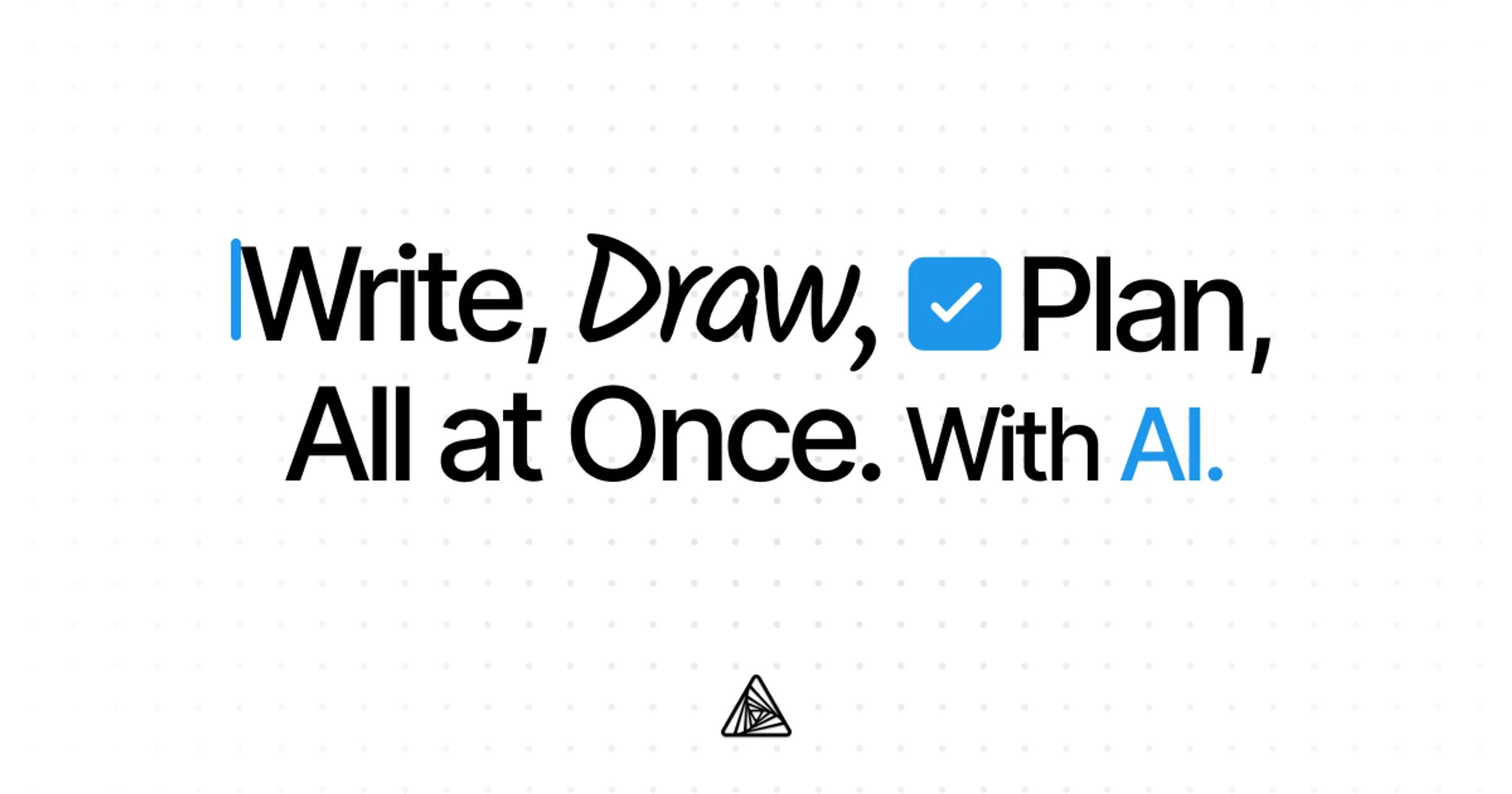
The product provides AI-assisted writing, diagramming, and planning actions, useful for turning outlines into reports, slides, diagrams, or mind maps without leaving the workspace.
AFFiNE is MIT licensed and public on GitHub, with editor and block system design aimed at community extension.
Features
- Single workspace for mixed formats
- Self-host-ready architecture
- Multi-client collaboration
- AI partner workflows
- Open-source and extensible roadmap
How to install
mkdir -p affine-selfhost
cd affine-selfhost
wget -O .env.example https://raw.githubusercontent.com/toeverything/AFFiNE/canary/.docker/selfhost/.env.example
wget -O compose.yml https://raw.githubusercontent.com/toeverything/AFFiNE/canary/.docker/selfhost/compose.yml
cp .env.example .env
DB_PASS=$(openssl rand -hex 24)
sed -i "s/^DB_PASSWORD=.*/DB_PASSWORD=$DB_PASS/" .env

docker compose --env-file .env -f compose.yml up -d
Recommended for this setup
Strengths
- MIT license with self-hosting: You can operate on your own servers and avoid per-seat dependency for the core platform, with freedom to inspect and adapt as needs change.
- Unified operational model: Replacing separate note, wiki, and whiteboard tools in one interface lowers context switching and gives teams one way to store project context.
- Stronger ownership controls than SaaS note stacks: Local-first design keeps workspace data and files under team control, which is a practical advantage for sensitive planning content.
- Edgeless canvas plus structured docs: AFFiNE supports rich text, sticky notes, embedded web pages, multi-view databases, linked pages, shapes, and slides on the same canvas, giving it more visual planning range than a doc-only workspace.
Trade-offs
- Operational overhead: Running AFFiNE requires a server stack with Docker and supporting services, which is a larger setup path than signing into a hosted SaaS workspace.
- Capability parity evolves over time: Teams used to mature template galleries, enterprise governance, or broad third-party integrations may find the open-source pace different from bigger incumbents.
- Config depth for advanced setup: AI providers, storage settings, and performance tuning are configurable, so teams with strict compliance or scale needs need more planning than light SaaS onboarding.
Tech stack
FAQ
Yes. The repository lists MIT licensing and a public GitHub source, including deployment files for self-hosting via Docker.
Yes. The official compose approach provisions PostgreSQL and Redis alongside the server, so you can run your own instance and keep data on infrastructure you control.
AFFiNE can replace Notion for teams that mainly need docs, tables, and visual planning in one workspace. It is designed as an open alternative that combines docs, databases, and canvas-style visuals, but migration effort depends on the amount of embedded templates and automation in the source tool.
The platform presents AI partner workflows in its positioning, and capabilities continue to expand, so exact availability and model behavior should be validated in the current release before production rollout.