
Twenty
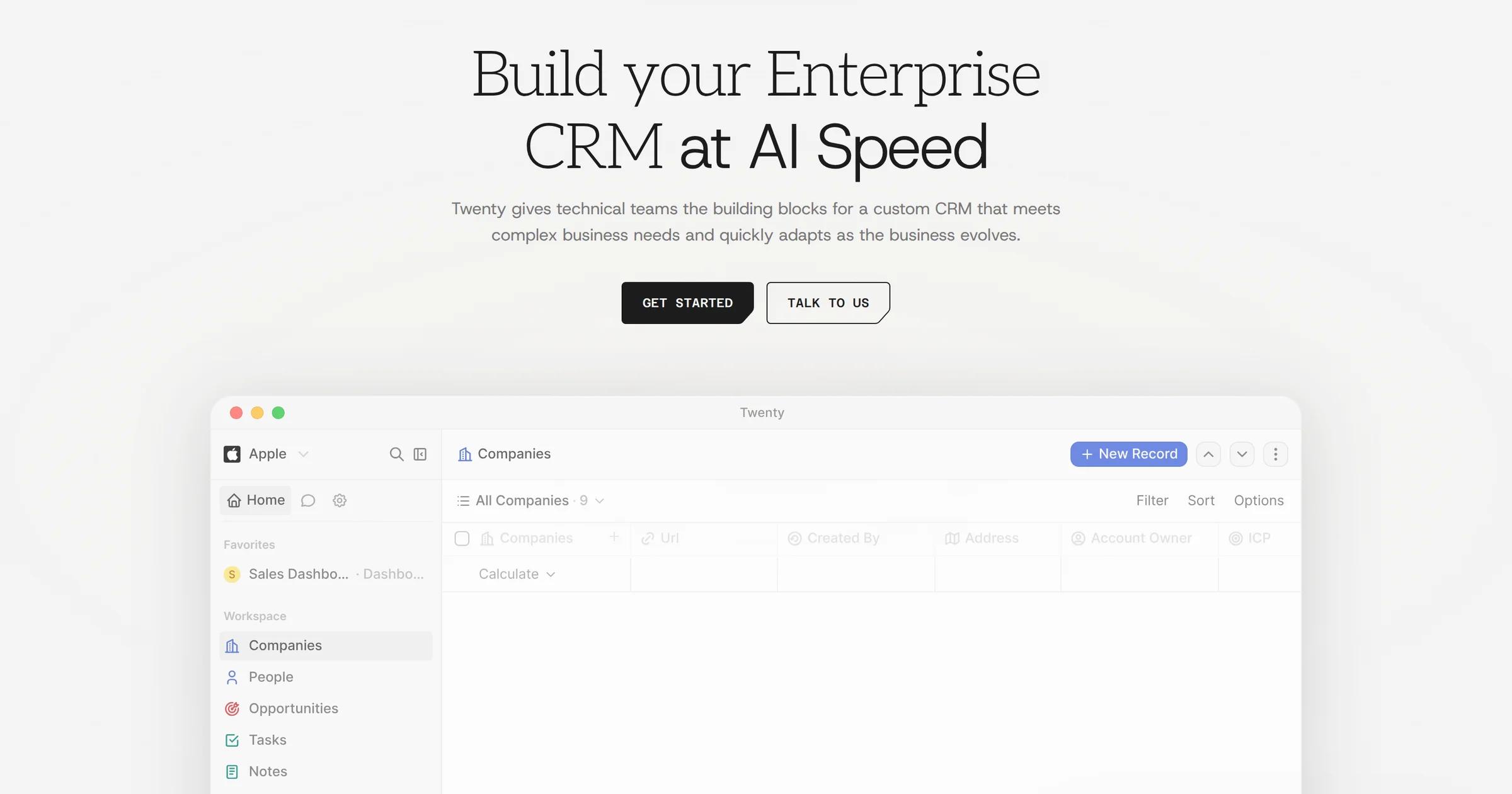
Open source CRM with custom data models and AI-native workflows
Replaces Salesforce, Hubspot Crm, Zoho Crm, Pipedrive, Attio, Close, Folk, Freshsales
Who it's for
Teams that have outgrown HubSpot's free tier or are paying Salesforce rates without using enterprise features can migrate to a self-hosted Twenty instance and eliminate per-seat CRM costs. The PostgreSQL backend and GraphQL API make data migration straightforward for developers.
Skip if no one on the team is comfortable with Docker and server administration. The managed cloud option (Twenty Cloud) removes that requirement but reintroduces a per-seat fee.
Twenty's apps framework lets developers define domain-specific objects in TypeScript and ship them to any workspace. The resulting CRM reflects the actual data model of the business. NetZero uses this to run a modular setup across carbon credits, agricultural products, and industrial systems.
Skip if your team's CRM needs map cleanly to standard objects and no customization beyond field-level configuration is required. A simpler tool with less setup overhead will serve you better.
Every Twenty Cloud workspace ships with a native MCP server. AI assistants that support MCP can query and update CRM data in natural language without a custom integration. Teams building AI agents that need CRM context have a ready-made connection point.
Skip if your AI workflow already connects to your CRM via a custom API integration and switching CRM platforms is not under consideration.
Twenty's interface uses modern productivity patterns: keyboard shortcuts, a command palette, and real-time data. Sales teams get a CRM that does not feel like legacy enterprise software, while engineering maintains a TypeScript codebase they can modify and extend as business needs change.
Skip if the sales team needs deep email sequencing, ad tracking, or marketing automation tightly integrated with the CRM. Those features are more mature in HubSpot and Salesforce.
The problem
Proprietary CRMs shape your workflow around their opinions. Salesforce and HubSpot deliver customization, but at a cost: proprietary scripting environments, slow deployment cycles, and logic locked in a vendor's black box. Paid tiers scale with seat count and feature access in ways that compound quickly as a team grows. The in-house alternative is fragile. A custom CRM ships quickly in v1 but becomes a maintenance burden across schema changes, team growth, and integration demands. Most engineering teams cannot absorb that work alongside their core product indefinitely.
How it works
Define your own objects, fields, and relationships in TypeScript. Custom entities sit alongside standard CRM objects (companies, people, opportunities) and are queryable via the same GraphQL API, with the same views and workflow triggers available as first-class citizens.
Build automated actions triggered by CRM events without proprietary scripting. Workflows are configured in the UI or defined as code, and they run server-side on your own infrastructure with no vendor runtime dependency.
Scaffold a custom CRM extension with `npx create-twenty-app`. The framework lets you ship custom objects, server-side logic functions, React components that render inside Twenty's UI, AI agents, and custom views, all in TypeScript, deployable to any workspace.
Every Cloud workspace includes a built-in MCP server. Connect AI assistants like Claude or ChatGPT via OAuth and they can read and write your CRM data in natural language, without a separate integration layer or custom connector.
Every object, field, and relationship in the data model is queryable through a typed GraphQL API. No REST-to-GraphQL wrapping, no rate-limited per-call fees: the API is the same interface the Twenty UI uses internally.
Data updates across the UI in real time. An AI chat panel is available in the sidebar to help users query, summarize, or act on CRM data without leaving the interface, using the AI assistant of their choice.
Features
- Custom object model
- Workflow automation
- Apps framework
- Native MCP server
- GraphQL API
- Real-time data and AI chat
How to install
Set up a custom CRM extension using the Twenty CLI; self-hosting the full server uses Docker Compose with PostgreSQL and Redis.
npx create-twenty-app my-appRecommended for this setup
Strengths
- Version your CRM like any other software: Schema changes ship as TypeScript code reviewed in pull requests, not as point-and-click migrations in a vendor portal. You get the same Git history, rollback, and CI workflow you use for the rest of your stack.
- Documented cost advantage in production: AC&T replaced a shuttered vendor CRM with a self-hosted Twenty instance and cut CRM costs by more than 90%. The self-hosted path has no seat fees; you pay for the infrastructure you provision, nothing more.
- 56,000+ GitHub stars with active development: The repository has over 56,000 stars and 8,900 forks, with the last push recorded in September 2026 and 182 open issues being tracked. Good-first-issue labeling makes the contributor path accessible to new contributors.
- No vendor lock-in or forced migrations: Self-hosting means you control the upgrade schedule. There is no risk of a vendor sunsetting your CRM tier, changing pricing, or forcing a schema migration. Your data stays in a standard PostgreSQL database you own and can query directly.
Trade-offs
- Self-hosting requires a developer: The self-hosted path runs on Docker Compose with PostgreSQL and Redis as dependencies. A team needs someone comfortable with server administration and Docker to deploy and maintain a Twenty instance. This is not a one-click setup for non-technical users.
- AGPL-3.0 restricts reselling as a hosted service: You can self-host Twenty for internal or commercial team use with no restrictions. If you run a modified version as a hosted service for paying external customers and distribute it outside your organization, AGPL-3.0 requires you to release your source changes. This is a meaningful constraint for service businesses building a managed CRM product on top of Twenty.
- Smaller integration ecosystem than Salesforce or HubSpot: Salesforce and HubSpot have spent decades building third-party connector catalogs that cover almost every enterprise software category. Twenty's third-party integration catalog is growing but significantly smaller. Teams that depend on specific industry connectors should verify current availability before migrating.
Tech stack
FAQ
Yes. Twenty is licensed under AGPL-3.0, and the full source is on GitHub. You can self-host it on your own infrastructure and run it for internal commercial use with no restrictions. The one condition AGPL-3.0 adds is for service providers: if you run a modified version of Twenty as a hosted service for paying external customers, you must release your source modifications.
Yes. Twenty supports CSV import for standard datasets, and the GraphQL API handles bulk data transfers for larger migrations. The Twenty team and certified partners offer full migration services for teams moving from Salesforce or HubSpot. The underlying database is PostgreSQL, so database-level migration is also possible for teams with the technical resources to handle it directly.
Yes. Every Twenty Cloud workspace includes a native MCP server. Connect your AI assistant via OAuth and it can read and write CRM data in natural language through the MCP protocol. This works out of the box for any AI tool that supports MCP, with no custom integration required.
Twenty Cloud is the managed hosted option, starting at $9 per user per month (Pro) or $19 per user per month (Organization, which adds SSO and row-level permissions). Sign-up takes under a minute with no infrastructure to manage. The self-hosted version runs on your own server via Docker Compose with PostgreSQL and Redis, has no seat fees, and gives you full control over your deployment and upgrade schedule.
Self-hosting requires comfort with Docker Compose, basic server administration, and the ability to configure PostgreSQL and Redis. It is not a one-click install. Teams without a dedicated infrastructure person should start with Twenty Cloud instead and consider self-hosting once the team is comfortable with the data model and workflows they need.