
Stirling PDF
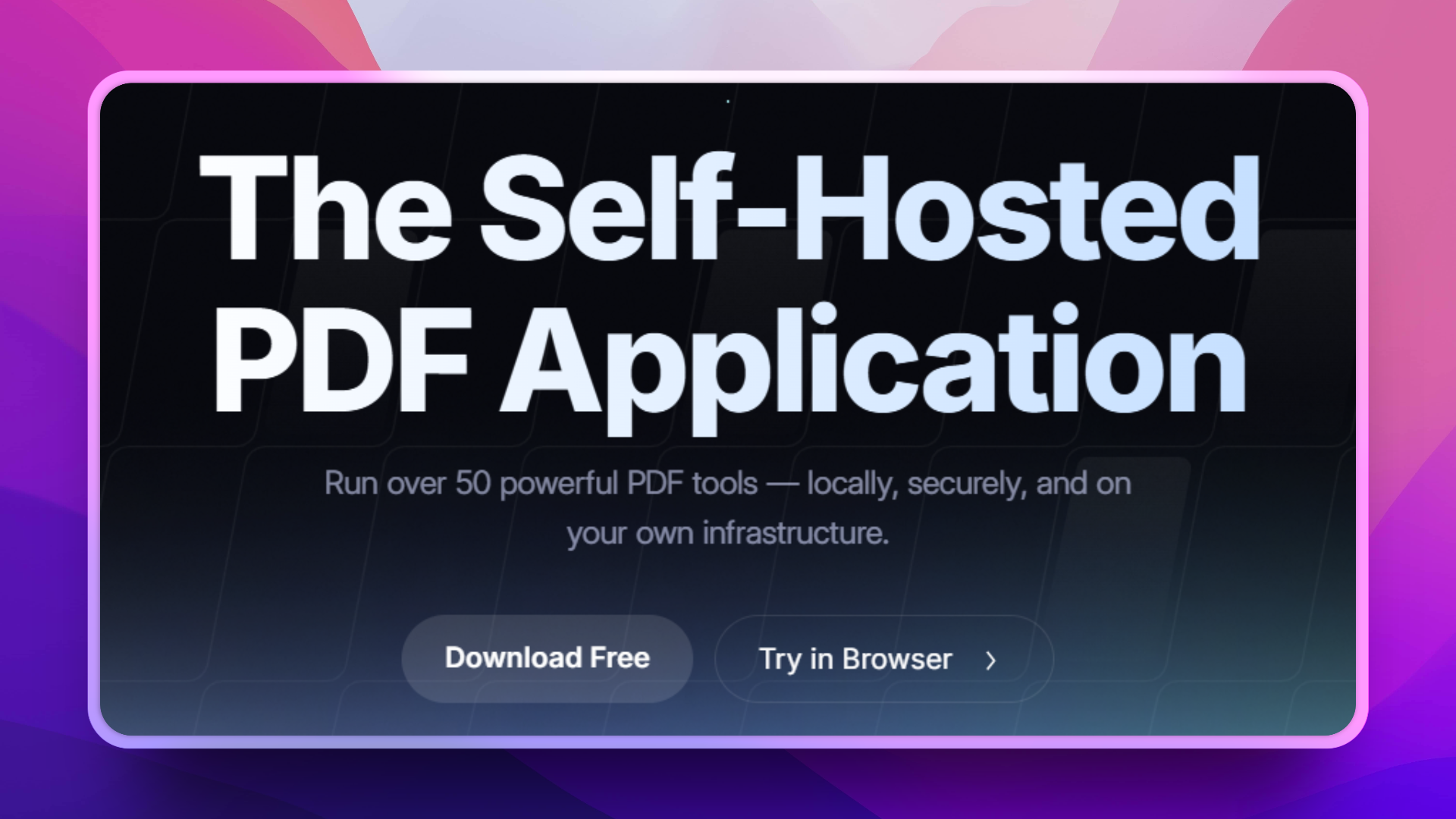
Self-hosted PDF editor with 50+ tools for every PDF task
Replaces Adobe Acrobat, Foxit Pdf Editor, Nitro Pdf
Who it's for
Use Stirling PDF to centralize document preparation, add signatures, and apply redaction or conversion rules before records move into internal systems.
You need a prebuilt signature policy engine with built-in legal audit trails as a managed enterprise product and cannot run or maintain open-source infrastructure.
Connect Stirling PDF API calls to form pipelines and automation triggers to reduce manual document cleanup and keep conversion quality consistent across teams.
Your team needs deep machine learning extraction features that are only available through a specialized API-focused platform.
Use local instances for repeatable testing of PDF transformations and UI automation around signing, compressing, or splitting documents before publishing to production services.
You only need a basic viewer with no editing, signing, or workflow automation requirements.
The problem
Teams that process PDFs in growth systems often move sensitive files through external SaaS tools and lose control over retention, access, and routing. That creates risk, unpredictable pricing, and extra admin overhead when simple operations like merge, redaction, OCR, or e-signing need to run across multiple apps. Stirling PDF addresses that gap by combining editing tools, conversion features, and automation hooks in one self-hosted stack.
How it works
Stirling PDF groups edit, split, merge, rotate, convert, sign, redact, and compress workflows behind one web UI, so teams avoid juggling separate tools for core document handling tasks.
Workflows in Stirling PDF let operators build repeatable document jobs and route files through chained actions, reducing manual handoffs and enabling repeatable operations for onboarding, QA, and compliance checks.
A REST API layer covers the same operations as the UI, which helps teams embed PDF actions into existing services without custom screen automation.
The README shows desktop, browser, and server deployment options with a private API path, useful for teams that need local workstations for some staff and centralized deployment for others.
The platform advertises global language coverage and enterprise-grade controls including SSO and auditing, which supports distributed teams using standardized operating procedures.
Features
- Full PDF tool set in one interface
- No-code automation for document pipelines
- REST APIs for system integration
- Multi-form factor deployment
- Multi-language and enterprise controls
How to install
# Run Stirling PDF locally
docker run -p 8080:8080 docker.stirlingpdf.com/stirlingtools/stirling-pdf
Recommended for this setup
Strengths
- Privacy-first processing path: Files can be processed in your private environment instead of being sent to a separate commercial PDF SaaS, which aligns with teams that need tighter privacy posture and predictable storage governance.
- Open-core code base with MIT base: The project is open source with a mixed license model; core areas are MIT licensed while some optional directories may carry stricter terms. This lets teams build and extend without being locked to a single binary.
- Broad use case coverage: Core PDF editing and automation features are broad enough for operations teams, legal workflows, and product teams that do both manual edits and scripted document jobs.
- Self-hosted API path: The private API and container-first install path simplify secure integration into internal infrastructure and reduce reliance on per-document API metering.
Trade-offs
- Mixed licensing surface: The repository marks some directories as non-MIT, so teams that depend on those optional modules should review included components and confirm license fit before shipping internal commercial offerings.
- OCR and heavy transformations need resources: PDF rendering, OCR, and large conversion jobs can add CPU and memory load. Under-provisioned hosts can slow large batches, so sizing matters more than a standard office add-on tool.
- Community support versus paid support model: Faster issue response depends on community and maintainer activity, which may lag enterprise support contracts if your team requires strict SLA coverage for every production use.
Tech stack
FAQ
Yes, Stirling PDF can run as a self-hosted service in your own environment and process files through a local web UI or private API. If you need zero third-party PDF handling for regulated workflows, this deployment path is the key advantage.
Yes. Stirling PDF exposes API support for core PDF operations, which enables scripted batch jobs for merge, split, convert, and related actions. You can pair it with your own queue and monitoring stack for repeatable workflows.
You can start a local container with the published Docker image using `docker run -p 8080:8080 docker.stirlingpdf.com/stirlingtools/stirling-pdf`, then open `http://localhost:8080`.
It covers core editing, signing, redaction, OCR, and conversion workflows for many teams, especially those prioritizing self-hosting. Acrobat Pro may still fit better if you need specific legacy enterprise plugins, advanced template-heavy forms, or a long-established compliance product line.