Switch
macOS window picker with type-to-filter, thumbnails, and cross-Space
Replaces Witch, Command Tab Plus 2, Scopo, Macscope
Who it's for
A developer with several editor windows, terminal tabs, and a browser open can type a filename fragment in the picker to jump directly to the right window without cycling through the app twice. The per-app ⌥-` shortcut handles cycling within one app when that is faster.
You work from a single screen with at most three or four windows and the native ⌘-Tab already lets you find what you need in two keystrokes.
Users who organize work across multiple Spaces (one for email, one for coding, one for documentation) can reach any window on any Space from a single picker without manually switching Spaces first. The cross-Space badge makes it clear where the window lives.
You use a single Space and do not move between Spaces during the day; the native switcher already shows everything you have open.
Stage Manager deliberately hides apps not on stage to reduce clutter, but reaching an off-stage window requires a click. Switch surfaces those windows in the picker so you can navigate to them by keyboard, which is faster than moving through the Stage Manager sidebar.
You do not use Stage Manager and the standard grid of recent windows already gives you enough context to switch quickly.
Witch costs $14 and Command-Tab Plus 2 requires a purchase. Switch covers the core workflow (per-window picker, type-to-filter, cross-Space) at no cost. Users who have paid for one of those apps and want to evaluate a free alternative can install Switch via Homebrew alongside it.
You need specific features of a paid alternative, such as Witch's window grouping rules or Command-Tab Plus 2's appearance customization beyond what Switch provides in grid or list mode.
The problem
macOS's built-in ⌘-Tab shows one icon per application, regardless of how many windows that app has open. Switching to a specific window within an app requires cycling to the app icon and then using Mission Control or the app's own window menu, a two-step process that breaks keyboard flow. Users who keep many windows open across different apps and Spaces have no fast, filterable path to any specific window using only the keyboard. The native switcher also hides windows on other Spaces and inside Stage Manager entirely, so reaching them means moving to the Space first and then locating the window. Power users with deep multi-window workflows end up relying on Dock clicks or Mission Control, both of which require a mouse, or they pay for a third-party app to get filterable, per-window access that the OS does not provide.
How it works
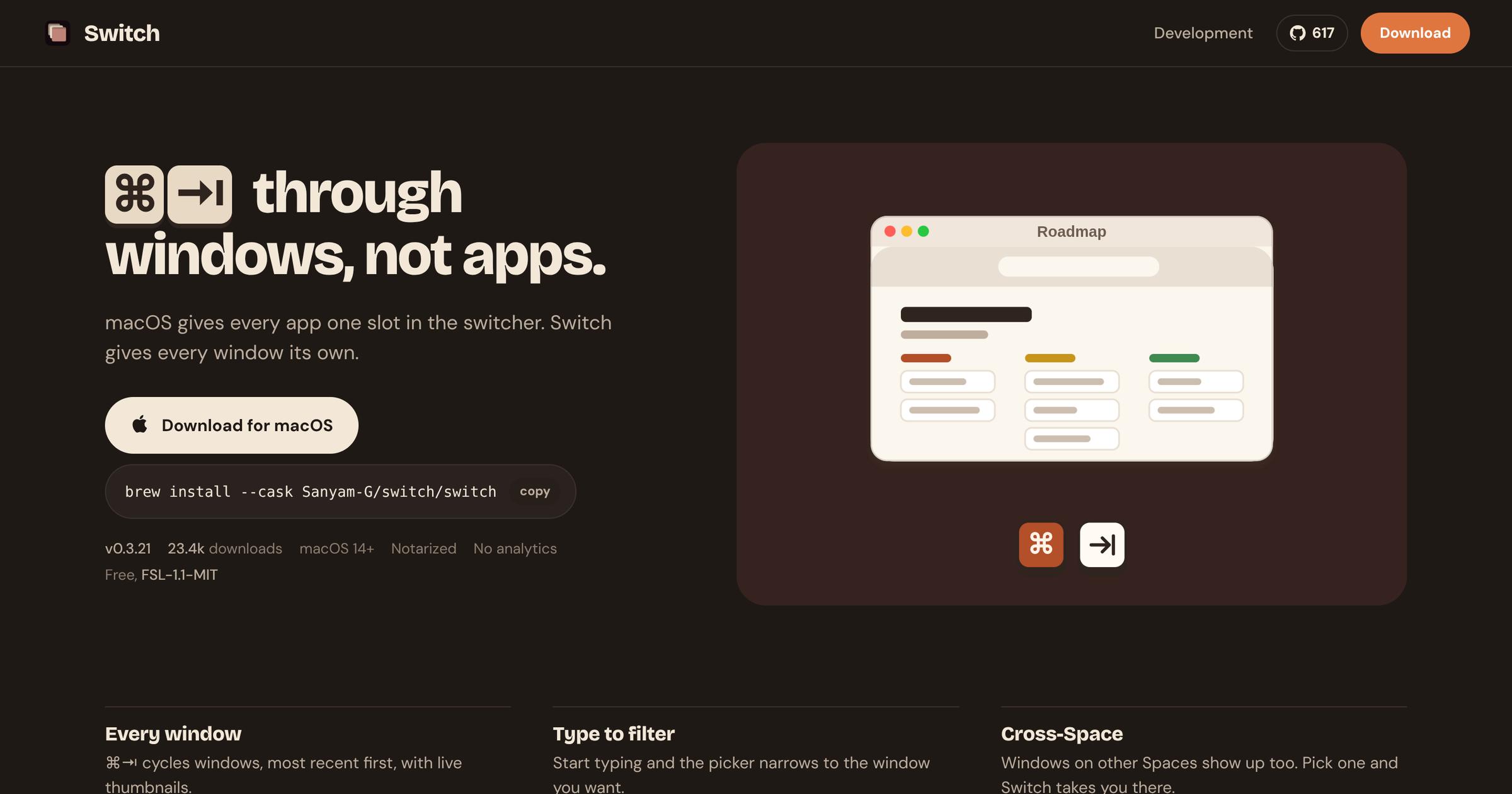
Replaces the default app-grouped switcher with a grid or vertical list showing every open window individually, most recently used first. Live thumbnails render the current content of each window so you can identify the right one at a glance rather than guessing by title.
Start typing while the picker is open and the list narrows to windows whose app name or title matches. Typing a filename fragment takes you directly to that file without scrolling. Filter and keyboard navigation work together; optional Vim-style H J K L movement is available.
Windows on other Spaces and fullscreen windows appear in the picker, badged with their Space. Selecting one moves you there automatically. A separate hotkey in Settings → General → Hotkeys scopes the picker to the current Space only, or to the current display only.
Cycles only the windows of the frontmost app, useful when moving between three terminals or two browser windows without surfacing the rest of your open applications. The ⌥-` shortcut is configurable in Settings.
Sticky mode keeps the picker open after releasing ⌘, letting you browse and pick by keyboard or click without holding a modifier. From inside the picker, ⇧⌘W closes the selected window, ⇧⌘Q quits its app, and ⇧⌘H hides it, so you can manage window state without switching to each app.
When Stage Manager is on, off-stage windows still appear in the picker, which the native ⌘-Tab omits. Pass-through mode lets a VM or remote desktop application receive the ⌘-Tab hotkey while it is in front, so the picker does not intercept shortcuts the guest OS needs.
Features
- Window-level ⌘-Tab picker
- Type-to-filter by app or window title
- Cross-Space and fullscreen window support
- Per-app cycling with ⌥-`
- Sticky picker and close-from-picker shortcuts
- Stage Manager and pass-through app support
How to install
Install via Homebrew cask or download the notarized .dmg installer from the website.
brew install --cask Sanyam-G/switch/switchRecommended for this setup
Strengths
- Free with no account or analytics: Switch costs nothing and collects no data. The only network request the app makes is the update check, signed with EdDSA via Sparkle. Witch costs $14 and Command-Tab Plus 2 requires a separate purchase; Switch delivers comparable type-to-filter and cross-Space coverage without a payment.
- Notarized, Apple silicon and Intel: Distributed as a notarized macOS app, so Gatekeeper clears it without a security bypass. Supports both Apple silicon and Intel Macs on macOS 14+. The Homebrew cask and direct .dmg download are both signed by the developer.
- Cross-Space and Stage Manager support included: Surfaces windows on other Spaces and off-stage Stage Manager windows in the picker, both omitted by the native ⌘-Tab. These features are included at no cost; comparable paid alternatives charge for window management at this level.
- Converts to MIT license in 2028: The FSL-1.1-MIT license converts to the standard MIT license on May 6, 2028, two years after the repository was created. Any developer evaluating long-term adoption knows the restrictive clause disappears on that date.
Trade-offs
- Source-available, not OSI open source: Switch ships under FSL-1.1-MIT, which permits use, copying, modification, and deployment for any purpose except building a competing commercial product or service with substantially similar functionality. Internal business use and professional services are explicitly allowed. The restriction lifts when the license converts to standard MIT on May 6, 2028. Developers who require an OSI-approved license today should note the difference.
- macOS 14 minimum, no cross-platform build: Switch runs only on macOS 14 (Sonoma) or later. Earlier macOS versions, Windows, and Linux have no supported build. Users on macOS 13 or older need to look at AltTab or Witch instead.
- Young project with 21 open issues: The repository had 21 open issues at the time of listing. As a project created in April 2026 at v0.3.x, rough edges compared to older paid alternatives are expected. The maintainer is active, with the repo receiving a push on November 3, 2026.
Tech stack
FAQ
Yes. Switch is free with no purchase, subscription, or in-app payment. The only revenue path the maintainer mentions is a voluntary PayPal donation link in the README. The FSL-1.1-MIT license permits use for any non-competing purpose at no charge, and the license converts to standard MIT on May 6, 2028.
Yes, to show live window thumbnails. The permission request explains this when you first launch Switch. If you decline Screen Recording, thumbnails are disabled and Switch falls back to app icons, but all switching and filtering still work. Switch requests only the two permissions it needs: Accessibility (to catch ⌘-Tab and focus windows) and Screen Recording (thumbnails only). No data leaves the machine.
Both show a per-window picker with thumbnails and type-to-filter. The README notes that AltTab has many more settings, so if you want to tune every detail of the picker's behavior, AltTab is the better pick. Switch focuses on a minimal, fast install with the core workflow: every window in a picker, type to filter, cross-Space, per-app cycling. AltTab is GPL-3.0 open source; Switch is FSL-1.1-MIT source-available.
Pass-through mode keeps the ⌘-Tab hotkey inside a VM or remote desktop application while it is in front, so the guest OS receives the shortcut instead of Switch intercepting it. This is configured per app in Switch's settings.
Yes. The README states the license converts to standard MIT on May 6, 2028, two years after the repository was created. After that date there are no restrictions on commercial use, redistribution, or forking.