Okular
Multi-platform document viewer supporting PDF, EPUB, and more
Replaces Adobe Acrobat, Foxit Pdf Editor, Nitro Pdf
Who it's for
Use Okular to read and mark up PDFs and related document formats without relying on a proprietary cloud viewer.
Your workflow requires collaborative web review and shared comments.
Use Okular as a broad document viewer for PDFs, PostScript, comics, images, and annotated files.
You need a specialized editor for rewriting PDF text or performing OCR.
The problem
Many document viewers are either narrow PDF readers or commercial editors with features most readers do not need. Users working across PDFs, books, comics, and image-based documents can end up juggling multiple apps. Annotations add another layer of friction. Students, researchers, and knowledge workers need highlights, notes, forms, and signatures without turning every document into a cloud workflow.
How it works
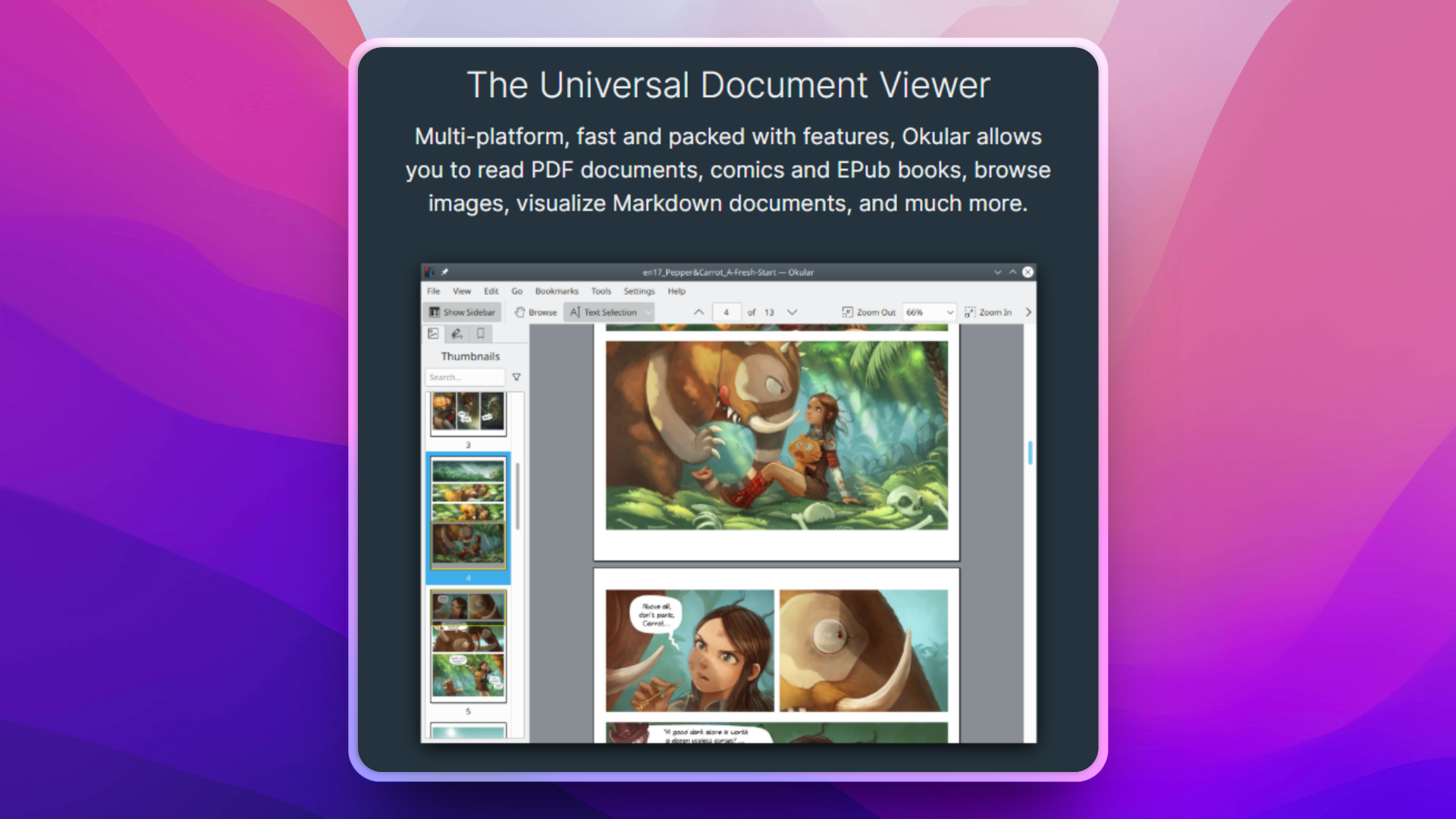
Views and annotates formats including PDF, PostScript, comic book formats, and image formats, so one app can cover several reading workflows.
Supports native PDF annotations, giving users local tools for highlights, notes, and review workflows.
Comes from the KDE ecosystem, making it a natural document viewer for Linux desktop users while also offering broader platform availability.
Features
- Multi-format document viewing
- PDF annotations
- KDE desktop integration
Recommended for this setup
Strengths
- More than a PDF reader: Okular covers several document and image formats, so users do not need a separate app for every reading format.
- Strong local annotation workflow: Native PDF annotation support makes Okular useful for study, review, and document markup without uploading files to a cloud service.
Trade-offs
- Not a full PDF editor: Okular is primarily a viewer and annotation tool. Users who need deep PDF editing, OCR, redaction, or layout changes should use a dedicated editor.
Tech stack
FAQ
Okular is used to view and annotate documents such as PDFs, PostScript files, comic books, and image-based documents.
Yes. Okular supports native PDF annotations for local document review workflows.
Okular is primarily a document viewer and annotation tool. It is not a full PDF editor for OCR, redaction, or layout rewriting.