
PDFsam Basic
Split, merge, rotate, and extract PDF pages for free
Replaces Adobe Acrobat, Smallpdf, Sejda Pdf
Who it's for
Use PDFsam Basic to split scans, merge document packets, and rotate pages without buying a full PDF editor.
You need OCR, redaction, or advanced form editing.
Use PDFsam Basic when confidential PDFs should stay local during simple page operations.
Your workflow requires cloud sharing, approval routing, or e-signature collection.
Use PDFsam Basic for users who only need split and merge operations, keeping paid seats for advanced editors.
Every user needs the full Acrobat toolset.
The problem
Simple PDF tasks often push users toward paid editors or browser upload tools. That is wasteful when the job is just merging invoices, extracting pages, or rotating scans. It can also create privacy risk when confidential PDFs are uploaded to third-party services for edits that should happen locally.
How it works
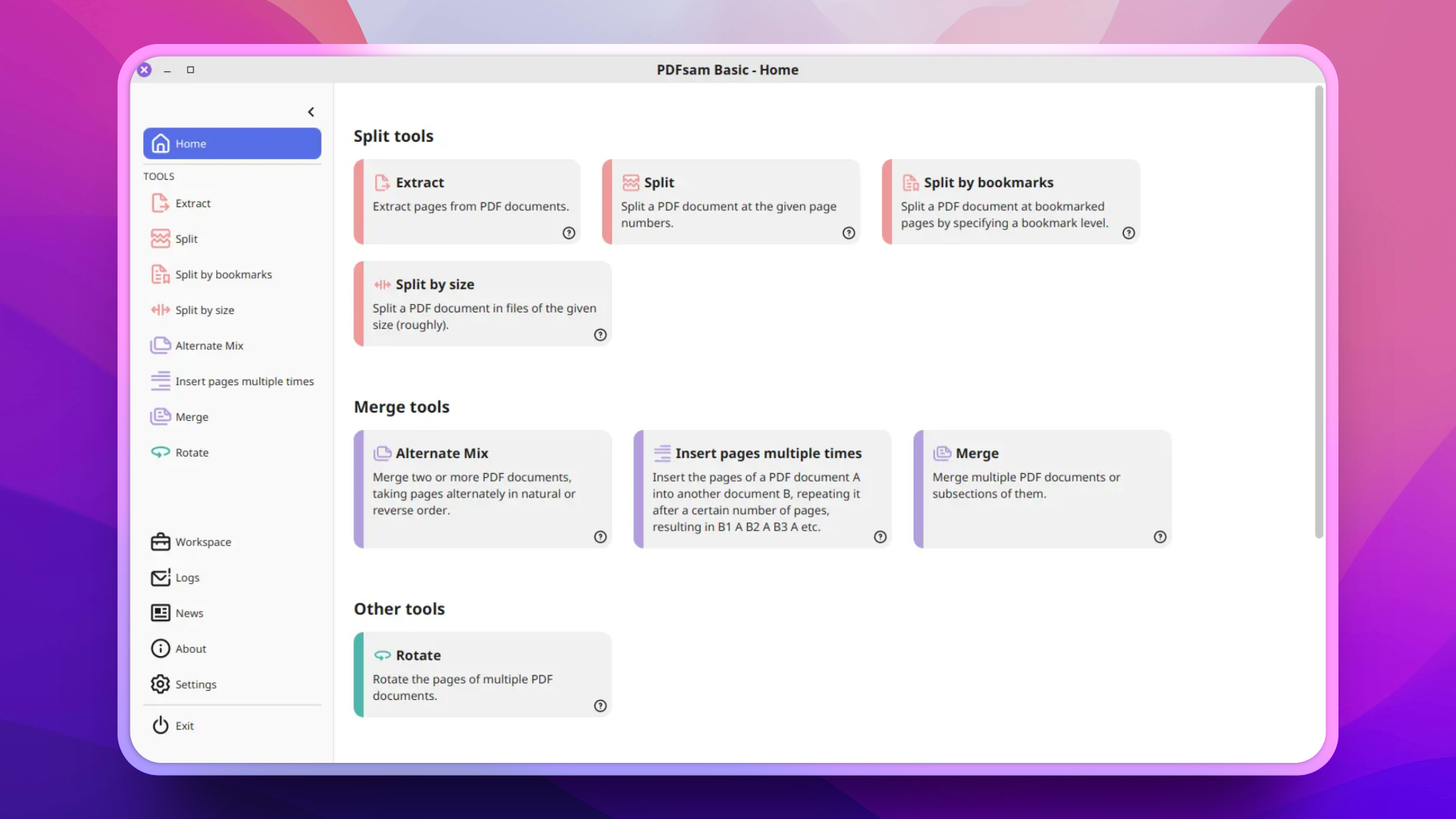
PDFsam Basic focuses on extracting pages, splitting documents, merging files, mixing pages, and rotating PDFs from a desktop app.
PDFsam Basic is multi-platform, and newer versions ship as self-contained applications.
Because PDF operations happen locally, sensitive PDFs do not need to be sent to a browser-based conversion service.
PDFsam Basic is open source under GNU AGPL since version 3, with earlier versions under GPLv2.
Features
- Split and merge PDFs locally
- Cross-platform desktop packaging
- No document upload required
- AGPL-licensed Basic edition
Recommended for this setup
Strengths
- Good for repeated page operations: PDFsam Basic targets the operations office users repeat often: split, merge, mix, rotate, and extract. It avoids the cost of a full PDF editor for those tasks.
- Local processing improves privacy: Compared with upload-based web tools, a local desktop utility is safer for contracts, invoices, and internal documents.
- Simple open source alternative: The Basic edition gives teams a free local option before they buy Acrobat seats for users who only need page-level PDF tasks.
Trade-offs
- Not a full PDF editing suite: PDFsam Basic does not replace Acrobat Pro for deep text editing, OCR workflows, form authoring, redaction, or e-signature workflows.
- Desktop workflow only: Teams that need browser-based collaboration or automated API processing should look beyond PDFsam Basic.
Tech stack
FAQ
PDFsam Basic splits, merges, extracts, mixes, and rotates PDF files from a desktop application.
Yes. PDFsam Basic has been AGPL-licensed since version 3, with previous versions under GPLv2.
No. PDFsam Basic is a desktop app, so common page operations run locally rather than through an upload service.