
Linkding
Bookmark manager with tags, archiving, and browser extensions
Replaces Raindrop Io, Pinboard, Readwise Reader, Instapaper
Who it's for
Researchers who save dozens of links daily want to avoid giving a commercial service a record of everything they read. Linkding runs on a home server or VPS with no telemetry, and the automatic archiving feature protects against pages disappearing after they were saved.
If you need polished cross-device sync out of the box without any server management, a managed service like Raindrop.io is simpler to get started with.
Small engineering teams can share a Linkding instance with multi-user support, SSO via OIDC, and tag-based organization for internal links, documentation, and tool references. The REST API allows integration with existing internal tooling.
If your team needs advanced collaborative annotation, bi-directional linking to notes, or tight integration with a read-later workflow, tools like Readwise Reader offer those natively.
Linkding exposes a full REST API, so developers can write scripts to ingest bookmarks from RSS feeds, browser exports, or other sources. The API covers creating, tagging, searching, and deleting bookmarks without opening the web interface.
If you only need to save links manually from a browser, the REST API is unnecessary overhead. The browser extension alone covers the basic workflow.
The problem
Commercial bookmark managers put your reading list on their servers, at their prices, on their schedule. Services change subscription tiers, remove features, or shut down entirely, taking your saved links and reading history with them. Privacy-conscious users and teams handling sensitive research have no self-hosting path with the major players. Managing bookmarks across a large collection also gets unwieldy without tags, search, and bulk operations. Browser-to-browser sync through a proprietary service means giving a third party a full record of everything you have ever found worth saving.
How it works
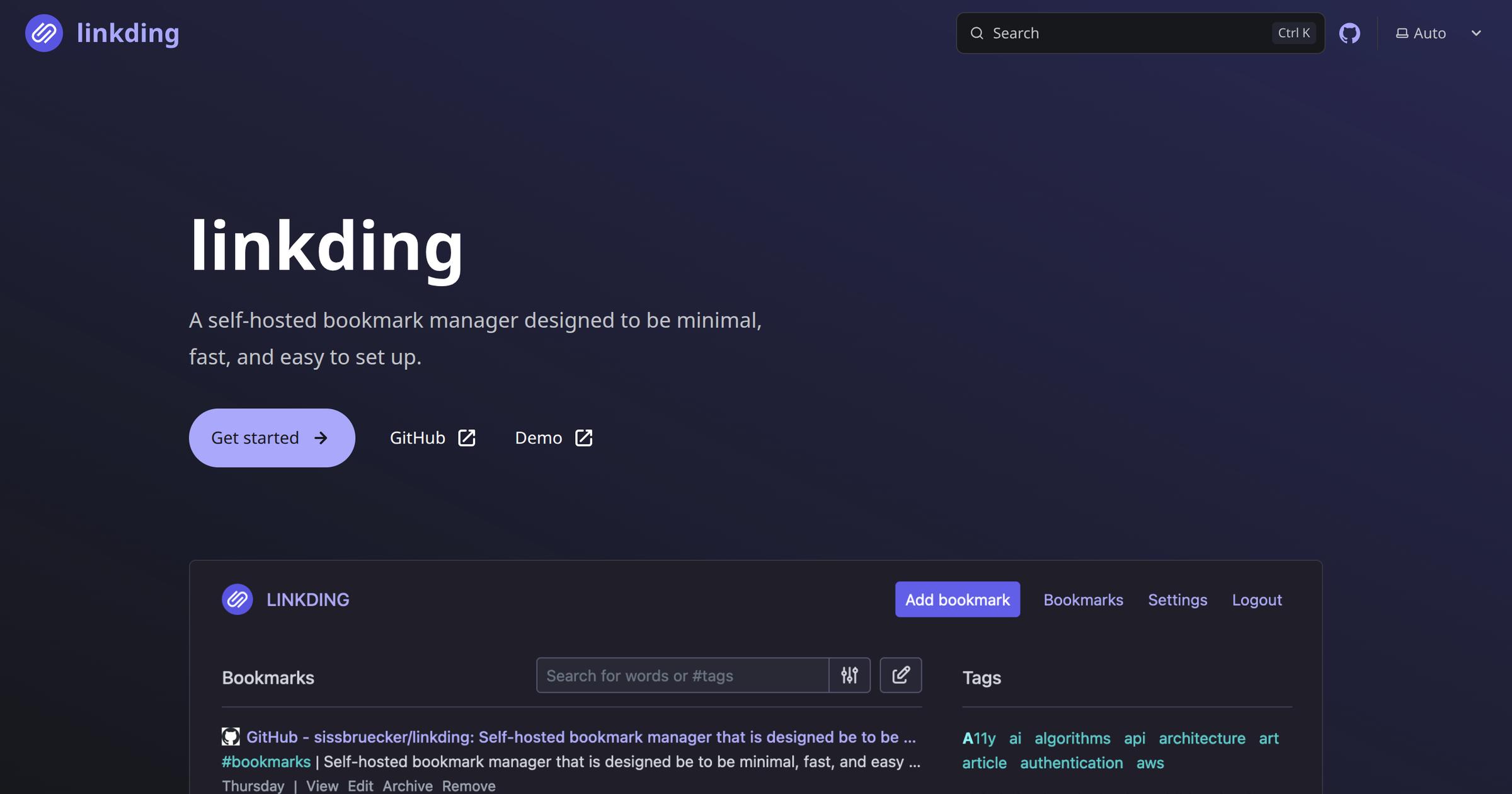
Linkding automatically retrieves titles, descriptions, favicon icons, and preview images when you save a bookmark. Tags let you organize the whole collection without folders, and the search index covers titles, descriptions, and tag names across all saved links.
When you save a bookmark, Linkding can capture a local HTML snapshot of the page or submit it to the Internet Archive. Snapshots protect against link rot: if the original page disappears, your archived copy stays accessible from your Linkding instance.
Official extensions for Firefox and Chrome let you add bookmarks and search your collection directly from the browser toolbar without opening the Linkding interface. A bookmarklet provides the same quick-add function on any other browser.
Linkding supports multiple users on a single instance, with each user maintaining their own bookmark collection. Users can share individual bookmarks with other users on the instance or with guests who have no account.
Every Linkding action is available through a REST API, so you can build scripts that import bookmarks from external sources, export to other formats, or integrate with note-taking tools and automation workflows.
The entire stack runs as one Docker container backed by SQLite, with no separate database service required. The project maintains a zero breaking changes policy, so automated migrations handle every version update without manual intervention.
Features
- Tag-based organization with auto-fetched metadata
- Automatic website archiving
- Browser extensions for Firefox and Chrome
- Multi-user support with sharing
- REST API for scripts and integrations
- Single-container deployment with zero breaking changes
Recommended for this setup
Strengths
- MIT license with no restrictions on use: Linkding is MIT licensed, meaning you can run it on your infrastructure, modify it, and use it commercially with no licensing fees or usage restrictions. Unlike proprietary bookmark services that gate features behind paid tiers, the full feature set is available on your own server from day one.
- Minimal operational footprint: One Docker container, one SQLite file. There is no Postgres service, no Redis cache, and no external dependencies to provision. This keeps hosting costs low on any VPS or home server, and backup is as simple as copying the SQLite database file.
- SSO support via OIDC and authentication proxies: Linkding supports Single Sign-On through OpenID Connect and authentication proxies, making it suitable for teams that want to integrate bookmark management into an existing identity provider without maintaining separate credentials per user.
- Active development with 11,384 GitHub stars: With 11,384 stars and a most recent code push in October 2026, the project sees consistent maintenance. The zero breaking changes commitment means upgrades are low-risk, and the documented REST API makes it possible to extend the tool without forking the codebase.
Trade-offs
- No official mobile app: Linkding does not ship an official iOS or Android application. The site is installable as a Progressive Web App, which provides a home-screen shortcut and basic offline support, but it is not a native mobile experience. Community-built third-party clients exist but are maintained outside the core project.
- SQLite limits high-concurrency multi-user deployments: The default database is SQLite, which suits personal use or small teams well, but can become a bottleneck on instances with many simultaneous users doing heavy writes. Large team deployments should evaluate whether the single-file database fits their concurrency needs.
- 199 open issues at time of writing: With 199 open issues, there is an active backlog of reported bugs and feature requests. The project is maintained by a small core team, so issue resolution time varies. Users running Linkding in production should check the issue tracker for items affecting their specific configuration.
Tech stack
FAQ
Linkding is designed to run as a single Docker container with no external dependencies. The official installation guide at linkding.link/installation walks through the Docker setup, environment variable configuration, and creating the first admin user. Managed hosting options are also documented there if you prefer not to run the container yourself.
Yes. Linkding supports import and export in the Netscape HTML format, which is the standard bookmark export format used by Raindrop.io, Instapaper, and most browsers. Export your collection from your current service in that format, then import the file through the Linkding settings panel.
Yes. Linkding is built for multi-user deployments. Each user maintains their own private bookmark collection, and users can share individual bookmarks with other users on the instance or with unauthenticated guests. An admin panel covers user creation, account management, and raw data access.
There is no official native iOS or Android app. Linkding is installable as a Progressive Web App from a mobile browser, which puts a shortcut on your home screen and provides basic offline access. Several community-built third-party clients also exist; the project's community page at linkding.link/community lists current options.
Yes. Linkding supports SSO through OpenID Connect and authentication proxies. This lets teams integrate Linkding into an existing identity provider rather than managing separate user credentials. Configuration details are available in the official installation documentation at linkding.link/installation.