Cleaner
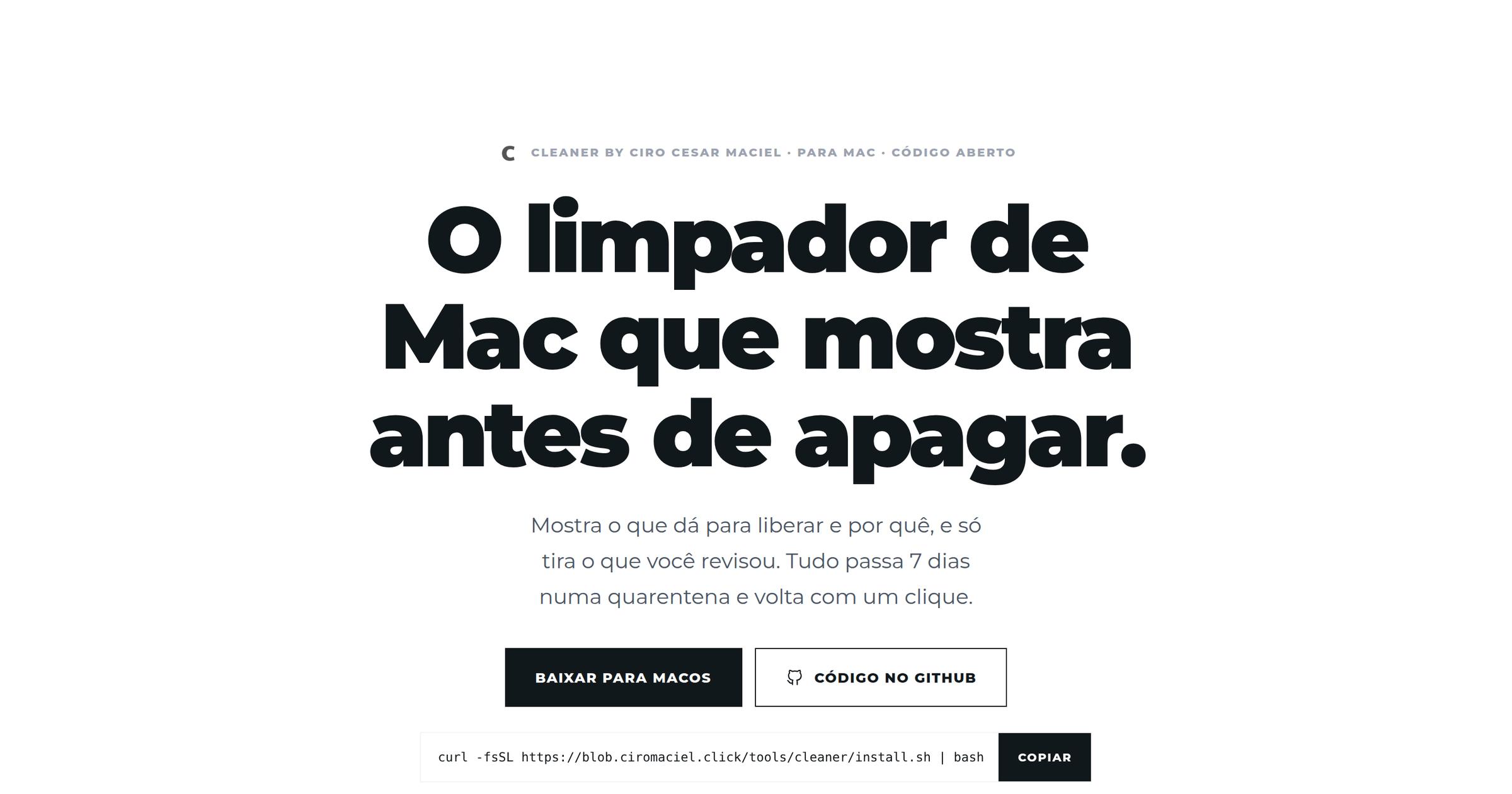
Mac disk cleaner that shows every item before it removes anything.
Replaces Cleanmymac, Ccleaner For Mac, Cleaner One Pro
Who it's for
Cleaner's rules cover Xcode derived data, device support files (pre-deselected, as they are slow to re-download), and developer package caches from npm, Bun, pnpm, Gradle, and Cargo. A developer with a year of Xcode builds can typically recover several gigabytes from these rules alone.
Skip if you are on an Intel Mac (not supported) or if you prefer to handle Xcode cleanup manually with commands like `xcrun simctl delete unavailable`.
Cleaner contains zero network code and runs entirely on-device. Users who have avoided CleanMyMac or CCleaner due to telemetry concerns or subscription costs get a verified-MIT, fully offline alternative with comparable core cleanup capabilities.
Skip if you need antimalware scanning or duplicate photo finding; those modules exist in CleanMyMac but not in Cleaner.
The rules.json file, the per-item rule labels in the UI, and the 7-day quarantine make every cleaning action traceable. This is useful for users who have been burned by a previous cleaner removing something important and want full auditability before running cleanup again.
Skip if you want a one-click automated cleanup without reviewing items; Cleaner's review-first design is intentional friction.
The problem
The pain of disk cleaners is opacity. You click "Clean" in CleanMyMac or a similar commercial tool and it removes files you cannot inspect, using detection logic you cannot read. When something breaks after a cleanup, you have no way to trace which rule deleted what, or whether your development caches, Xcode data, or Mail attachments were part of it. Running a cleaner with admin access on a production Mac is a real risk. Most tools handle that risk with reassurance ("safe to clean") rather than evidence. The result is a choice between doing nothing, running a cleaner you cannot verify, or maintaining your own cleanup scripts.
How it works
Every folder Cleaner scans is listed in a single readable file, `rules.json`. Each rule names the path, the reason it is safe to remove, the risk level, and whether it is on by default. Eight rules cover app caches, logs, Trash, old installers, Xcode derived data, developer package caches (npm, Bun, pnpm, Gradle, Cargo), and Mail downloads. A rule that flags something it should not can be fixed with a pull request.
Nothing removed by Cleaner goes to the Trash directly. Every item moves to a quarantine batch that records the original path and the removal date. Each item or whole batch can be restored with one click; after 7 days the batch empties itself. The removal confirmation also requires holding the button for 3 seconds, preventing accidental removals.
The app contains no network code. No account creation, no telemetry, no version-check requests, no analytics. The README states this as a code-level constraint: the app has no line of code that talks to the network. The source is MIT-licensed on GitHub and can be audited or compiled independently to verify the claim.
Four additional tools ship alongside cleanup: an uninstaller that checks 38 locations for app remnants (.pkg receipts, Library folders, Dock icons, and launch agents included); a disk map that measures folders in parallel; a startup manager that toggles LaunchAgents and LaunchDaemons without deleting the files; and a menu bar monitor for CPU, memory, network, disk, and battery with two-minute history graphs.
Built in Swift with SwiftUI for Apple Silicon. The app is signed with a Developer ID and notarized by Apple, so macOS opens it without a security warning, whether installed via the curl script, Homebrew, or the direct .dmg download. The installer script downloads the latest .dmg, copies it to /Applications, and opens it. The installed app is 6 MB.
Features
- Public cleaning rules in rules.json
- 7-day quarantine with one-click restore
- Zero network connections
- Uninstaller, disk map, startup manager, and menu bar monitor
- Native Swift app, signed and notarized by Apple
How to install
Run the setup script to install on macOS 14+ Apple Silicon.
curl -fsSL https://blob.ciromaciel.click/tools/cleaner/install.sh | bashRecommended for this setup
Strengths
- Cleaning rules anyone can audit and contribute to: CleanMyMac and most commercial cleaners give you a score and a list of categories; the detection logic is proprietary. Cleaner's rules.json makes every cleaning decision traceable to a named, readable rule. If a rule is wrong or too aggressive, it can be read, challenged, and patched via a GitHub pull request. That level of transparency is not available in any paid Mac cleaner.
- MIT license, free forever, no subscription: CleanMyMac costs $39.95/year. CCleaner has a paid Pro tier. Cleaner is MIT-licensed, so the source is on GitHub and you can compile it, fork it, or modify it without restriction. No subscription, no account, no trial period.
- Three-layer review before anything is removed: The scan phase is read-only. Moving to quarantine requires reviewing each item, deselecting what you want to keep, and holding the button for 3 seconds. Items from running apps are pre-deselected by default. The 7-day quarantine adds a final backstop. This review process distinguishes Cleaner from one-click cleaners where the selection logic is invisible.
Trade-offs
- Apple Silicon and macOS 14 only, no Intel Mac support: Cleaner requires an M1 or newer Apple Silicon chip and macOS 14 Sonoma or later. It does not run on Intel Macs. Users on older hardware have no upgrade path within this app and would need a different cleaner.
- No duplicate finder, malware scan, or app updater: Cleaner does not find duplicate files or similar photos, does not scan for malware (the README notes macOS includes XProtect for known malware), and does not check for app updates. CleanMyMac's suite of nine modules covers several of these. If those features matter, Cleaner is not a complete replacement.
- Full Disk Access required for a complete scan: Without Full Disk Access enabled in System Settings, macOS hides the Trash, Mail attachments, and app containers. Cleaner scans what it can see and tells you explicitly when a permission is missing. Granting Full Disk Access is a one-time step in Privacy and Security settings, but it is an extra permissions hurdle users must accept to get a full result.
Tech stack
FAQ
Yes. Cleaner is MIT-licensed and free to download, use, and compile. The full source is at github.com/ciro-maciel/cleaner. There is no paid tier, no account, and no subscription.
No. Cleaner requires Apple Silicon (M1 or newer) and macOS 14 Sonoma or later. Intel Macs are not supported, and the README notes no plans to add Intel support.
CleanMyMac is a paid subscription ($39.95/year), closed-source, and includes nine modules including antimalware. Cleaner is free, MIT-licensed, and open source, with a single public rules file anyone can read. Cleaner does not include antimalware or duplicate finding. If you need those features, CleanMyMac is the more complete tool; if transparency and no subscription are the priority, Cleaner is the straightforward alternative.
No. The scan phase is read-only. You review every item, deselect what you want to keep, then hold the removal button for 3 seconds to confirm. Everything moves to a 7-day quarantine, not the Trash; restoring an item is one click. Nothing is permanently deleted on the spot.
No. The app contains no network code. There is no account, telemetry, analytics, or version-check request. The README states this as a code-level constraint, not a privacy policy promise. The source is MIT-licensed and publicly auditable on GitHub.