
Brave
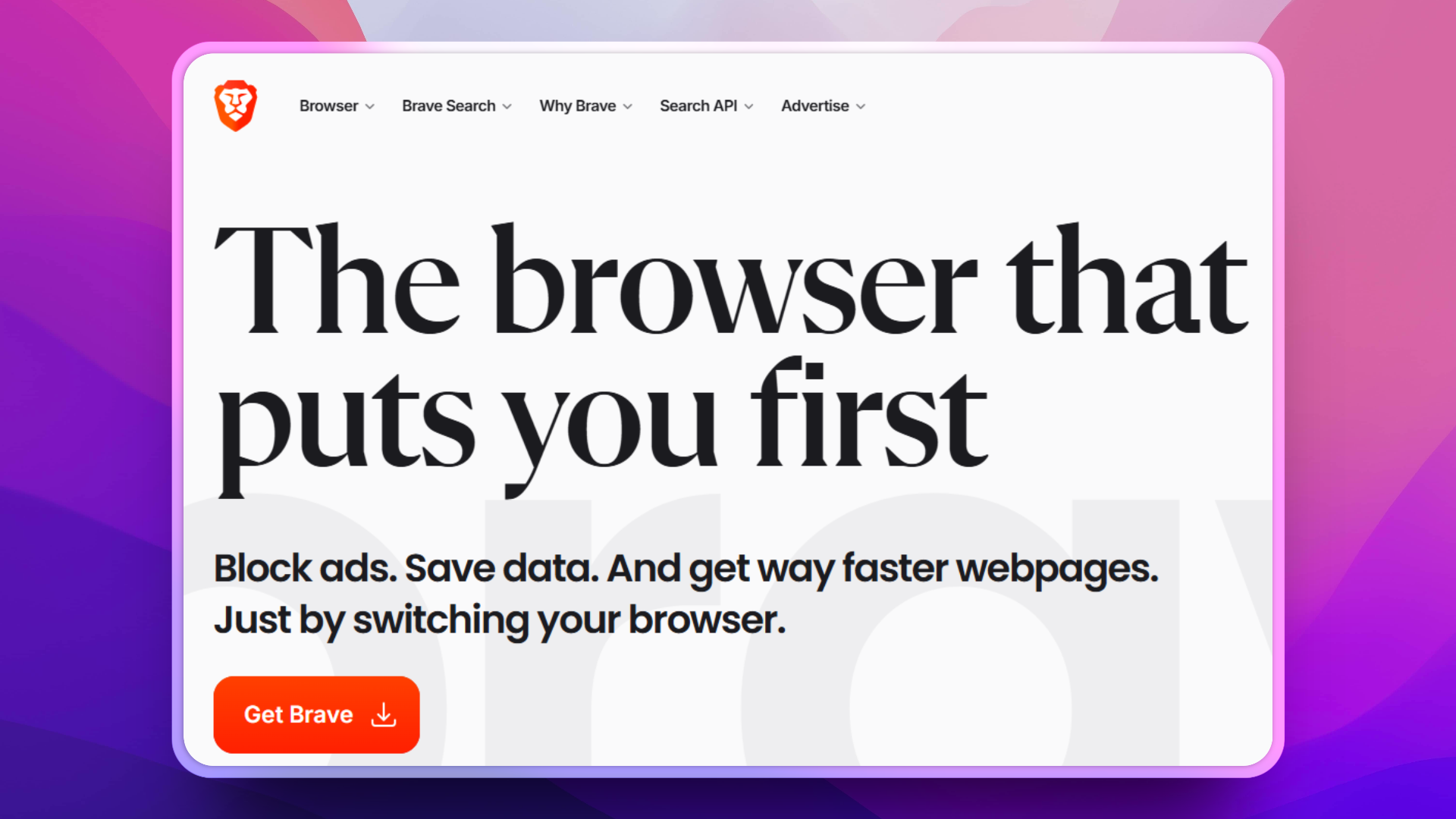
Block ads and trackers by default in a Chromium-based browser
Replaces Google Chrome, Island Enterprise Browser, Talonwork, Arc
Who it's for
Brave gives a familiar browser with stronger default blocking and Chrome extension compatibility.
Skip if your organization mandates centrally managed Chrome policies and does not permit alternative browsers.
Brave can improve default privacy without a complex extension rollout.
Skip if you need a browser vendor focused primarily on enterprise fleet management.
The problem
Modern browsers are the main work surface for many teams, which means browser defaults shape privacy, performance, and security every day. A browser tied closely to an advertising ecosystem creates concerns around tracking, profiling, and data sharing even when the user only wants fast access to web apps. Users also face switching costs: extensions, site compatibility, password storage, profiles, and sync all matter. A privacy browser has to reduce tracking without breaking the web or forcing people to abandon Chromium-compatible workflows.
How it works
Brave blocks many trackers and ads by default, reducing third-party requests without requiring users to configure several extensions.
Because Brave builds on Chromium, most websites and Chrome extensions work with less migration friction than switching to a different browser engine.
The browser includes privacy-focused features such as stricter blocking controls and private browsing options for sensitive sessions.
The Brave browser code is public under MPL-2.0, allowing inspection beyond what proprietary browser distributions provide.
Features
- Built-in tracker blocking
- Chromium compatibility
- Private browsing features
- Open source browser code
Recommended for this setup
Strengths
- Privacy defaults with mainstream compatibility: Brave improves privacy posture while keeping the Chrome extension and web compatibility story familiar.
- Lower setup burden than extension stacks: Built-in blocking gives non-technical users a baseline privacy configuration without maintaining multiple browser add-ons.
Trade-offs
- Chromium dependency remains: Brave reduces Google tracking exposure, but it still depends on the Chromium engine and its broader web platform direction.
- Crypto and rewards features may distract teams: Some organizations may need to disable or govern Brave-specific features unrelated to standard browsing.
Tech stack
FAQ
Yes. Brave Browser source code is available under the MPL-2.0 license.
Brave can replace Chrome for many users because it is Chromium-based and supports most Chrome extensions. Chrome remains stronger for organizations standardized on Google enterprise management.
Brave blocks many ads and trackers by default, with controls users can adjust per site.