
Wiki.js
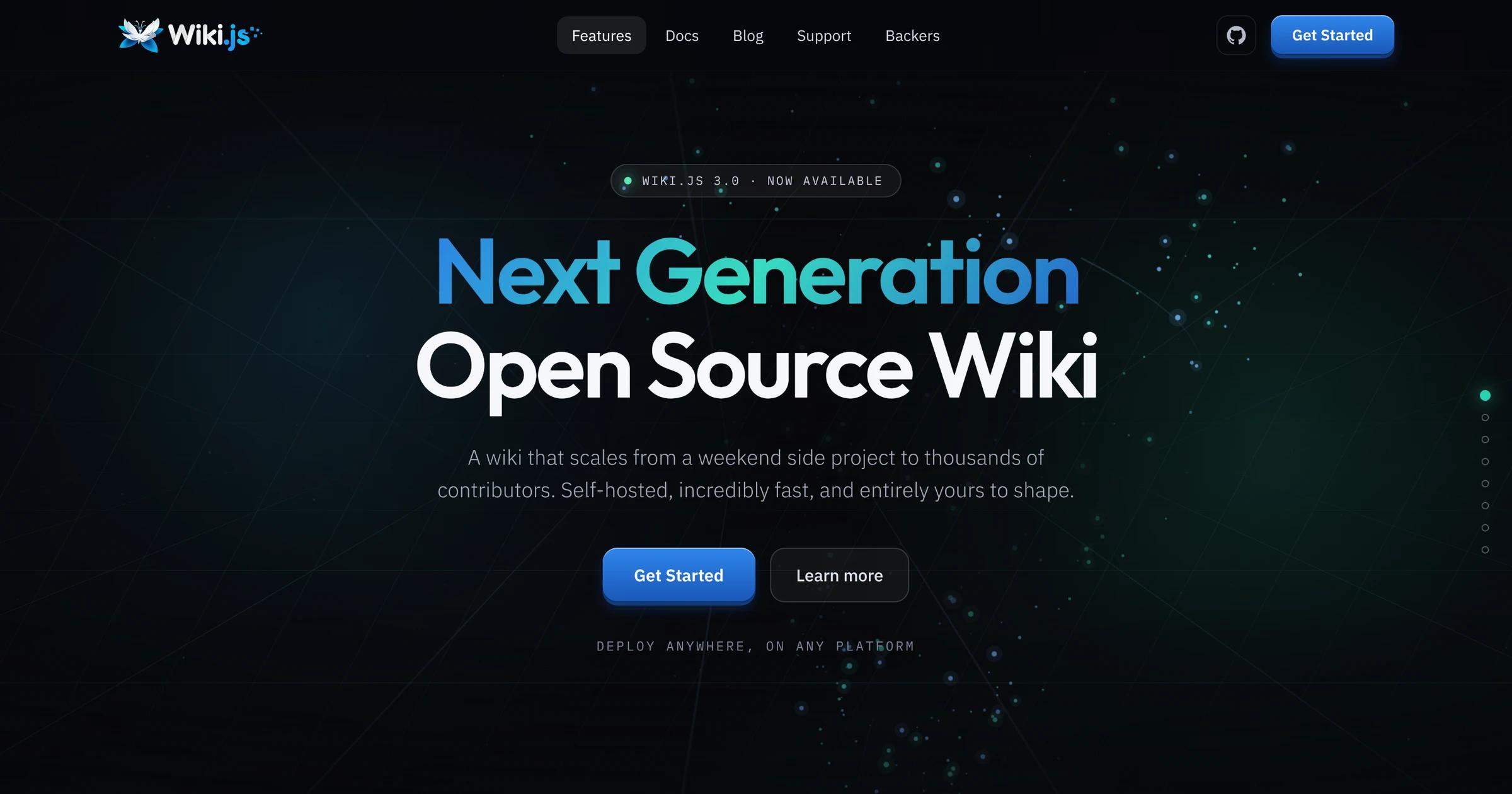
Open source wiki with real-time collaboration and two-way Git sync.
Replaces Confluence, Gitbook, Slab, Notion
Who it's for
Teams leaving Confluence for cost or licensing reasons can replicate the core feature set: versioned pages, granular group permissions, structured navigation, and Git sync to keep docs alongside source code.
Skip if your team depends on Confluence-specific integrations like Jira deep-links or Confluence-native macros. Wiki.js has a REST API and webhooks but does not emulate Confluence's proprietary macro ecosystem.
Two-way Git sync means pages stay in plain Markdown files in a repository. Teams that run CI on their docs, want their wiki backed by version control, or need to review documentation changes in pull requests get this natively without a plugin or export step.
Skip if your contributors are non-technical and uncomfortable with Git. The sync is powerful for developers but adds complexity that may confuse contributors who expect a purely GUI editing workflow.
One Wiki.js instance can host separate wikis for separate teams or products, each with its own domain, theme, locale, and auth configuration. Ops, product, and engineering can each have isolated documentation without running separate installations.
Skip if you need strict data isolation at the database level between teams. Multi-site shares one PostgreSQL database; teams with regulatory requirements that mandate separate data stores need separate installations.
Permissions are set per group, per page path pattern, per locale, and per site. A contractor can get read access to /handbook/** and write access to /onboarding/** only, with no access to sensitive paths. This level of control is not standard on most wiki products.
Skip if your access model is simple: everyone reads, a few people write. The permission system is expressive but adds administrative overhead that most small teams with flat structures do not need.
The problem
Team wikis in commercial platforms lock documentation behind per-seat pricing that grows with headcount. A team on Confluence or Notion pays every month for access to their own institutional knowledge. When budgets tighten, plans get downgraded, features disappear, or the team outgrows the free tier entirely. The other pain is control. Commercial wiki platforms own the data format, the hosting, and the roadmap. Git sync, granular page-level permissions, and multi-site hosting for separate sub-teams are either unavailable, behind higher tiers, or on a roadmap that may never ship. Teams that need their docs to stay in Git alongside their code, or need strict access control per department path, hit walls quickly.
How it works
Every contributor works in the editor they prefer. The Markdown editor offers live split preview and syntax-aware autocomplete. The visual editor requires no Markdown knowledge. Live Notes allows multiple people to write the same document simultaneously, with a continuous edit history and a publish step when the note is ready.
Pages stay in plain Markdown and sync bidirectionally with any Git repository. Content can also be pushed to local disk or cloud storage on S3, Azure Blob, GCP, or via SFTP. Teams that keep documentation alongside source code get a single source of truth without a separate pipeline.
Full-text search, job queues, and pub/sub events all run through the PostgreSQL instance that backs the wiki. No Elasticsearch, no separate search service, no additional configuration. Boolean search and tag filtering come included.
Access control is set at the group level and scoped to any page path pattern, locale, and site. Ops teams can get write access to /ops/**, while /handbook/** stays read-only for most users. Administrators inherit all permissions; individual grants can be explicit or inherited from parent paths.
A single Wiki.js instance serves multiple independent wikis, each with its own hostname, theme, locales, auth providers, and storage configuration. Teams running documentation for separate products or departments avoid running multiple installations.
Architecture and sequence diagrams render from fenced code blocks using Mermaid, PlantUML, and Kroki. For freehand drawing, Excalidraw boards live directly in pages and support live multi-user collaboration. Both approaches keep diagrams in the page rather than as external file attachments.
Features
- Multiple editors: Markdown, visual, AsciiDoc, and Live Notes
- Two-way Git sync and cloud storage backup
- Built-in full-text search via PostgreSQL
- Granular permissions per path, locale, and site
- Multi-site hosting from one deployment
- Diagrams as code and Excalidraw boards
Recommended for this setup
Strengths
- AGPL-3.0 license: free to self-host, no per-seat cost: Self-hosting Wiki.js is free under AGPL-3.0 for any number of users. There are no plan tiers, no feature paywalls, and no seat limits. Teams that have paid Confluence or GitBook invoices for years often find that server costs for a small VPS are a fraction of what they were spending per seat.
- PostgreSQL as the only external dependency: Unlike wikis that require Elasticsearch for search or Redis for caching, Wiki.js runs with just one external service: PostgreSQL 17+. The database handles full-text search, job queues, and events natively. This reduces the operational surface for teams managing their own infrastructure.
- 29,000+ GitHub stars with active maintenance: Wiki.js has 29,164 GitHub stars and was last pushed on November 3, 2026. With only 7 open issues tracked against the repository, the project maintains a low open bug count relative to its feature scope. Community backers support development through GitHub Sponsors and OpenCollective.
- Optional MCP server for AI agent access: An optional MCP server lets AI agents search, read, and propose edits to wiki content, bound to the same permissions as the human who connected the agent. It is off by default and opt-in, so teams control when and whether AI agents can access their documentation.
Trade-offs
- Offering Wiki.js as a hosted service requires publishing source modifications: AGPL-3.0 means you can run Wiki.js for internal teams, modify it, and use it commercially for your own operations. A company offering Wiki.js as a hosted product to third parties must publish any source modifications to those users under the same licence (section 13 of AGPL-3.0), which many commercial vendors prefer to avoid. Teams hosting internal documentation are unaffected; the network copyleft only triggers when you serve the software to others.
- Requires a PostgreSQL database to run: Wiki.js needs Node.js and a running PostgreSQL 17+ instance, which adds setup time compared to wikis that use SQLite or embed their own database. Docker Compose simplifies this considerably, but bare-metal installs on shared hosting without Postgres access are not supported. Plan for database administration as an ongoing task.
Tech stack
FAQ
Yes. Wiki.js is AGPL-3.0 licensed and free to self-host for any number of users. There are no per-seat fees, no plan tiers, and no feature paywalls. The only costs are your server and the PostgreSQL database it runs on.
Wiki.js uses PostgreSQL as its only external dependency. PostgreSQL handles page storage, full-text search, job queuing, and pub/sub events. SQLite and other databases are not supported. PostgreSQL 17+ is listed as the requirement on the product website.
Yes. Wiki.js supports OIDC (Google, GitHub, and other providers), LDAP, SAML 2.0, and local accounts. Group membership can be mapped automatically on login. SCIM is also supported for automatic account provisioning and deactivation.
Yes. Wiki.js supports two-way Git sync: changes made in the UI push to the repository, and changes committed to the repository pull into the wiki. Content stays in plain Markdown files. Beyond Git, content can be backed up to S3, Azure Blob, GCP, local disk, or SFTP.
Wiki.js covers the core documentation use case of both: versioned pages, structured navigation, real-time editing, granular permissions, and search. The key difference is hosting: Confluence and Notion are managed SaaS products with per-seat pricing. Wiki.js self-hosts on your own infrastructure at no per-user cost, under AGPL-3.0 licensing. The tradeoff is that you manage the deployment and database.