
VoiceWink
Hotkey voice-to-text for Windows 11, offline AI, one-time purchase.
Replaces Wispr Flow, Willow Voice, Speakey
Who it's for
VoiceWink pastes to the cursor in Outlook, Gmail, Slack, Teams, and WhatsApp without switching windows. The per-app AI mode rewrites dictated speech to the right tone for each context: formal for email, conversational for Slack. Personal dictionary entries handle recurring names and terms.
You need support across both Windows and macOS on the same account, or need more than three licensed PCs without buying an additional tier.
VoiceWink works in VS Code, Cursor, and similar editors, including Claude Code. Speaking a prompt, commit message, or inline comment is faster than typing for many developers, and the dictionary feature helps with project-specific names and function names that would otherwise be transcribed incorrectly.
You want voice control of the IDE for navigation and commands. VoiceWink handles text input only; voice-driven IDE navigation is a separate category of tool.
By default, audio and transcriptions never leave the PC. Medical professionals, legal workers, and anyone dictating sensitive documents can use the offline path without sending content to a cloud vendor. No account is created; no server ever holds the recordings.
You need centralized audit logging of dictation sessions or an IT-managed deployment across a corporate fleet. VoiceWink installs per-user and has no enterprise management layer.
Both Superwhisper and Wispr Flow are macOS-first and charge monthly subscriptions. VoiceWink is Windows-native and priced at $25 to $49 lifetime for 1 to 3 PCs, making it the direct Windows equivalent in intent and feature set.
You are on macOS. VoiceWink is Windows 11 only; macOS users should look at VoiceInk or Superwhisper instead.
The problem
Voice typing on Windows has historically required either third-party apps that only work inside their own window, dictation built into Windows that lacks AI cleanup, or cloud services that send your audio off-device. Tools like Superwhisper and VoiceInk filled the gap on macOS but left Windows users with fewer comparable options. The underlying pain has two parts. First, subscription pricing: most polished voice tools charge monthly, so the cost accumulates quickly for something used every day. Second, privacy: cloud transcription sends every word you speak to a vendor's servers, which is a real concern for anyone dictating work emails, confidential documents, or anything sensitive. Local-first alternatives existed but were typically complex to set up or lacked the AI text-cleanup layer that makes dictation usable in professional writing.
How it works
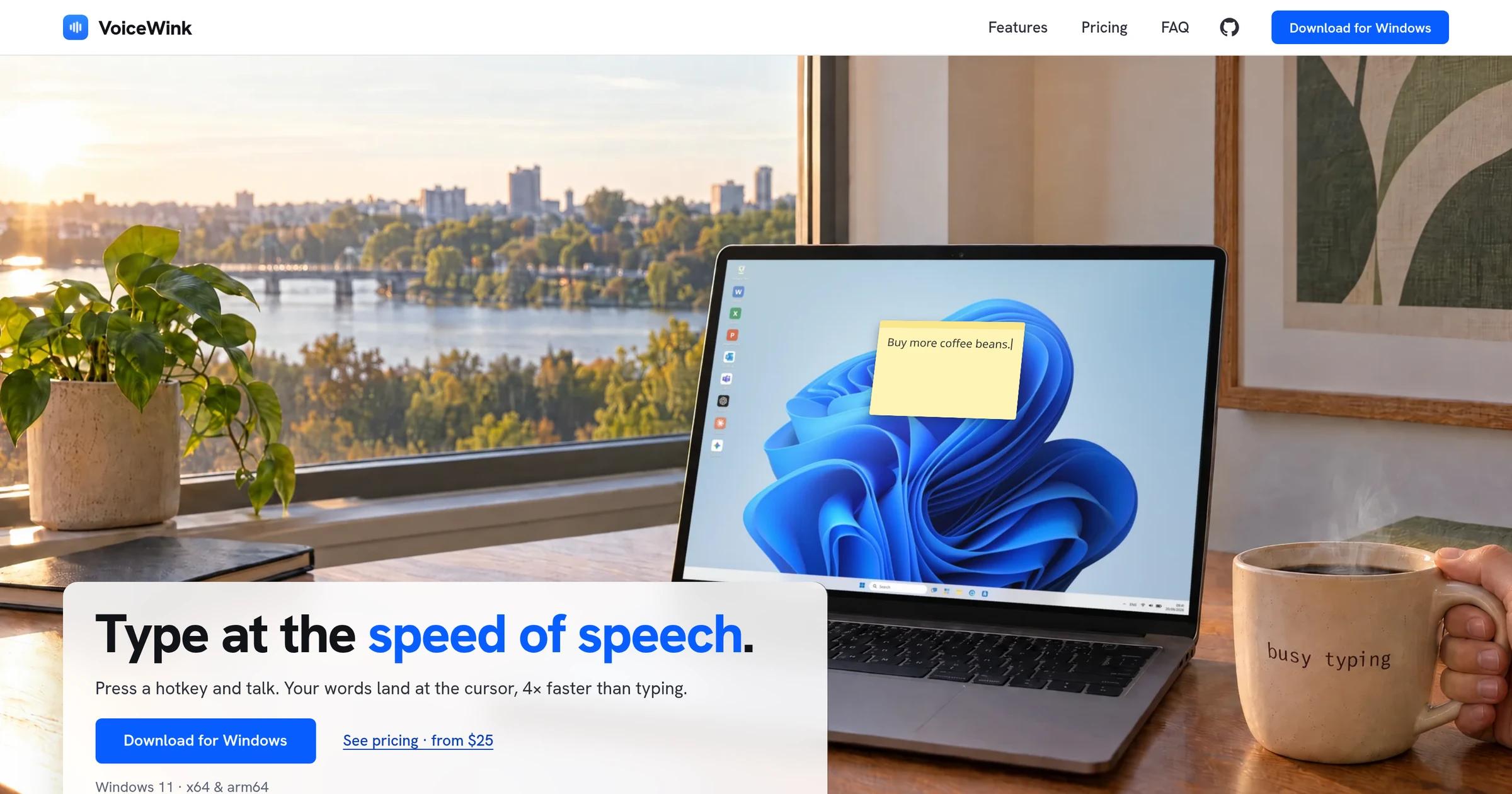
Press the hotkey (Right Alt by default, fully customizable) and speak; VoiceWink pastes the transcribed text at your cursor via Ctrl+V. Works in Word, Outlook, Slack, VS Code, Claude Code, and any other app you can type in. Tap once to keep listening, or hold the key while you talk.
Two built-in speech engines run locally: Parakeet covers 25 European languages with fast auto-detection, Whisper covers 100 languages with auto-detect or a pinned language. Models range from 44 MB to 0.9 GB to download and use up to 2.5 GB of RAM; no internet required after the initial download.
AI rewriting runs locally using Qwen3.5 or Gemma 4 (four sizes, offline). Enhancement profiles are set per app: an Outlook profile rewrites to email tone, a Slack profile trims to a short message. Filler words are removed and corrections from your personal dictionary are applied before the rewrite. Enhancement can also be triggered on demand by hotkey or trigger word.
Cloud transcription (Groq, Deepgram, ElevenLabs, OpenAI) and cloud AI enhancement (Anthropic, OpenAI, Gemini, Groq, Mistral, OpenRouter, Cerebras) are optional. You supply the key; VoiceWink uses your account at the provider's rates. Several providers offer free tiers sufficient for everyday dictation. Cloud features are never active without a key you explicitly add.
Audio recordings and transcription history stay on your PC in %LOCALAPPDATA%\VoiceWink. No VoiceWink account exists; no server holds them. Cloud features run only with API keys you add, only with providers you choose. Keys are encrypted by Windows. Crash reports are opt-in and scrubbed before submission.
Features
- Hotkey dictation in any app
- Offline transcription with Parakeet and Whisper
- Per-app AI enhancement
- Bring-your-own API key for cloud features
- Privacy by default
How to install
Clone the repository and build from source using the .NET 8 SDK on Windows 11.
git clone https://github.com/dvstudio-app/VoiceWink
cd VoiceWink
dotnet build src/VoiceWink/VoiceWink.csproj -c Release -p:Platform=x64
bash installer/build-portable.sh --config Release
Recommended for this setup
Strengths
- One-time price, no subscription: VoiceWink is $25 to $49 lifetime per license tier covering 1, 2, or 3 PCs. Most comparable voice tools including Wispr Flow and Superwhisper charge monthly subscriptions. For daily dictation users, the payback period is short and the ongoing cost after purchase is zero.
- Offline-first, local AI included: Both transcription and text enhancement run on the PC without internet. The AI enhancement models (1.3 to 6.7 GB) are built in; no API key or subscription is needed for the core features. Cloud-first voice tools typically degrade or stop working offline; VoiceWink's defaults are unaffected.
- GPL-3.0 source code on GitHub: The public repository (dvstudio-app/VoiceWink) is the GPL-3.0 corresponding source for released builds. You can audit the code, build from source on Windows 11 with .NET 8, and modify it. The signed installer requires no admin rights and installs per-user only.
- Works in any app that accepts paste: VoiceWink pastes via Ctrl+V rather than simulating keystrokes. This means it works in coding agents, chat clients, web forms, and any input field that accepts pasted text. Apps running as administrator may require a manual Ctrl+V, but otherwise work without special configuration.
Trade-offs
- Windows 11 only: VoiceWink targets Windows 11 (x64 and arm64) exclusively. Windows 10, macOS, and Linux are not supported. The official website points macOS users to VoiceInk, the macOS app VoiceWink was inspired by.
- AI enhancement requires 16 GB RAM: The built-in AI enhancement models require at least 16 GB of system memory. The largest models also require a GPU with 8 to 10 GB of video memory. PCs under 16 GB can use cloud AI enhancement with a provider API key, but local enhancement is unavailable on lower-spec machines.
- Very early project with minimal community: The public repository was created in May 2026 and has 3 GitHub stars. Development happens in a private repository; the public repo receives one snapshot commit per release with no day-to-day commit history. Community support and third-party documentation are limited compared to established voice tools.
- GPL-3.0 copyleft applies to redistribution: GPL-3.0 requires you to distribute source code if you ship a modified version of VoiceWink. Running it for personal or business dictation is unrestricted. Teams or developers planning to redistribute a custom build must comply with GPL-3.0 source distribution requirements. Offering it as a hosted or managed service to others would also trigger those requirements.
Tech stack
FAQ
Yes. Transcription using Parakeet or Whisper and AI text enhancement using the built-in models all run offline. A paid license does check in online at least once every 30 days, but dictation continues working through that window without internet. Cloud transcription and cloud AI enhancement require internet and an API key from one of the supported providers.
Windows 11 (x64 or arm64) is required. Speech models need 44 MB to 0.9 GB of storage and up to 2.5 GB of RAM. The built-in AI enhancement models need 1.3 to 6.7 GB of storage and at least 16 GB of system memory; the largest also need a GPU with 8 to 10 GB of video memory. A GPU is optional for transcription but speeds it up. No admin rights are required to install.
Yes. The GitHub repository (dvstudio-app/VoiceWink) is the GPL-3.0 corresponding source for released versions. You need Windows 11 and the .NET 8 SDK. The build produces a portable ZIP; run the bundled setup script to install. Signing, update-feed credentials, and crash reporting are publisher infrastructure not included in the source, so builds from source have update checking and crash reporting inert.
GPL-3.0 permits using VoiceWink for any personal or commercial purpose, including professional dictation in a business context. You can modify it for internal use. If you distribute a modified build externally, GPL-3.0 requires you to provide the source. Offering it as a hosted or managed service to others would also trigger those distribution requirements.
Superwhisper and Wispr Flow are both macOS-first and subscription-priced. VoiceWink is Windows 11 native with a $25 to $49 lifetime license. All three use on-device Whisper-based transcription as their default path. The practical differences are platform, pricing model, and licensing: VoiceWink is GPL-3.0 open source; Superwhisper and Wispr Flow are proprietary.