
SiYuan
Block-based notes with backlinks and end-to-end encrypted sync
Replaces Notion, Roam Research, Capacities
Who it's for
Use block references, PDFs, flashcards, and queries to connect long-running research notes.
You want the simplest possible folder of Markdown files.
Run a richer knowledge system with local or self-controlled sync options.
You need polished real-time team collaboration more than personal knowledge depth.
The problem
Hosted knowledge tools make notes convenient, but they also centralize private research, documents, and personal workflows in someone else’s workspace. Power users who rely on backlinks, PDFs, flashcards, and structured queries need a local-first system that still supports rich editing.
How it works
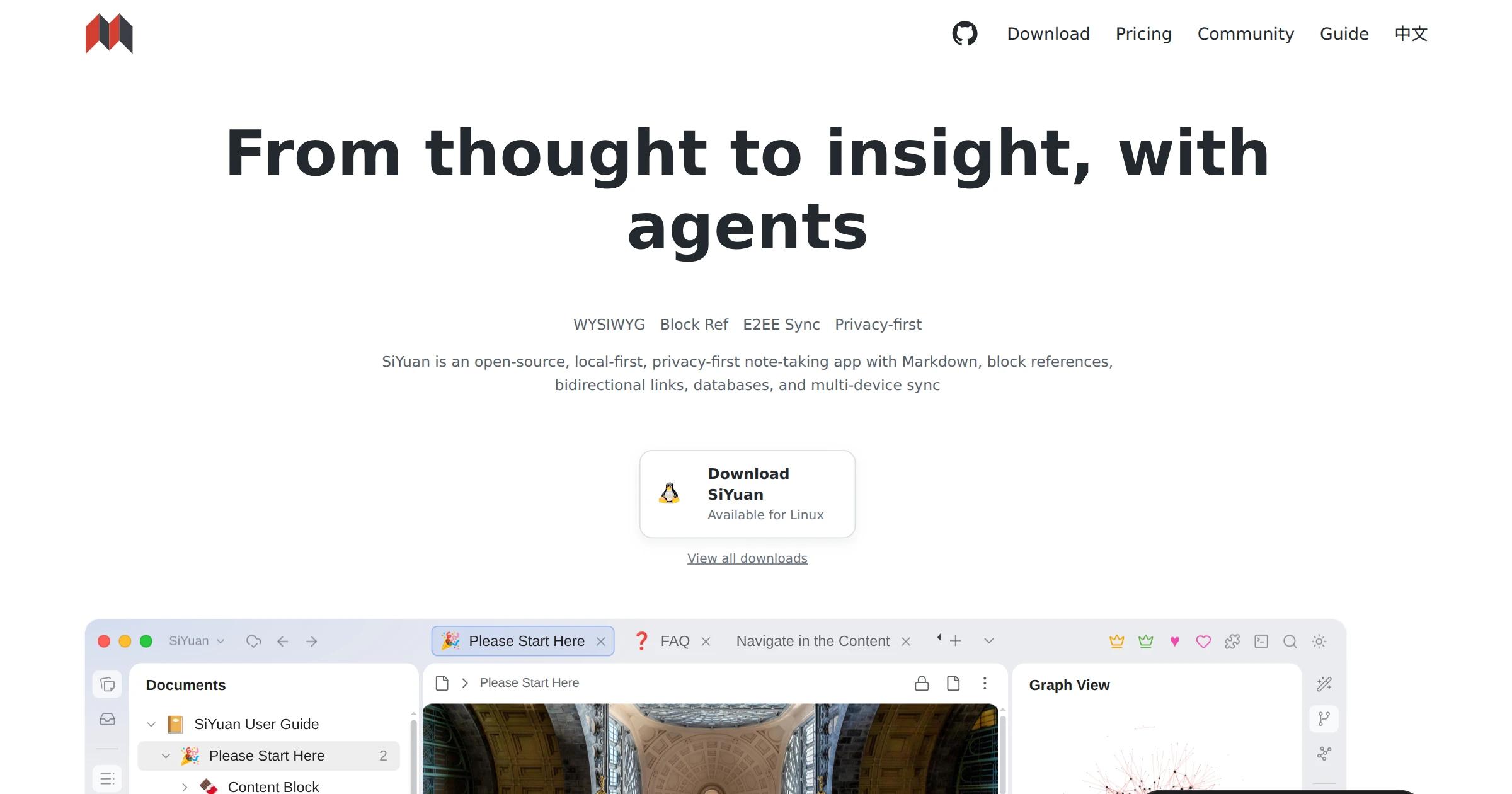
SiYuan supports block references, embeds, and two-way links, giving PKM users a more granular model than page-only notes.
The editor keeps Markdown compatibility while supporting outlines, block zoom, math, charts, flowcharts, and large documents.
Docker deployment, WebDAV, and S3 support help users keep notes under their own storage plan.
Features
- Block-level knowledge graph
- Markdown WYSIWYG editor
- Self-controlled sync options
Recommended for this setup
Strengths
- More structured than plain Markdown notes: SiYuan combines Markdown with block references, SQL query embeds, flashcards, and PDF annotation.
- Privacy-first personal knowledge base: The local and self-hosted options fit users who do not want a hosted workspace to own their knowledge graph.
Trade-offs
- More complex than Obsidian for simple notes: SiYuan’s block model and feature set can feel heavy if you only want Markdown files and folders.
- Some capabilities require paid membership: The README says most features are free but some features are paid, so users should check membership boundaries.
Tech stack
FAQ
SiYuan can replace Notion for personal knowledge management when block references, local control, and privacy matter. Notion is stronger for hosted team workspaces.
SiYuan has a block-based model, WYSIWYG editing, SQL query embeds, flashcards, and built-in PDF annotation. Obsidian is simpler for Markdown vaults and plugin-driven workflows.
Yes. The README lists Docker deployment and self-controlled sync options such as WebDAV and S3.