
Grav
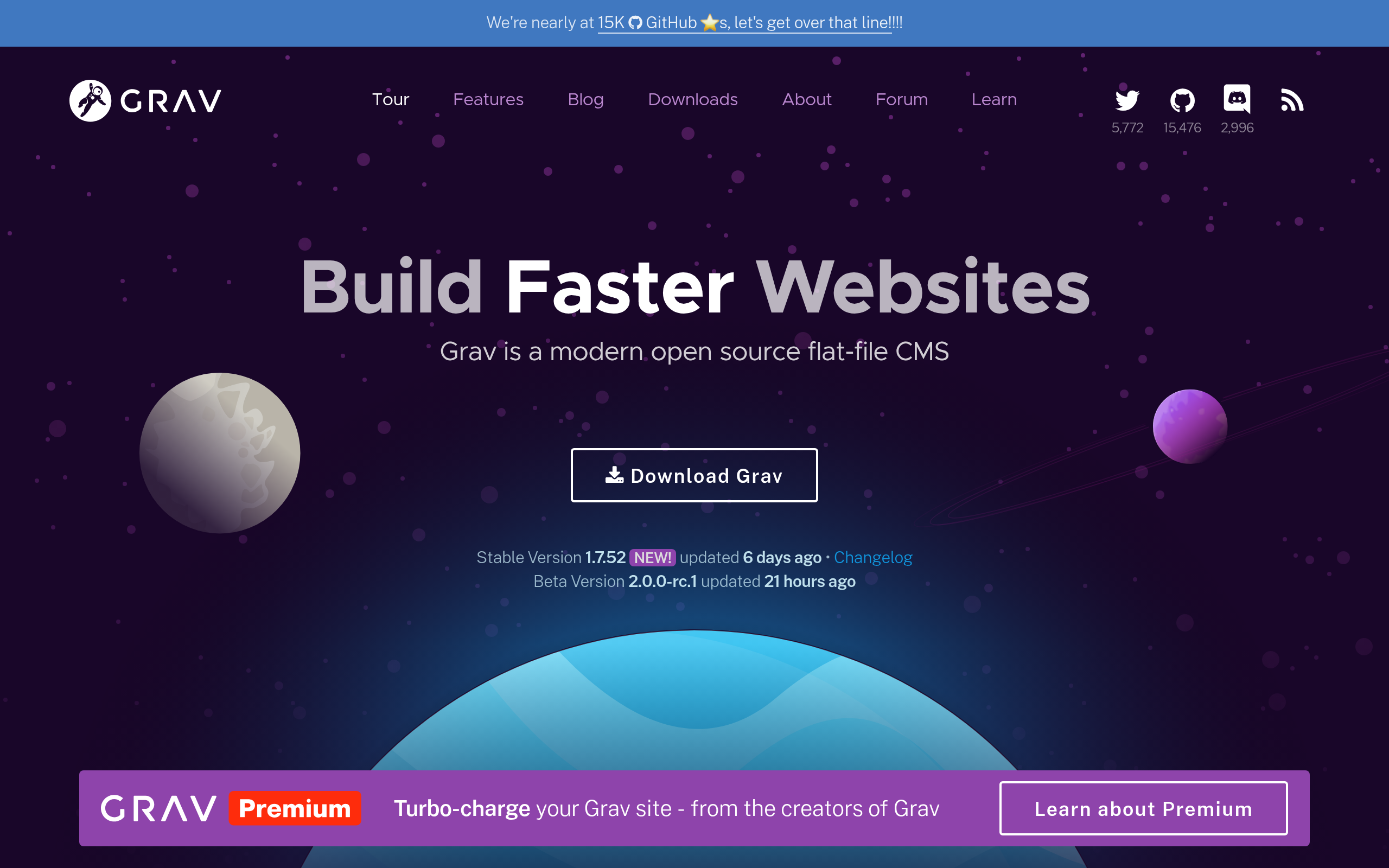
Flat-file CMS for fast, self-hosted websites.
Replaces Wordpress Com, Webflow, Contentful, Squarespace
Who it's for
Grav fits documentation, marketing sites, portfolios, and local business pages where content can live as Markdown files. Developers can keep themes and content in the same deployment flow.
Use WordPress or a headless CMS if non-technical editors need complex workflows, user roles, and a large plugin marketplace.
Grav gives teams ownership of templates, content files, and hosting. It is useful when Webflow or Squarespace feels restrictive for developer-controlled sites.
Skip it if visual drag-and-drop editing is more important than source control and hosting portability.
The problem
Many websites do not need a database, hosted page builder, or complex CMS operations. Small business sites, documentation hubs, campaign pages, and personal sites often need fast editing, simple deployment, and content that can be versioned with the code.\u000A\u000ADatabase-backed CMS stacks add upgrade, plugin, backup, and security work. Hosted builders reduce maintenance but lock content, templates, and publishing workflows into the vendor's system.
How it works
Grav stores content in files instead of a database. Markdown, YAML, and templates can live in version control, which simplifies backups, review, and deployment for small sites.
Themes use Twig templates, giving developers direct control over page layouts. This is useful when a site needs custom presentation without a hosted visual builder.
Grav supports plugins and an optional admin panel, so teams can add forms, search, media handling, and editing workflows without turning the project into a full database CMS.
Features
- Flat-file content storage
- Twig theme system
- Plugin and admin ecosystem
Recommended for this setup
Strengths
- No database to operate: Flat-file storage removes database backups, migrations, and query tuning from routine site maintenance. For static-ish content sites, that is a meaningful operations reduction.
- Permissive license and portable content: MIT licensing and file-based content make Grav easy to move between hosts. Teams are not locked into a proprietary builder or a hosted content API.
Trade-offs
- Not ideal for complex editorial workflows: Grav can support admin editing and plugins, but it is not a full enterprise CMS with large editorial teams, granular workflow states, or heavy content modeling.
- PHP hosting knowledge helps: Grav is simpler than many CMS stacks, but teams still need PHP hosting, updates, file permissions, and deployment discipline.
Tech stack
FAQ
No. Grav is a flat-file CMS, so it stores content in files rather than a database. That makes backups and version control simpler for many small sites.
Yes. Grav is MIT licensed. Teams can use, modify, and host it commercially under permissive license terms.
Grav is lighter and file-based, while WordPress is database-backed with a much larger plugin and editor ecosystem. Grav is better for developer-controlled small sites; WordPress is better for large editor teams and plugin-heavy sites.