
Appsmith
Build internal tools with a low-code drag-and-drop UI
Replaces Retool, Outsystems, Microsoft Power Apps, Airtable
Who it's for
Build CRUD views, workflow tools, and dashboards over internal databases without waiting for a full product roadmap slot.
The tool will become a customer-facing product experience.
Connect APIs and databases behind a usable interface for support, finance, or operations teams.
Your data access rules cannot be safely managed inside a low-code builder.
The problem
Internal tools often start as scripts, spreadsheets, or half-maintained admin pages because product engineering teams cannot justify full custom builds for every operations workflow. Hosted builders speed this up, but they can put private databases, API credentials, and internal workflows behind a vendor-controlled layer.
How it works
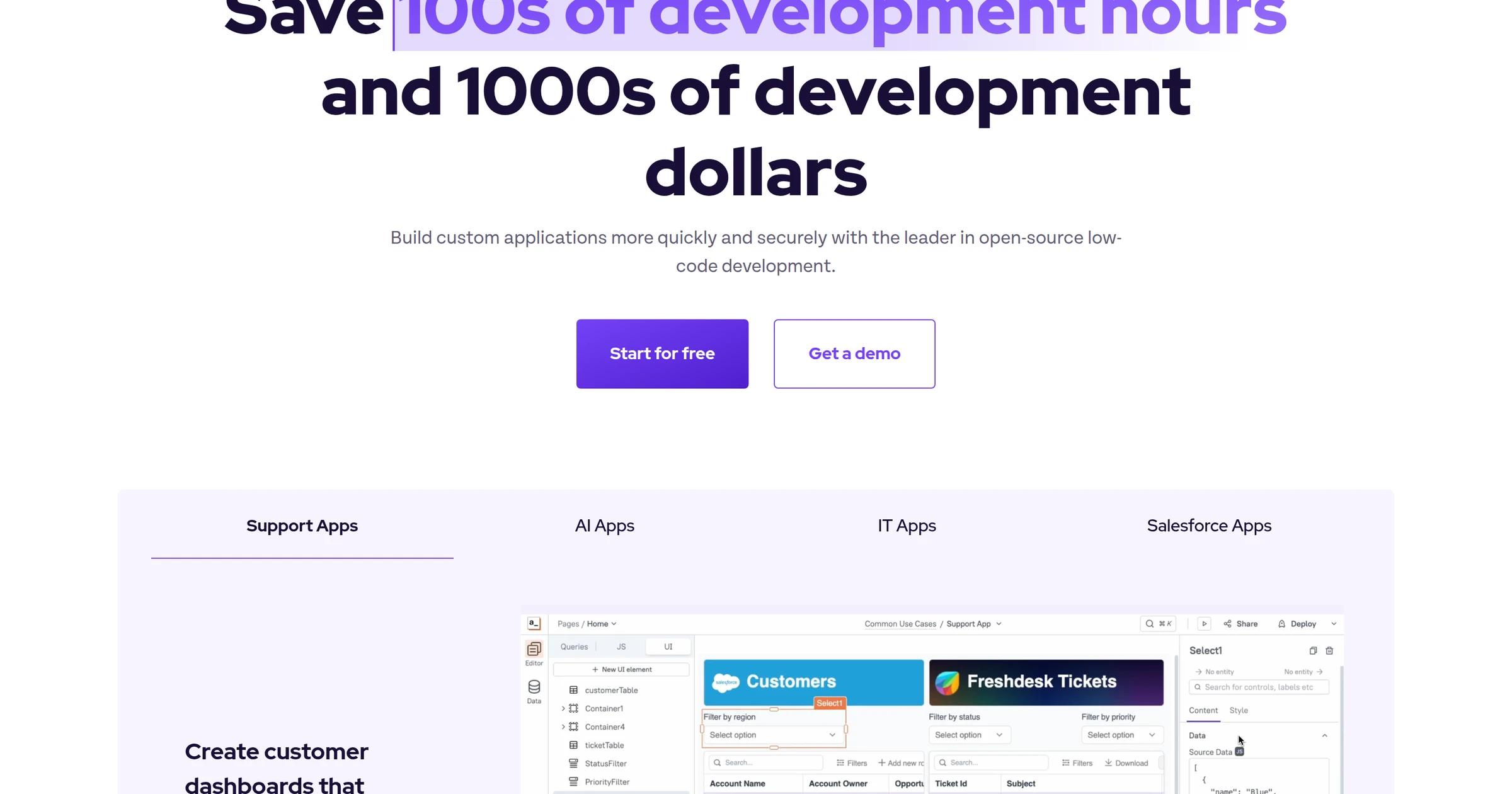
Appsmith helps teams build dashboards, CRUD tools, admin panels, customer 360 views, and service workflows without hand-coding every screen.
The README states Appsmith integrates with 25+ databases and any API, which covers common internal-tool data sources.
Teams can run Appsmith themselves with Docker or Kubernetes when internal tools need to stay close to private systems.
Features
- Internal app builder
- Database and API connectors
- Self-hosted deployment options
How to install
Run Appsmith Community Edition with Docker when you want a single-host self-hosted setup. This command publishes HTTP and HTTPS and persists stacks data locally.
docker run -d \
  --name appsmith \
  -p 80:80 \
  -p 443:443 \
  -v "$PWD/stacks:/appsmith-stacks" \
  appsmith/appsmith-ce
Recommended for this setup
Strengths
- Strong fit for developer-led operations tools: Appsmith gives engineers enough control to wire databases, APIs, and custom logic while still moving faster than a full frontend build.
- Apache-licensed Retool alternative: The community edition gives teams a source-available path for internal tools rather than relying only on a hosted builder.
Trade-offs
- Low-code still needs governance: Teams need review around database access, credentials, permissions, and production workflows.
- Retool has more enterprise polish: Retool may be stronger for organizations that want mature managed governance, procurement, and enterprise support.
Tech stack
FAQ
Appsmith can replace Retool for teams that want self-hosted internal tools and Apache-licensed source access. Retool is still stronger for managed enterprise deployments.
Teams use Appsmith for admin panels, dashboards, CRUD tools, customer 360 views, IT automation, and service management workflows.
Yes. The README says Appsmith integrates with 25+ databases and any API.