
Strapi
Headless CMS with auto-generated REST and GraphQL for any content model.
Replaces Contentful, Sanity, Hygraph, Prismic, Storyblok
Who it's for
Agencies can model pages, case studies, landing pages, and reusable blocks in Strapi, then connect the content API to a custom frontend. Clients get an admin panel while the agency keeps full control over the website code.
The client expects a visual website builder where layout, theme, and hosting all live in one no-code product.
Teams can use Strapi for help centers, in-app content, onboarding screens, changelogs, and product catalogs that need custom fields and API access. The Node.js backend makes it easier to add project-specific logic around content delivery.
Your content model is just a simple blog and you do not need custom APIs, roles, or backend extensions.
Strapi gives developers a self-hosted alternative when Contentful-style pricing, API quotas, or platform lock-in start to limit a project. Content stays in a relational database under the team's control.
Your team values hosted infrastructure, vendor support, and turnkey enterprise governance more than code-level control.
Strapi works as a central content backend for web, mobile, kiosk, and IoT frontends because content is delivered through APIs rather than tied to one template system. Localization and media management help teams reuse content across channels.
Your app needs a real-time application backend, queue system, or event platform more than a CMS.
The problem
Hosted headless CMS platforms can become a bottleneck when a product team needs custom content models, backend extensions, or predictable infrastructure control. Editorial teams still need a usable admin interface, but developers often end up working around seat limits, API quotas, fixed data models, or platform-specific migration paths. The pain gets sharper for agencies and SaaS teams that ship many content-backed products. A simple blog, mobile app backend, product catalog, or localization workflow should not require building a CMS from scratch, but it also should not force every project into a proprietary content API that the team cannot self-host or modify.
How it works
Design collection types, single types, reusable components, relations, and dynamic zones in the Content-type Builder. Strapi saves those models into the project, then exposes them through the admin panel and APIs, so developers can model content without hand-writing every schema file.
Strapi generates REST endpoints for each content type and supports GraphQL through its official plugin. Frontend teams can connect Next.js, Vue, mobile apps, or internal tools to the same content backend without building a custom CRUD API first.
The Users & Permissions feature ships with public and authenticated roles, JWT-based authentication, and an access-control list strategy. Teams can decide which groups can read or write specific content instead of exposing every endpoint by default.
Built-in content features cover draft and publish, media management, internationalization, live preview, and dynamic zones. Editors can manage localized pages, product content, or app copy while developers keep presentation logic in the frontend.
Strapi projects run as Node.js applications with routes, middlewares, controllers, and services. Teams can extend backend behavior, customize the admin panel, and install plugins when generated APIs are not enough.
Features
- Visual content modeling
- Generated REST and GraphQL APIs
- Role and permission controls
- Multichannel content workflows
- Node.js customization surface
How to install
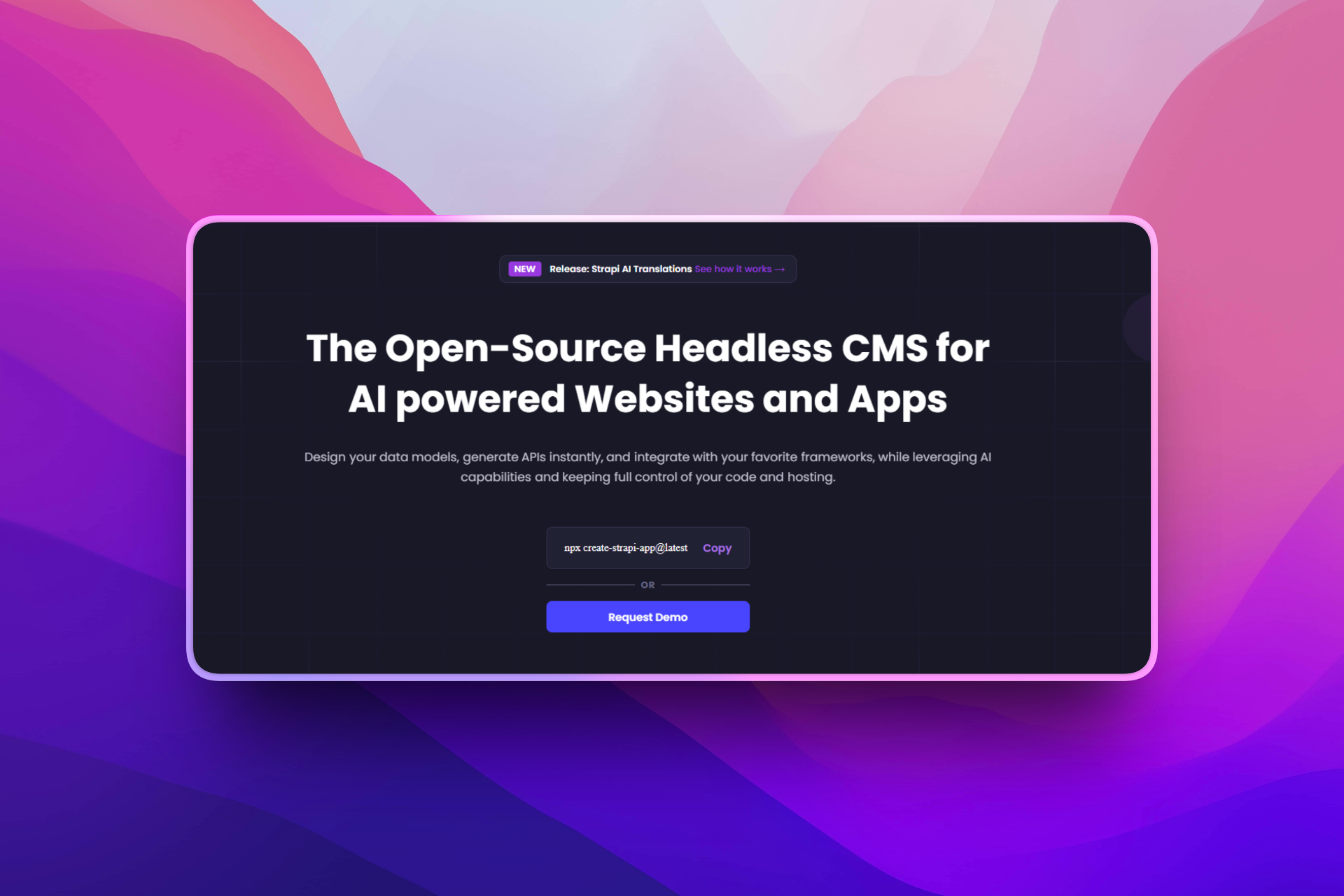
npx create-strapi@latest my-strapi-project cd my-strapi-project npm run develop
Recommended for this setup
Strengths
- Self-hosted Community Edition under MIT terms: Strapi's license grants MIT rights for Community Edition code outside the enterprise-only directories. That gives teams a real self-hosted path for commercial projects while keeping enterprise features and Strapi Cloud available as paid options.
- Editor-friendly CMS without giving up backend control: Content teams work in an admin panel, while developers keep the backend as a normal JavaScript or TypeScript project. Compared with hosted-only CMS platforms, that makes Strapi a better fit when the content layer must live near custom business logic.
- Database choice for new projects: Strapi supports SQLite, PostgreSQL, MySQL, and MariaDB for new projects. Teams can start with SQLite locally, then run production on a relational database they already operate.
- Fast path from model to API: The Content-type Builder and generated APIs remove much of the boilerplate behind content CRUD. Agencies and product teams can deliver a client-editable backend without spending weeks building admin screens and endpoints from scratch.
Trade-offs
- Content model changes are development work: The Content-type Builder is available in the development environment. Production teams need a release workflow for schema changes, migrations, and plugin updates instead of treating the CMS as a purely live-edited SaaS workspace.
- Relational databases only: Strapi supports SQLite, PostgreSQL, MySQL, and MariaDB, but the official installation docs say it does not support MongoDB, NoSQL databases, or cloud-native database services. Teams committed to those stores should choose another content layer.
- Self-hosting shifts operations onto your team: Running Strapi yourself means managing Node.js LTS versions, package updates, database backups, storage, deployment, and security posture. Strapi Cloud removes that work, but then the project moves back toward a managed-platform cost model.
- Some advanced workflow features are paid or plan-gated: Strapi's free CMS path covers the core CMS, APIs, roles, and permissions, but features such as AI-assisted content modeling, enterprise support, and some governance workflows sit behind paid cloud or enterprise plans. Budget for that if nontechnical teams need those workflows.
Tech stack
FAQ
Yes. Strapi's Community Edition is MIT licensed for the non-enterprise code paths, while enterprise-only directories and Strapi Cloud are governed by separate commercial terms. That distinction matters if you plan to redistribute or modify enterprise features.
The official CLI path is `npx create-strapi@latest`, followed by `npm run develop` inside the generated project. Strapi supports npm and pnpm, with npm recommended if you plan to deploy to Strapi Cloud.
Yes. Strapi generates REST APIs by default and supports GraphQL through the official GraphQL plugin. Teams can use either API style depending on frontend needs and query complexity.
Strapi supports SQLite, PostgreSQL, MySQL, and MariaDB. The official docs state that MongoDB, NoSQL databases, and cloud-native database services are not supported.
Strapi is better when you need self-hosting, code-level customization, and database control. Contentful is still a better fit when your team wants a hosted content platform with vendor-managed infrastructure and enterprise support.