
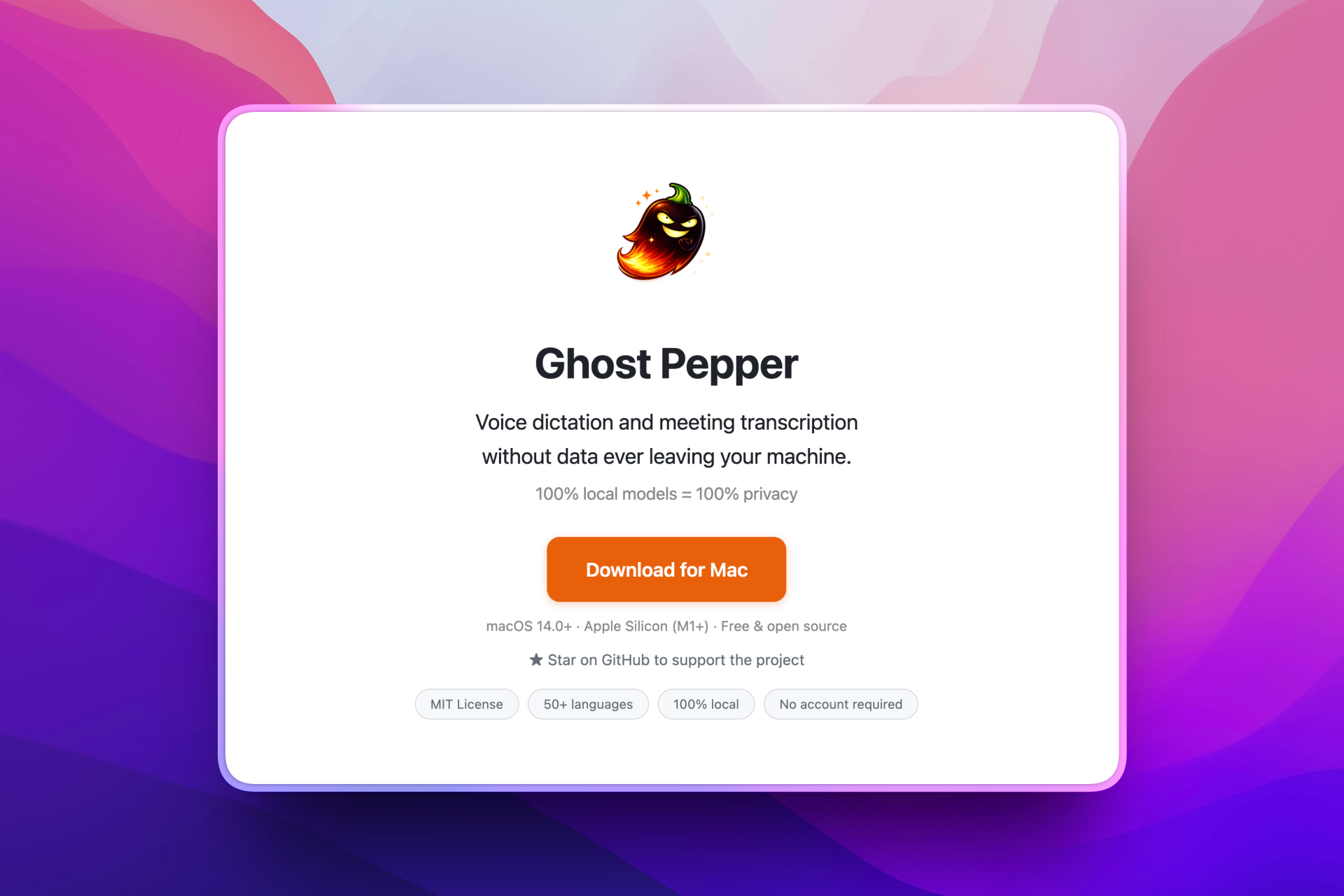
Ghost Pepper
Local voice dictation and meeting transcription for macOS
Replaces Weesper Neon Flow, Voibe, Otter Ai, Wispr Flow
Who it's for
Use Ghost Pepper to turn speech into text for notes, drafts, and personal writing without cloud transcription.
You need shared team workspaces and admin controls.
Use Ghost Pepper when meeting audio should stay on the local Mac while producing searchable notes.
You need automatic bot attendance across Zoom, Meet, and Teams.
The problem
Voice notes and meeting recordings often contain sensitive names, customer details, strategy, or personal information. Cloud transcription tools can be convenient, but they require sending that audio outside the user's device. Mac users who want dictation and transcripts need a local path that preserves privacy while still fitting everyday writing, note-taking, and meeting workflows.
How it works
Ghost Pepper runs transcription locally on macOS, keeping voice data on the user's machine instead of a hosted transcription API.
The app targets meeting transcription as well as dictation, which helps users turn spoken discussion into notes without a cloud recorder.
Ghost Pepper is built for Mac users, making it a better fit for Apple desktop workflows than a generic web transcription tool.
Features
- On-device speech-to-text
- Meeting transcription workflow
- macOS-focused experience
Recommended for this setup
Strengths
- Private by design: Local transcription reduces exposure of sensitive audio compared with hosted tools that process recordings on external servers.
- Useful for everyday writing: Dictation support can help users capture notes, messages, and drafts faster while keeping the workflow on device.
Trade-offs
- Mac-only fit: Ghost Pepper is not a cross-platform transcription system. Windows, Linux, and browser-first teams need another option.
Tech stack
FAQ
Ghost Pepper is positioned around local, on-device speech models. Review the current app documentation before using it for regulated audio.
Ghost Pepper is built for macOS.
Ghost Pepper is best for Mac users who want private dictation or meeting transcription on their own device.