Dendron
Local-first Markdown notes with hierarchy and backlinks
Replaces Roam Research, Notion, Confluence
Who it's for
Document architecture decisions, runbooks, meeting notes, and API references in one Git-backed workspace.
Track research, daily notes, and long-term learning in Markdown with stronger structure than a generic notes app.
The problem
Many note apps break down as knowledge bases grow, making it hard to retrieve, refactor, and standardize technical notes across projects and teams. Dendron tackles that scale problem with hierarchical Markdown notes, schemas, backlinks, and Git-native workflows inside VS Code.
How it works
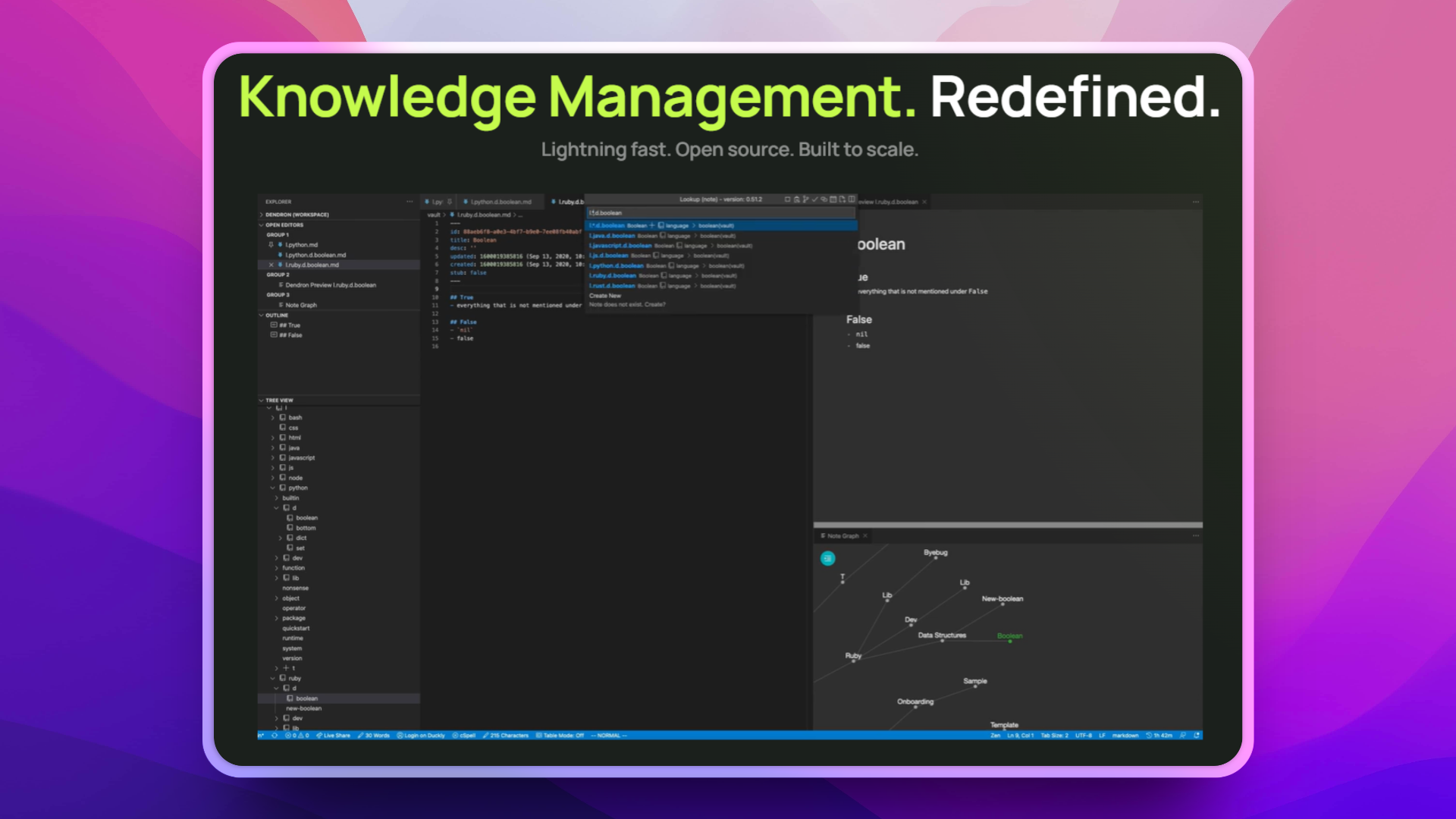
Model notes with consistent structures, reusable templates, and predictable navigation as a vault grows.
Trace relationships between notes and rename or reorganize content without leaving broken links behind.
Store notes as Markdown in Git and publish selected vaults as static sites you control.
Features
- Hierarchies and schemas
- Backlinks and refactors
- Git-backed publishing
Recommended for this setup
Strengths
- Developer-native workflow: Works inside VS Code and stores notes as plain text, which fits teams already using Git-based review and collaboration.
- Scales with structure: Schemas, hierarchies, and backlinks help large note collections stay easier to search and maintain.
Trade-offs
- Maintenance-only project: Active development has ceased, so feature velocity and future roadmap depth are lower than in more active note tools.
Tech stack
FAQ
Dendron is best for developers and technical teams who want a local-first Markdown knowledge base inside VS Code, with structure that can scale beyond casual note-taking.
Dendron favors local files, Git workflows, and editor-centric writing, while Notion and Confluence offer more polished hosted collaboration for broader business teams.
Yes. Notes live as Markdown files in your own repository, and published vaults can be deployed as static sites on infrastructure your team controls.