
Teable
Spreadsheet-simple database and AI app builder on PostgreSQL
Replaces Airtable, Notion, Smartsheet, Smartsuite
Who it's for
Teams tracking requests, managing approvals, or running lightweight CRMs in Airtable can move the same tables to Teable's PostgreSQL backend and get formula compatibility, real-time collaboration, and AI chat without a per-seat bill. The Airtable import handles the migration.
If the main value your team gets from Airtable is its ecosystem of native integrations with tools like Stacker or Softr that connect specifically to Airtable, check whether those tools support Teable first before migrating.
App Builder lets non-developers describe the app they need and deploy it to a URL wired to the team's existing data in one click. For use cases like approval forms, inventory dashboards, or internal portals that do not need a production software team, this path produces working apps without opening a code editor.
Teams that need a production-grade web app with custom business logic, authentication, and a full test suite should use an application framework. App Builder covers internal tools, not customer-facing production software.
Self-hosting on your own infrastructure keeps all records, AI session data, and app usage logs within your own perimeter. No data leaves to a third-party AI provider unless you configure it to do so. The containerized agent sandbox means AI sessions cannot access data outside their allocated scope.
If your team has no infrastructure capacity (no VMs, no container management, no on-call engineers), self-hosting the full AI plane will require more operational investment than the cloud plan.
Tables in Teable live in real PostgreSQL, so a data engineer can open a PostgreSQL client and run SQL against the same records a business team manages through the spreadsheet interface. No ETL is required to move operational data to a query layer: query it in place.
If your data team already has a dedicated OLAP warehouse (BigQuery, Snowflake) and only needs to pipe data there, a lightweight connector to that warehouse may be simpler than moving the operational layer to Teable.
The problem
Teams building business workflows typically end up managing data in a spreadsheet tool, custom apps in a separate codebase, and AI assistants that have no access to either. Each integration between these layers breaks on its own schedule, and every new workflow either requires developer time or another product subscription. Spreadsheet tools like Airtable cap rows, charge per seat at scale, and store data in proprietary formats. When a team needs real database behavior (joins, queries across millions of rows, server-side processing), those tools buckle. When the same team wants to generate an app from that data, they open a third product and start the integration work again. The result is a stack of disconnected tools held together by exports and manual updates.
How it works
Ask questions and run operations against your real records in natural language. Because the AI session connects directly to the PostgreSQL tables behind your spreadsheets, answers reflect the current state of your data, not a snapshot or an export. Analyses that would require a custom formula or a SQL query can be run as plain questions in the chat interface.
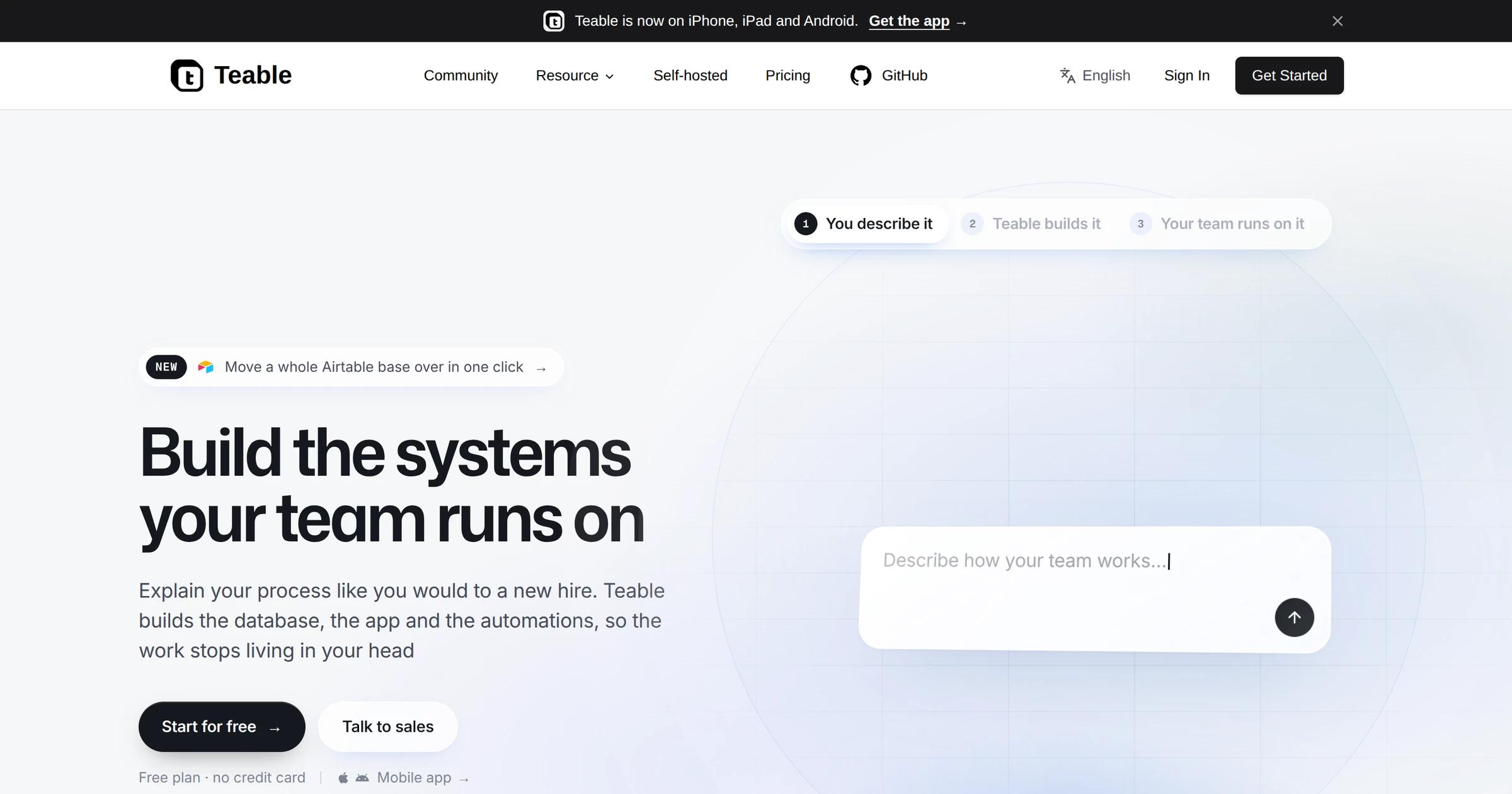
Describe the app your team needs in plain language, and an AI agent builds it in a containerized sandbox, then deploys it to its own URL with one click. Each app runs as a long-lived container wired to the same database your team already uses, so what gets built is an extension of an existing workflow rather than another silo.
Set up automations triggered by record changes, schedules, or webhooks, with AI steps doing the reasoning in the middle: classifying a record, generating a summary, or deciding a routing rule. Automations run where the data lives, so there is no separate sync layer to maintain between the trigger and the action.
Tables, views, and automations sit on a real PostgreSQL database, not a proprietary storage format. You can query your data with SQL directly, hit row counts in the millions without throttling, and migrate off if you need to. No export format lock-in and no row count per-plan restrictions.
Every table can be displayed as a grid, kanban board, gallery, calendar, or form view without copying the data. Filtering, grouping, sorting, and aggregation work across all view types. The form view handles data collection; the gallery view handles visual browsing of the same records.
Teable connects to over 1,600 external tools, so the data it manages can flow to Stripe, HubSpot, Slack, and the other products your team already uses. Direct Airtable import is supported: a whole Airtable base can be moved over in one import, covering the most common migration case in the category.
Features
- AI Chat on Live Data
- App Builder with Isolated Sandbox
- AI Workflow Automations
- Real PostgreSQL Backend with SQL Access
- Grid, Kanban, Calendar, Gallery, and Form Views
- 1,600+ Integrations and Airtable Migration
Recommended for this setup
Strengths
- AI runs on your own infrastructure: Self-hosting the full-featured stack gives teams AI chat, App Builder, and automations on their own compute, with no AI provider keys shared with a third-party cloud. Every AI session runs in an isolated container that starts on demand and exits when the session ends. Organizations with data residency requirements can run the entire AI plane inside their own perimeter.
- PostgreSQL backend unlocks real database behavior: Teable's storage layer is real PostgreSQL, so row counts in the millions do not degrade the interface, SQL queries work against live tables, and data can be accessed by external tools using standard PostgreSQL connections. This separates it from spreadsheet tools that store data in proprietary formats and throttle performance above certain row counts.
- Four tools consolidated into one deploy: One self-hosted install covers a database collaboration layer, an AI workflow engine, a secure agent sandbox, and an app deployment runtime. Teams that would otherwise integrate four separate products get a single system where each layer shares the same data model and authentication.
- Direct Airtable import path: Teable supports importing an entire Airtable base directly, covering the most common migration case in its category. Teams moving off Airtable's per-seat pricing can transfer an entire base and start from a familiar spreadsheet interface on their own PostgreSQL without manual data restructuring.
Trade-offs
- Full-featured self-hosting requires a multi-container setup: Running AI features and App Builder requires the full deployment stack from the teableio/teable-deployment repository, which manages containerized runtimes for the agent sandbox and app deployment plane. The standalone Docker path works for database collaboration only: AI chat and App Builder are not available on a standalone install. Teams wanting the full feature set should plan for a multi-container setup that goes beyond a single docker run command.
- AGPL-3.0 with brand restrictions limits redistribution: The Community Edition is AGPL-3.0 with additional terms that forbid modifying or removing Teable's brand assets (name, logo, icons, visual identity). AGPL-3.0 also requires sharing source changes if you distribute or offer a modified version as a network service. Teams self-hosting for internal use are not affected, but SaaS operators who want to white-label or offer it as a managed product cannot do so under the community license.
- 97 open issues as of November 2026: The repository carried 97 open issues at time of review, typical for an actively developed project at this stage. The last commit was November 4, 2026, and the project has 21,953 GitHub stars, indicating an active community. The issue count alone does not indicate a neglected codebase.
Tech stack
FAQ
Standalone self-hosting, run from Docker, covers tables, collaboration, API, and automations but does not include AI chat, App Builder, or the agent sandbox. Full-featured self-hosting, set up from the teableio/teable-deployment repository, adds the AI plane on top of the same data layer. Teams that want only the spreadsheet-database layer can start with standalone; teams that want AI features need the full deployment.
The Community Edition is free to self-host under AGPL-3.0 terms. Teable Cloud at teable.ai offers a hosted version; AI features and enterprise capabilities require a paid plan, activated with a license key on any install without swapping the Docker image. Teams self-hosting for internal use pay only for their own compute.
Yes. Teable supports importing an entire Airtable base directly. The team lists this as a first-class supported scenario. Field types and formula equivalents that exist in Teable's grid transfer; custom Airtable extensions or third-party integrations that connect specifically to Airtable need to be re-pointed after migration.
Under AGPL-3.0, you can self-host, modify, and use Teable for any purpose, including internal commercial use, as long as you share modifications under AGPL-3.0 if you distribute or offer a modified version as a network service. The additional brand terms forbid modifying, removing, or replacing Teable's name, logo, or visual identity, and forbid using them in a way that implies endorsement. The practical restriction for most teams: you cannot offer Teable as a white-labeled managed service under the community license. The packages directory is MIT-licensed.
No. The standalone self-host runs on Docker alone and covers tables, collaboration, API, and automations. The full-featured self-host, which adds AI features and App Builder, uses the teableio/teable-deployment repository and manages multiple containers, but does not require Kubernetes. The deployment guide at help.teable.ai/en/deploy/choose covers both paths.