
Pitivi
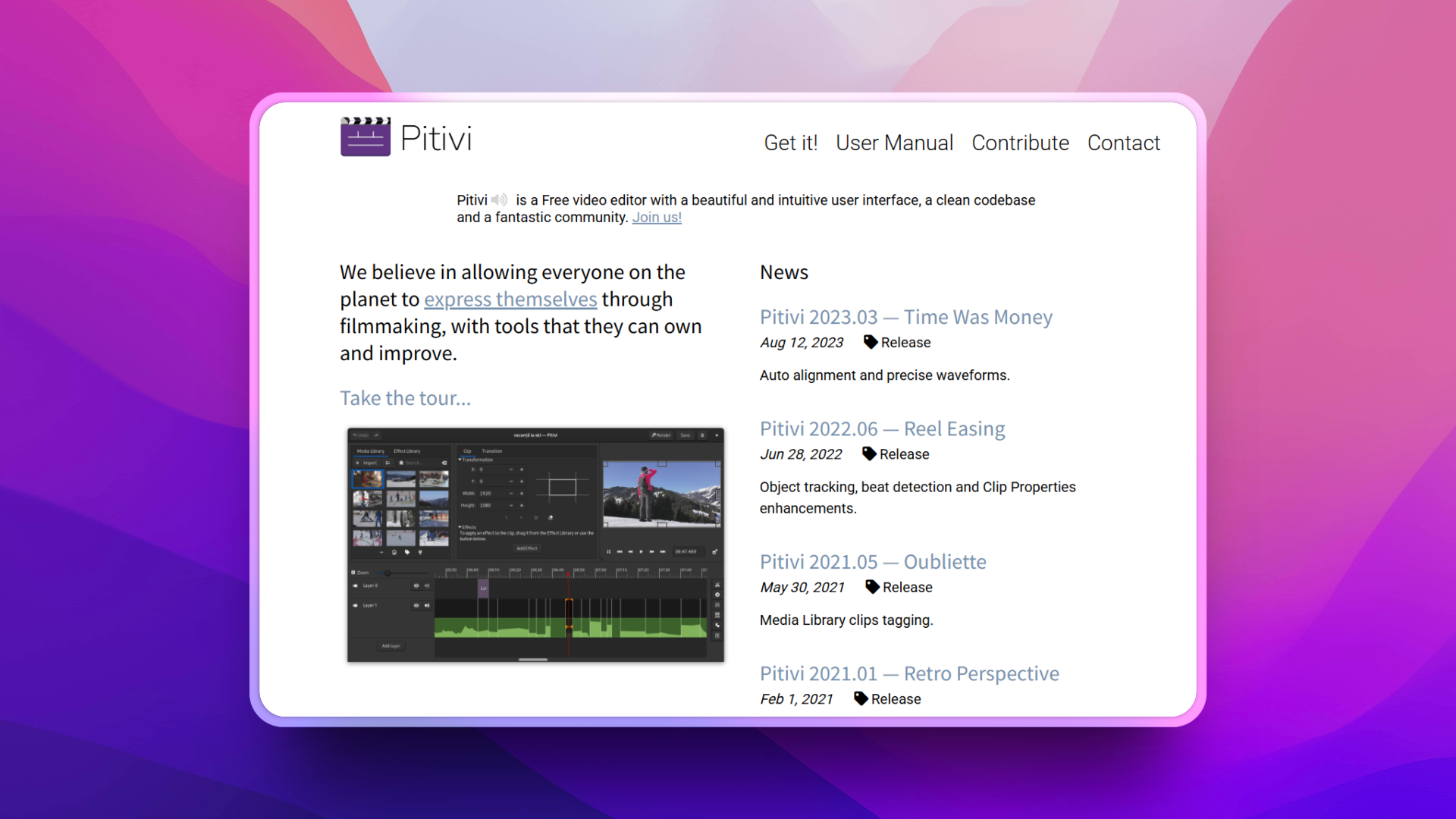
Non-linear video editor for Linux, powered by GStreamer
Replaces Adobe Premiere Pro, Davinci Resolve Studio, Final Cut Pro
Who it's for
Pitivi fits creators who want timeline editing on Linux without buying a proprietary desktop editor.
You need the full plugin ecosystem, color workflow, or team collaboration features of a commercial editor.
The GStreamer foundation makes Pitivi useful for developers who want to understand or contribute to open video editing pipelines.
You only need quick social clips and prefer a browser-based editor.
The problem
Video editing tools often push users toward expensive desktop licenses or cloud workflows. Linux users have an extra problem: many mainstream editors either do not support their platform well or require hardware and codec assumptions that do not match their setup. A local editor needs to be approachable for beginners while still flexible enough for serious timeline work. It also needs a media framework that can handle common formats without hiding everything behind a closed vendor stack.
How it works
Pitivi is built on GStreamer Editing Services, tying the editor to a mature open multimedia framework used across Linux media applications.
The README states that Pitivi aims to be intuitive and flexible enough for both new users and professionals.
The README links directly to the Flathub package, which gives Linux users a straightforward way to install the app.
Features
- GStreamer editing foundation
- Beginner and professional audience
- Flatpak distribution path
Recommended for this setup
Strengths
- Native fit for Linux video editing: Pitivi is strongest for Linux users who want an editor designed around open desktop media tooling rather than a port of a proprietary workflow.
- Open media framework: GStreamer gives Pitivi a broad media foundation and makes the editor attractive to users who care about inspectable multimedia pipelines.
Trade-offs
- Dependency quality affects editing: The README distinguishes hard dependencies from soft dependencies for the best experience. Missing recommended packages can reduce what users can edit or preview smoothly.
Tech stack
FAQ
Pitivi is built on GStreamer Editing Services, an open multimedia editing framework.
Yes. The README says Pitivi aims to be intuitive enough for newcomers while flexible enough for professional users.
The README links to Pitivi on Flathub, which is the clearest official install path for Linux users.