
palmier-pro
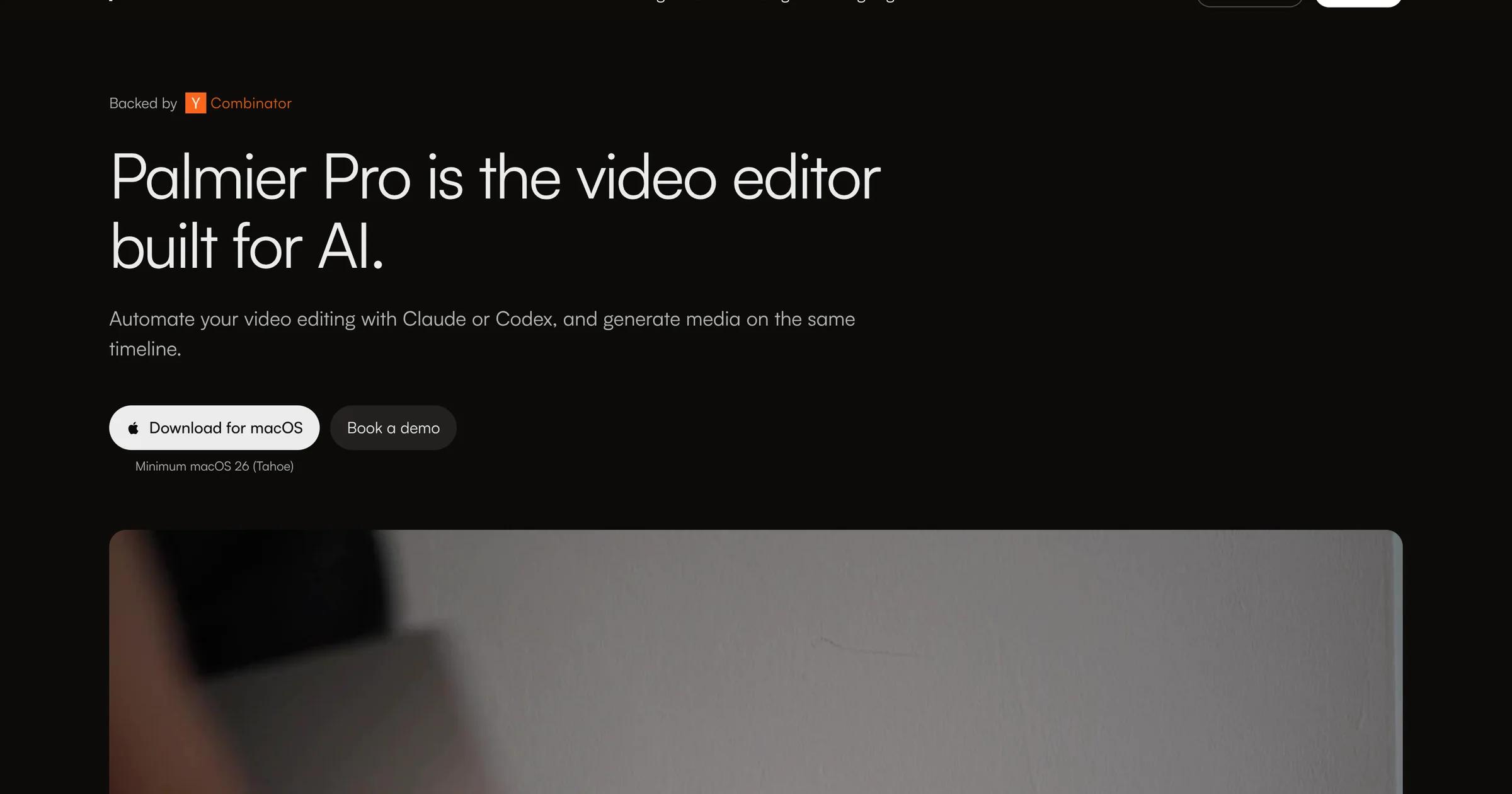
AI video editing made seamless and efficient
Replaces Adobe Premiere Pro
Who it's for
Palmier Pro fits creators who repeatedly generate, review, and edit AI clips on Apple Silicon Macs.
You need Windows support, Linux support, or a mature mobile editing app.
Teams can use agent workflows to script, generate, and revise promotional clips inside one timeline.
Your workflow depends on transitions, masking, or graphics that Palmier Pro does not yet provide.
The local MCP server makes Palmier Pro useful for testing agent control over a creative application.
You do not use MCP clients or external coding agents.
The problem
AI video teams lose time moving clips between web generation tools and traditional editors. They need one place to generate, organize, edit, and revise clips with enough context for agents to help instead of forcing every iteration through download and import loops.
How it works
Palmier Pro is built from scratch in Swift for macOS, with a timeline model aimed at AI video editing rather than browser-only generation.
The README lists generated videos and images inside the timeline, using models such as Seedance, Kling, Nano Banana Pro, Grok, and Veo.
When the app is open, it exposes a local MCP server that Claude Code, Codex, Cursor, and Claude Desktop can connect to.
The in-app chat shares project context and media references, reducing context switching during iteration.
The README says the editor, MCP server, and agent chat code are open source, while generative AI processing is closed source.
Features
- Swift-native video editor
- Built-in AI generation workflow
- MCP access for agents
- Agent chat inside the editor
- Free open editor core
Recommended for this setup
Strengths
- Designed for AI iteration: Palmier Pro directly targets the generate, replace, edit, and revise cycle that makes AI video workflows messy in conventional editors.
- Agent-friendly local control: The MCP server lets users connect mature agent clients instead of relying only on the in-app chat surface.
- Transparent limitation notes: The FAQ clearly states the editor does not yet match Premiere Pro or CapCut for transitions, masking, and graphics.
Trade-offs
- Apple Silicon only: The README requires macOS 26 Tahoe on Apple Silicon, so Windows, Linux, Intel Mac, and mobile users cannot use the app.
- Generative processing is not open: The editor is open source, but the README says generative AI processing is closed source and requires login or subscription.
- Early editor feature set: The FAQ says Palmier Pro lacks transitions, masking, and graphics, so advanced editors may still need Premiere Pro, DaVinci Resolve, or CapCut.
Tech stack
FAQ
Palmier Pro is an open-source macOS video editor built for AI-assisted video generation and editing.
The README says the video editor, MCP server, and agent chat are open source. Generative AI processing is closed source and requires login or subscription.
Palmier Pro currently supports macOS 26 Tahoe on Apple Silicon only.
No. The FAQ says Palmier Pro does not yet have feature parity with Adobe Premiere Pro or CapCut and currently lacks transitions, masking, and graphics.