
Excalidraw
Open source whiteboard for hand-drawn style diagrams
Replaces Miro, Figjam, Lucidchart, Microsoft Whiteboard
Who it's for
Excalidraw is quick for system diagrams and incident walkthroughs.
you need formal modeling notation with validation.
the canvas supports fast wireframes and workshop sketches.
your workflow requires deep Figma integration and design-system components.
the npm package can add Excalidraw to internal tools.
you only need static diagrams exported from another app.
The problem
Whiteboard SaaS tools are useful until diagrams become sensitive, seat pricing grows, or exported files stop fitting the team's workflow. Product sketches, architecture diagrams, and incident notes often contain internal detail that should not live only inside a proprietary workspace. Teams also need speed. For early diagrams, polished vector tools can slow down the conversation, while heavy collaboration suites add setup before anyone can sketch the idea.
How it works
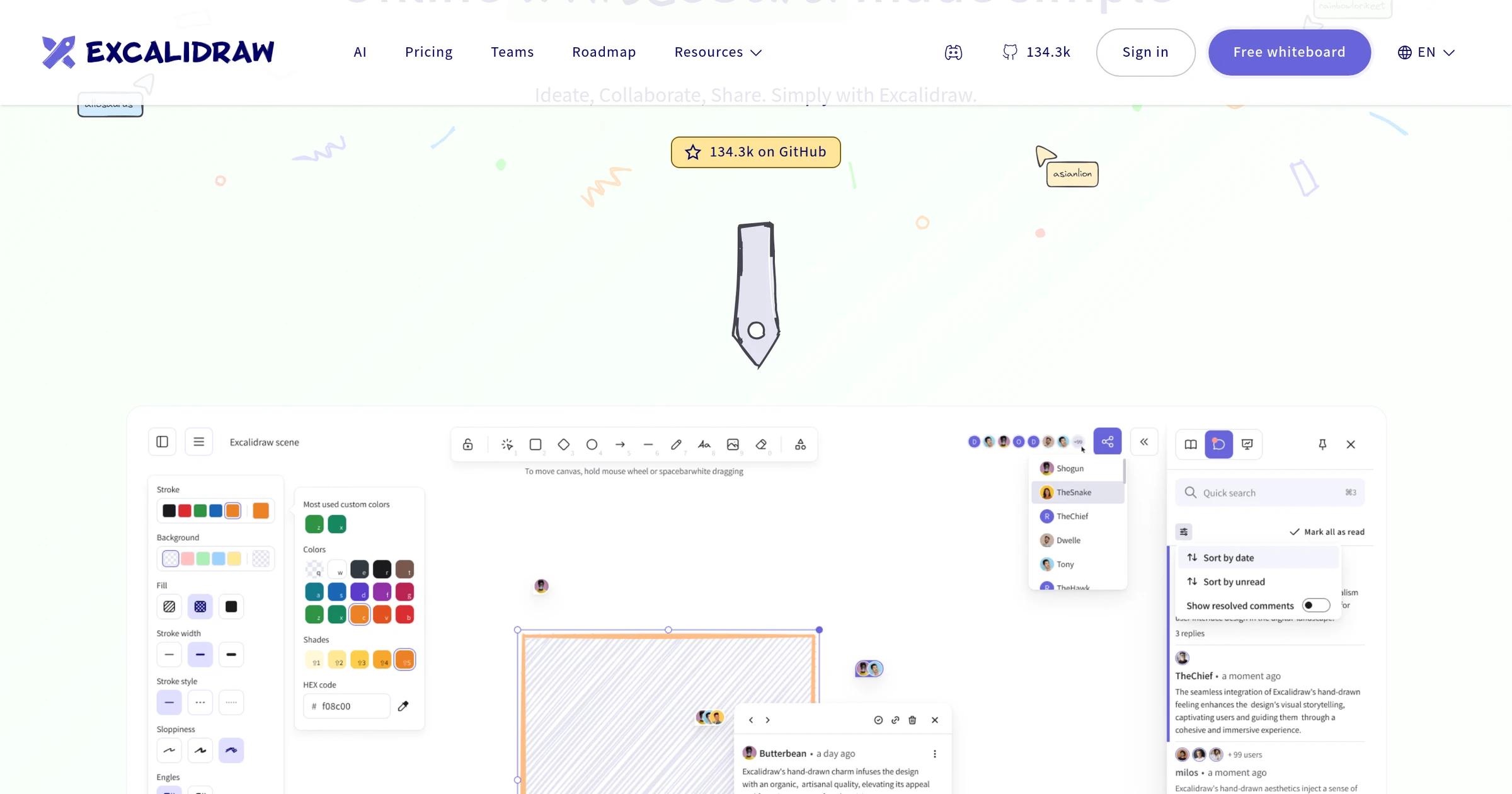
Hand-drawn style canvas keeps diagrams informal enough for brainstorming, architecture sketches, and early wireframes.
Collaborative whiteboarding supports team sessions, with end-to-end encrypted collaboration noted by the project.
Browser-based editor works without installing a desktop design tool.
Embeddable `@excalidraw/excalidraw` package lets developers add the whiteboard to their own apps.
MIT license supports self-hosting, modification, and commercial embedding.
Features
- Hand-drawn canvas
- Collaborative whiteboarding
- Browser-based editor
- Embeddable React package
- MIT license
How to install
Deploy the Excalidraw client on any web server or edge host. For self-hosting with Docker, run the official image first, then add the optional room server if you want multiplayer collaboration on your own domain.
docker run --rm -p 3000:80 excalidraw/excalidraw:latest
git clone https://github.com/excalidraw/excalidraw-room.git
Recommended for this setup
Strengths
- Fast rough diagrams: Excalidraw is faster than heavy diagramming suites for rough ideas because the interface encourages sketching instead of layout perfection.
- Standalone and embedded use: The MIT license and embeddable package make it useful both as a standalone whiteboard and as a component inside developer products.
- Encrypted collaboration: End-to-end encrypted collaboration is a strong fit for teams sketching sensitive product or architecture details.
- Disposable visual style: The hand-drawn visual language makes diagrams feel disposable, which helps teams iterate without over-polishing early concepts.
Trade-offs
- Not formal modeling software: Excalidraw is not a full replacement for formal diagramming tools when teams need strict UML, BPMN, database modeling, or advanced shape libraries.
- Sketch style may not fit polished decks: The hand-drawn style is intentional, but it may not fit executive-ready diagrams or brand-polished presentations.
- Enterprise controls may need paid setup: Advanced team administration and enterprise controls may require Excalidraw Plus or additional self-hosted setup.
Tech stack
FAQ
Yes. Excalidraw is MIT licensed, and the editor is available as an open source project. The hosted product also offers paid options for additional team workflows.
Excalidraw can replace Miro for lightweight whiteboarding, architecture sketches, wireframes, and async visual notes. Miro remains stronger for large workshop programs, enterprise templates, and deep facilitation features.
Yes. The project publishes `@excalidraw/excalidraw` as an npm package for embedding the editor in web applications.