
Paseo
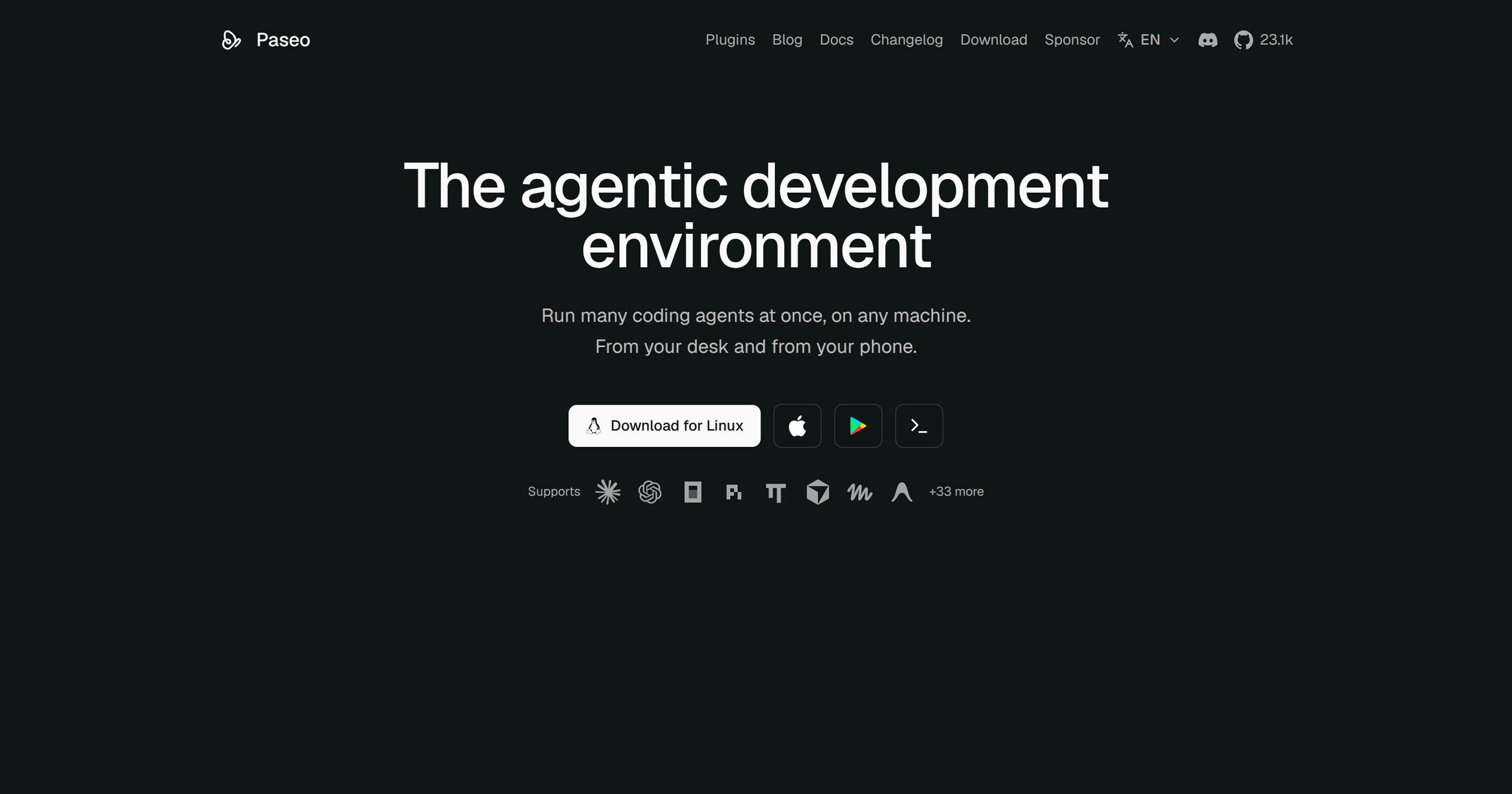
Run any coding agent in parallel, across desktop, mobile, and CLI
Replaces Conductor
Who it's for
Start a task on a desktop agent, then check in from a phone while away from the desk. The mobile client lets you review diffs, send follow-ups, and approve permission requests without opening a laptop. The encrypted relay handles the connection from outside the local network.
If all your agent work is short-session and you are always at your desk, the mobile sync adds setup overhead without payoff.
Use the CLI or SDK to take a set of ready GitHub issues and launch one agent per issue in a separate worktree. Each agent works independently. You review the diffs and merge the ones that pass. The MCP server exposes this workflow to other agents, so you can trigger fan-outs from a Claude Code or Codex session.
If your team runs a single agent sequentially with one person at a time, the orchestration layer adds setup complexity for no practical benefit.
Paseo's multi-provider interface lets you run Claude Code for planning, Codex for implementation, and OpenCode for review without reconfiguring your environment. Each provider runs with its own credentials and config. You can hand off context between providers using the built-in skills.
If you are committed to a single provider and have no plan to change, the extra abstraction layer is unnecessary.
Run the Paseo daemon on a VM or server, install agent CLIs once, and connect from any device. The encrypted relay handles mobile pairing without exposing a port. Access agents from desktop, phone, or web without SSH.
If you only work from a single desktop machine and have no mobile use case, a simpler terminal setup may serve you as well.
The problem
Running multiple AI coding agents in parallel means juggling separate terminal windows, switching context manually, and losing track of which agent is working on which task. When you close the laptop, the session ends. Teams that want to fan out work across different agents have no shared interface: each agent has its own setup, its own output format, and its own window. The mobile gap compounds the problem. Most coding workflows are desktop-only, so checking on a long-running agent from a phone means opening an SSH session and reading raw terminal output. There is no native way to review a diff, send a follow-up, or approve a permission request from a device in your pocket.
How it works
Run multiple coding agents at the same time, each in a separate git worktree so their changes do not collide. Launch Claude Code on one task while Codex handles another. Review each agent's diff independently before merging. Agents can also create their own worktrees and spawn other agents, enabling automated fan-out from a single prompt.
Supports Claude Code, Codex, Copilot, OpenCode, Pi, Antigravity, and Muse Code with custom integrations, plus any agent that speaks the ACP protocol. Switch providers per task without changing your environment. The same interface, the same diff viewer, and the same mobile client work regardless of which agent is running.
The iOS and Android apps are native full clients built with Expo, not WebViews. Connect from a phone, review diffs, send follow-up instructions, and approve permission requests while away from your desk. Pairs with the desktop daemon or a headless server over an end-to-end encrypted relay. Pairing takes one step from Settings.
Every action available in the app is also available from the CLI. The TypeScript SDK lets you build orchestration scripts, fan out work to multiple agents from code, and integrate agent outputs into existing pipelines. Use `paseo run`, `paseo ls`, and `paseo attach` to script workflows from the terminal or from another agent via MCP.
Plugins run on the daemon and appear in every connected client, desktop and mobile, without a restart. A plugin can add sidebar panels, Command Center items, slash commands, and workspace views. Over 400 community plugins cover themes, Git integrations, and custom providers. Install from the registry with `paseo plugin add owner/slug`.
Dictate tasks or talk through problems without typing. Voice transcription runs locally on-device by default. Optionally configure OpenAI speech providers for higher transcription quality and text-to-speech. Hands-free input is useful when reviewing code on a second monitor or working without a keyboard.
Features
- Parallel agents with isolated worktrees
- 30+ provider support through one interface
- Full native mobile client on iOS and Android
- CLI and TypeScript SDK for automation
- Plugin system with live UI extension
- Voice control for hands-free task input
How to install
Download the desktop installer from GitHub Releases: https://github.com/getpaseo/paseo/releases/latest Install the CLI to run Paseo as a headless daemon on a server or VM.
npm install -g @getpaseo/cli
paseo
Recommended for this setup
Strengths
- No telemetry, tracking, or forced login: Paseo has no telemetry and no required account. Agents run with your existing credentials on your hardware. For remote access, the relay is end-to-end encrypted and Paseo cannot read your traffic. Tailscale or a self-hosted relay server are documented alternatives for teams that prefer to route no traffic through Paseo's infrastructure at all.
- Cross-platform with a native mobile client: Paseo runs on macOS, Windows, Linux, iOS, and Android. The mobile app is a native client built with Expo, not a wrapper around the web UI. This means diffs render properly and permission prompts are actionable from a phone, not just visible. No other open source agent orchestrator ships a native mobile app.
- Apache 2.0 with 23,000+ GitHub stars: Apache 2.0 licensing means you can run, modify, and deploy Paseo commercially without restriction beyond preserving license notices. The project has over 23,000 GitHub stars and is used by tens of thousands of developers daily, per the maintainer. The active Discord and Reddit communities and a last push date of November 2026 indicate ongoing development.
- Independent, single-maintainer project with no investor pressure: Paseo is funded by GitHub Sponsors and Paseo Hub, with no investors. The maintainer has declined funding to keep the tool neutral. A tool that sits between your credentials and your agents has an incentive to monetize that access; Paseo has stated clearly why it avoids that structure.
Trade-offs
- 843 open issues with a single maintainer: The GitHub tracker shows 843 open issues as of November 2026. With over 23,000 stars and one maintainer, response time on non-critical bugs can lag. High-priority issues get addressed, but the queue is long. Teams that need commercial support guarantees or SLAs will not find them here.
- Agent CLIs must be installed and configured separately: Paseo orchestrates agent CLIs you already have installed. It does not bundle or manage them. Claude Code, Codex, Copilot, and others each require their own setup steps, credentials, and sometimes paid subscriptions. Paseo adds an orchestration layer on top; it does not reduce the underlying setup cost of each provider.
- Remote access requires relay or tunnel configuration: Running Paseo for a team or from outside a local network requires setting up the hosted relay, Tailscale, or another tunnel. The desktop app on a local machine is straightforward. A headless server deployment with remote pairing needs more configuration steps. The docs cover it, but it is not zero-effort.
Tech stack
FAQ
Yes. Paseo is free and Apache 2.0 licensed. You can use, deploy, modify, and distribute it for any purpose including commercial self-hosting. Redistribution requires preserving license notices and marking modified files. No trademark rights beyond describing the software's origin are granted. You bring your own agent subscriptions: Claude Code, Codex, Copilot, and others each require separate credentials and may have their own costs. Paseo Hub, the optional cloud add-on, has a paid tier.
Paseo does not send your code anywhere. Agents run locally using your existing credentials and talk to their own APIs as they normally would. For remote device access, Paseo offers an optional end-to-end encrypted relay that it cannot read. Direct TCP, Tailscale, and other tunnels are supported alternatives for teams that want no third-party relay at all.
Yes. Paseo runs on macOS, Windows, and Linux. The iOS and Android apps are also full native clients. The desktop app bundles the daemon with a UI; on headless servers, you install the CLI and connect from any client. Mobile apps pair with the daemon over a relay or direct TCP connection.
Running agents in a terminal gives you one session per window with no shared view. Paseo adds a daemon that manages multiple agent processes, a diff and editor view, a mobile client, permission approval UI, and a plugin system. The terminal CLI (`paseo run`, `paseo attach`) is still available for scripting. The overhead is worth it when you are running more than one concurrent agent session; for single-session work, a terminal is simpler.
When you start an agent with the worktree option, Paseo creates a git worktree for that agent on an isolated branch. The agent works without touching your main working directory. You review the diff when it finishes and decide whether to merge. Multiple agents can run on separate branches at the same time. Worktrees are optional: Paseo works in any directory, with or without git.