
REA (Reverse Engineer Anything)
AI-powered reverse engineering for binaries, apps, and assemblies.
Replaces Reveng Ai, Binary Ninja Sidekick
Who it's for
REA connects Ghidra or Hopper to Claude Code or Cursor so a researcher can ask the agent to locate a function, explain its behavior, and annotate it in natural language. Evidence files record the findings with their provenance for later reference or team sharing.
If your analysis workflow lives entirely in a GUI disassembler and you have no need to involve a coding agent, REA adds little beyond what the disassembler already provides.
The investigation model (decompile, understand, recreate) targets the specific workflow of understanding how a feature works in a shipped app and building a version for your own project. REA handles JavaScript and Electron apps without any external engine, so the barrier to starting is low.
If the app you are investigating is open source or exposes a public API that covers the feature you need, direct reading or API use is simpler than reverse engineering.
REA's GitHub topics include 'ctf' and its tool catalog covers operations most relevant to capture-the-flag binary challenges: decompilation, function inspection, memory region analysis, and string extraction. The agent handles traversal while the competitor focuses on the problem.
Time-constrained CTF formats where setup overhead matters may be better served by running CLI tools directly rather than configuring agent integration.
Firmware region inspection and explicit extraction use Binwalk and Unblob on Linux. REA structures the output with inline evidence, which helps document findings without manually correlating tool outputs across multiple runs.
Requires a separately installed Binwalk and Unblob on a supported Linux host. Windows firmware analysis is not supported.
The problem
Reverse engineering shipped software is slow and fragmented. A developer who wants to understand how a feature works in a competitor's app must open a decompiler, read pseudocode, take notes, and then relay those findings to a language model in a separate window. The back-and-forth between tool and chat adds friction to every investigation. Commercial AI-assisted RE services exist, but they come with trade-offs that rule them out for many workflows: binaries go to an external server, costs scale with usage, and the analysis pipeline is opaque. Proprietary binaries, regulated software, and anything under NDA cannot realistically be sent off-premises for analysis. Teams that face these constraints currently either skip AI assistance or maintain fragile manual extraction scripts.
How it works
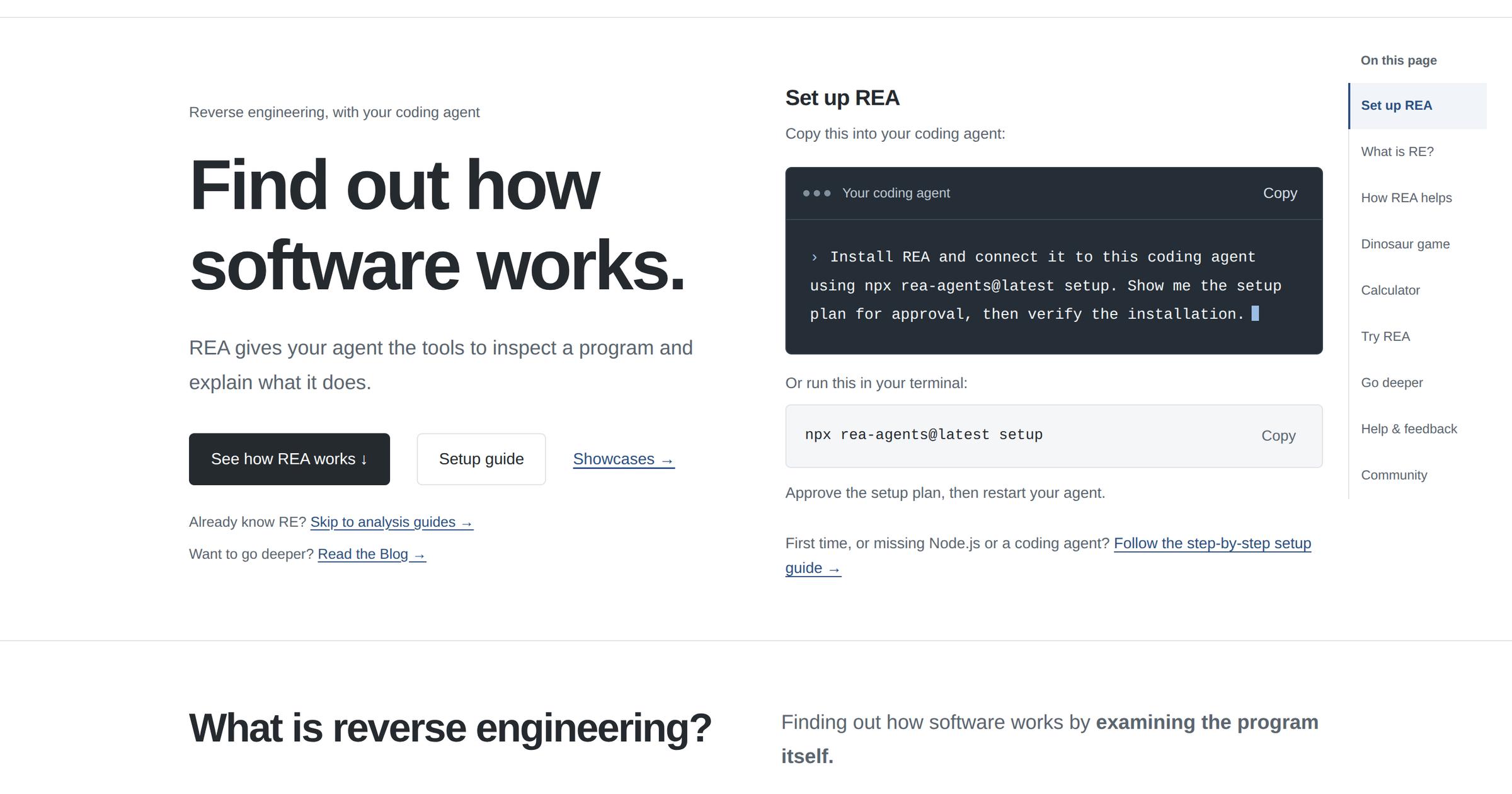
Registers with Claude Code, Cursor, Codex, Gemini CLI, Windsurf, GitHub Copilot CLI, VS Code, and others through a single `npx rea-agents setup` command. Setup shows its exact path changes before applying them and backs up existing configuration before modifying it.
Analyzes JavaScript application directories and ASAR packages without executing the application, without Hopper, and without Ghidra. A single `rea analyze /path/to/app.asar --json` returns the recovered dependency graph, inline evidence, limitations, and unknowns.
Connects an existing Hopper or Ghidra installation to your agent. Ghidra 12.1.4 with a 64-bit JDK 21 exposes inventory, function, memory, and load-image inspection, plus atomic function annotation edits on Linux and macOS. IDA Pro integrates through an existing mrexodia/ida-pro-mcp registration.
Runs static APK analysis through a separately supplied headless JADX JAR and Java, with no emulator required and no APK execution. Covers structure, class hierarchy, and code paths from the decompiled output.
Saves successful analysis results to a snapshot file keyed by target bytes, operation, parameters, analysis tool, and settings. Later queries that match exactly are answered from the snapshot without relaunching the analysis engine, saving time on repeated investigations.
Every analysis result includes the evidence and limitations behind each conclusion. The `rea compare` command validates and diffs two Evidence bundles; `rea evidence-export` produces a canonical JSON for archiving or sharing findings without the original binary.
Features
- MCP integration with major coding agents
- Static JavaScript and Electron analysis without execution
- Native binary analysis via Hopper, Ghidra, or IDA Pro
- Android APK analysis without an emulator
- Snapshot-based result reuse
- Evidence-included conclusions
How to install
Install REA with npm to connect it to your coding agents and analysis tools.
npx rea-agents setupRecommended for this setup
Strengths
- Binaries stay on your machine: All analysis runs locally. You do not send binaries to a cloud service to get AI-assisted results. This matters for proprietary software, anything under NDA, or regulated applications where off-premises analysis is not allowed.
- MIT license with no per-analysis fees: The MIT license means you can run REA commercially, fork it, and modify it without restriction. Unlike paid services like RevEng.AI, there is no per-analysis billing or subscription gate between you and your investigation.
- Bring your own analysis engine: If you already use Hopper, Ghidra, or IDA Pro, REA connects to your existing installation. It does not require a specific proprietary disassembler and does not lock you into a single vendor's analysis output.
- Works inside the agent you already use: REA installs into Claude Code, Cursor, Codex, Gemini CLI, Windsurf, VS Code, GitHub Copilot CLI, and others. No separate reverse engineering IDE is needed; investigation happens inside your existing coding workflow.
Trade-offs
- Native analysis requires a separate disassembler: Deep binary analysis needs Hopper (paid, with a demo mode), Ghidra 12.1.4 with a 64-bit JDK 21, or IDA Pro. REA does not include a built-in disassembler. If you do not already have one of these tools installed, you need to acquire and configure it before native analysis is available.
- Platform support excludes most Windows workflows: Full support covers macOS 12+ and a narrow set of Linux distributions (Ubuntu 24.04+, Fedora 41+, 64-bit Arch Linux). Windows Ghidra support is experimental, limited to x86-64 PE binaries on local NTFS. Historical source import reports `unsupported_host` on Windows entirely.
- Node.js 22 or newer is required: REA requires Node.js 22.x (>=22.19), 24.x (>=24.11), or 26+. Older Node.js versions are not supported. This is a non-trivial prerequisite for security teams or enterprises that pin their runtime environments.
Tech stack
FAQ
Hopper has a paid license but supports a demo mode with vendor-defined limits, which REA can use for analysis. Ghidra is free and open source. IDA Pro is a paid commercial tool. For JavaScript, Electron, and ASAR analysis, REA needs no disassembler at all and only requires Node.js.
REA supports Claude Code, Claude Desktop, Codex, Cursor, Gemini CLI, Windsurf, Devin, OpenCode, Antigravity, GitHub Copilot CLI, Command Code, and VS Code. Other agents with MCP support can use a manual MCP configuration. Existing REA registrations are selected by default during setup; other detected agents stay unselected until you choose them.
No. REA analyzes binaries locally on your machine. The MCP server runs locally, and analysis results never leave your host unless you export them yourself. This makes REA usable with proprietary software, NDA-bound binaries, and regulated applications.
Binary Ninja Sidekick is an AI assistant embedded in Binary Ninja, a paid commercial disassembler. REA is MIT-licensed and works with multiple analysis engines (Hopper, Ghidra, IDA Pro) through the coding agents you already use, rather than inside a dedicated disassembler GUI. REA does not include a built-in disassembler.
Yes, through a separately supplied headless JADX JAR and Java. REA does not require an emulator or execute the APK. Coverage includes class hierarchy and decompiled code paths. See the Android analysis documentation in the repository for setup details and supported operations.