
Paradev
Open-source macOS workspace for parallel CLI coding agents
Replaces Conductor
Who it's for
If you regularly work on more than one task at a time (a bug fix while a refactor is running), Paradev removes the branch-juggling overhead. Each task gets its own worktree, its own terminal, and its own diff; you review and merge when each one finishes. The agent picker lets you use different models for different tasks.
If you run only one coding agent session at a time, the workspace overhead is unnecessary. A single terminal with your preferred CLI agent is simpler.
Issue triage, changelog drafts, dependency bumps, and PR review responses can all run on a schedule or on an event trigger. Paradev's automations start an agent, hand it the task, and open a PR when it finishes; a human reviews and merges. This fits teams that want to offload repetitive tasks without giving agents write access to main.
Teams that prefer CI-native automation (GitHub Actions workflows) may find Paradev automations redundant. The value is highest for tasks that need a full coding agent session, not a scripted step.
Remote access lets you run workspaces on a GPU box or a home server and check in from a laptop or phone. The iPhone and iPad app shows agent status, diffs, and lets you send follow-up prompts. Workspaces keep running when your laptop sleeps. Requires Paradev Pro and a stable host machine.
If all your work happens on one machine and you do not need mobile access, the remote access features add no value. The free tier covers the parallel workspace use case fully.
Because Paradev is MIT licensed with its full source on GitHub, teams building internal tools or platforms for agent orchestration can fork it, modify it, and ship it commercially without restriction. The CLI and TypeScript SDK let you drive Paradev from scripts, CI pipelines, and other agents over MCP.
Teams needing an enterprise agent platform with SLAs, vendor support, and managed hosting should evaluate cloud-first offerings. Paradev is built for local-first use; its cloud features are add-ons, not the core.
The problem
Running one coding agent at a time in a terminal works until you have more than one task. A second session in a new terminal tab means forking the same repository checkout: the two agents start editing the same files and creating conflicts within minutes. Closing the laptop kills both sessions. Switching branches by hand to compare two approaches is a friction point that interrupts focus. Developers who want to work on multiple tasks in parallel spend a disproportionate amount of time on plumbing: creating worktrees, naming branches, restoring terminal state, and manually diffing results. The harder problem is review. A terminal diff is accurate but hard to scan for large patches, and there is no built-in path from an agent finishing to a PR open with checks reviewed. Each extra agent session multiplies this overhead, which is why most developers run only one at a time even when their hardware could support ten.
How it works
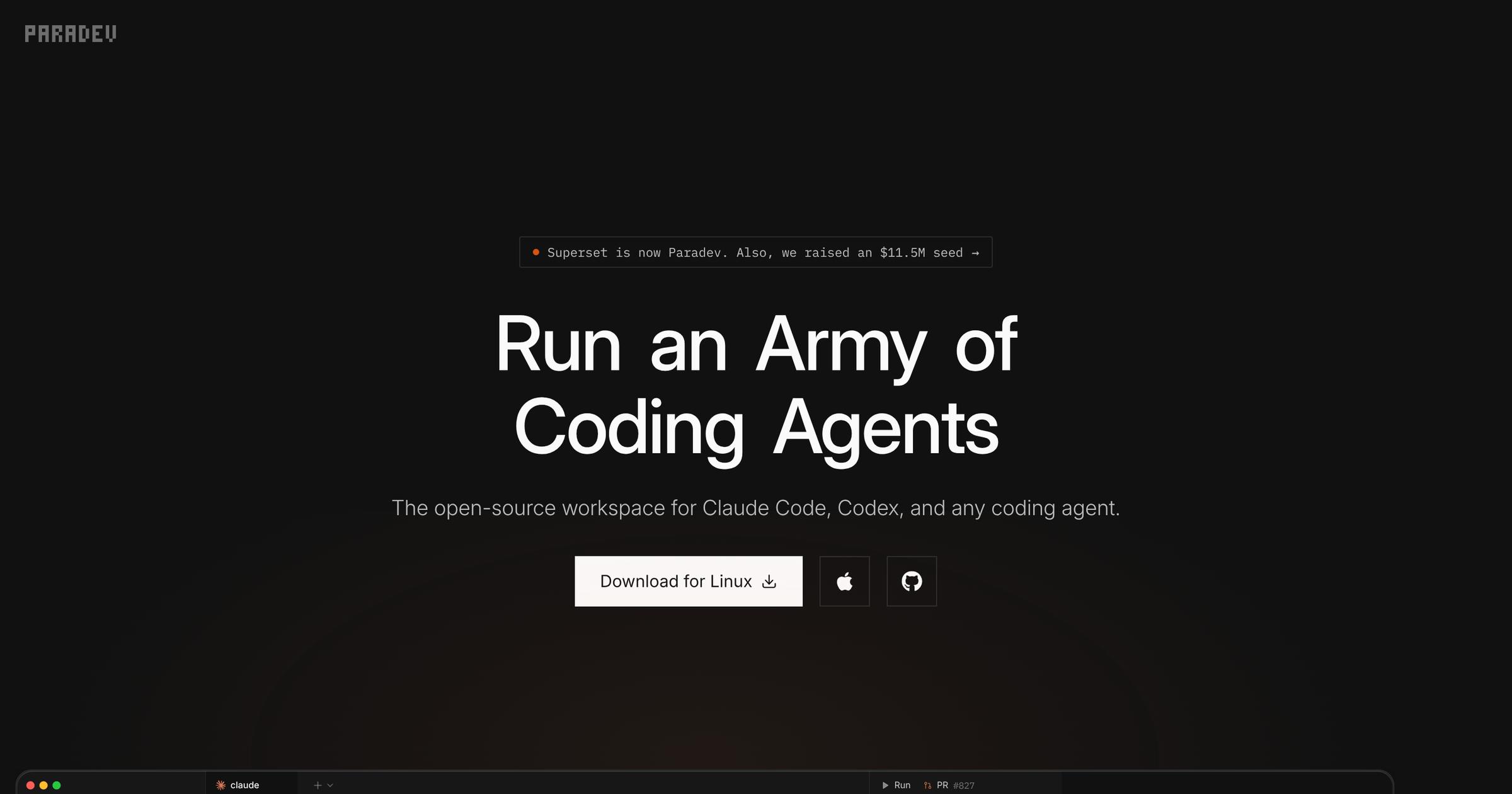
Each task gets its own Git worktree and branch, so agents work on separate copies of the repository without overwriting each other's files. Changes remain isolated until you review and merge them. The sidebar shows working, done, or blocked status for every agent session at a glance.
A Changes pane lets you review, comment on, and edit an agent's diff without leaving the app. Push and open a pull request directly from Paradev; the PR pane shows checks, review threads, and merge controls. The optional `gh` CLI enables the full PR flow; Paradev offers to install it for you.
Paradev works with Claude Code, Codex, OpenCode, Cursor Agent, Gemini CLI, GitHub Copilot, and over 20 other CLI coding agents. Each task picks its own agent; your workspaces, branches, and review flow stay the same regardless of which agent ran the work. No lock-in to a single provider.
Schedule agents to run recurring tasks: daily issue triage, weekly changelog drafts, or dependency bumps. Trigger them on events too, such as a new PR review request or a Sentry issue. Completed automation runs open PRs for you to review and merge. Requires the Pro plan.
Connect a remote machine (a GPU box, a server, or another computer) and reach its workspaces from the desktop app, the CLI, or your phone. The iOS and iPadOS app lets you send follow-up prompts, review diffs, and merge PRs away from your desk. Workspaces keep running when your laptop sleeps. Requires Paradev Pro and iOS 26 or later.
Preview each workspace's running dev server in a browser pane. Ports are detected per worktree, so multiple agents running multiple dev servers each get their own preview. Use the Design mode to select a UI element and send a change request directly to the agent running in that workspace.
Features
- Git worktree per workspace
- Built-in diff viewer and PR workflow
- Any CLI coding agent supported
- Automations on a schedule or event
- Remote access and iPhone and iPad app
- In-app browser with per-workspace port detection
How to install
Download the signed macOS installer from GitHub Releases: https://github.com/paradevai/paradev/releases/latest
Recommended for this setup
Strengths
- MIT license with no model proxying: Paradev is MIT licensed: the source is public on GitHub, and you can inspect, fork, and modify it. It never proxies model calls; your API keys connect directly to your chosen provider. This is distinct from paid tools that sit between your code and the model, adding latency and billing uncertainty.
- Agent-agnostic by design: Because Paradev provides the workspace layer rather than the agent itself, you can switch agents per task without reconfiguring anything. Claude Code for one task, Codex for another, OpenCode for a third: the worktrees, diff review, and PR workflow stay identical. Over 20 agents are fully supported.
- Local-first by default: Repositories, worktrees, terminal output, and agent sessions stay on your machine. Cloud sync covers account and organization metadata only. No code leaves your machine unless you push to a remote. This matters for teams with confidentiality requirements or developers working on proprietary codebases.
- 15,923 GitHub stars with active daily development: The repository has 15,923 GitHub stars and 1,423 forks; it shipped its most recent code push on 2026-11-04 and is YC-backed. The issue tracker carries 532 open issues, which reflects active use as much as defects. A large community means faster bug response and more agent presets contributed by users.
Trade-offs
- macOS is the primary platform; Windows unavailable: The desktop app targets macOS (Apple Silicon and Intel). A Linux x64 AppImage is available but described as experimental in the README. Windows support is not yet available. Developers on Windows who need a parallel agent workspace have no Paradev desktop option today.
- Automations, remote access, and mobile require Pro: Automations, remote access, and the iPhone and iPad app all require a Paradev Pro subscription. The free tier covers the core workspace and agent orchestration features. Teams that want scheduled agent runs or cross-device workflows need to budget for the paid plan.
- Worktrees separate files, not processes: Git worktrees prevent file-level conflicts between agents, but they do not sandbox processes. Two agents running test suites in adjacent worktrees share the same port space and system resources. Merge conflicts are still possible when agents work on overlapping code paths. Review and merge order matters.
Tech stack
FAQ
Yes. Paradev has a free tier that covers the core workspace features: parallel agent sessions, Git worktrees, the diff viewer, and PR workflow. Automations, remote access, and the iPhone and iPad app require a Pro subscription. The source code is MIT licensed, so you can also build and run it from GitHub.
Paradev supports over 20 CLI-based coding agents, including Claude Code, OpenAI Codex, OpenCode, Cursor Agent, Gemini CLI, GitHub Copilot, Grok, Devin, Kiro, Muse Code, and Kimi Code. Any CLI agent that runs in a terminal works without additional configuration. You can use a different agent for every task without changing your workspace setup.
macOS is the primary supported platform, available for both Apple Silicon and Intel. A Linux x64 AppImage is available but marked experimental in the README. Windows is not yet supported. If you need a parallel agent workspace on Windows today, Paradev does not yet have a desktop app for it.
No. Repositories, worktrees, terminal output, and agent sessions stay on your machine by default. Paradev does not proxy model calls: your API keys connect directly to your chosen agent provider. Cloud sync covers only account and organization metadata. The source is MIT licensed and auditable on GitHub.
Conductor was a macOS desktop app for running Claude Code, Codex, Cursor, and OpenCode in parallel local worktrees, with Conductor Cloud as a hosted add-on. On 2026-11-04 it announced it is joining Meta, closed new sign-ups, and set a wind-down schedule: Conductor Cloud shuts down on 2026-11-20 and the local app winds down in early 2027. Paradev is an open source alternative with no announced end-of-life date.