
Pane
Agent-agnostic parallel runner with auto worktrees, any OS.
Replaces Conductor
Who it's for
Open one pane per feature, run Claude Code on one branch while Codex reviews another, and see both agents' status in the sidebar. Worktrees are created and cleaned up automatically, and each dev server starts on its own port.
You only run one agent at a time and do not need worktree isolation. Sequential tasks on a single branch work fine without Pane.
Pane runs the same feature set on Windows x64 and ARM64, macOS, and Linux. Teams with mixed operating systems, or Windows-primary stacks, get the full parallel agent workflow without being forced onto a Mac.
Your entire team is on macOS and you need features tied to macOS-specific agent tooling.
Run agents on a Linux box, home server, or cloud VM continuously while controlling them from a laptop or phone via Remote Pane. Agents, terminals, git state, and credentials stay on the host machine.
All your work runs on a single local machine and you have no reason to access agents remotely.
Loops run an agent or command on a cron schedule, each run in a fresh worktree so you can review the results the next morning. Set up a nightly bug sweep and find the report waiting when you open Pane.
Your agents finish tasks in minutes and you have no need for scheduled or recurring runs.
The problem
Running multiple AI coding agents in parallel means keeping up with many terminal windows at once. Each agent needs its own git branch to avoid conflicts, which means running git worktree add, remembering paths, tracking which worktree is on which branch, cleaning up stale ones, and rebasing back to main before merging. Even experienced developers fumble this workflow regularly, and the commands are obscure enough that they interrupt the actual work. The coordination overhead compounds fast. You are alt-tabbing between your diff viewer, your terminal, and your Git client, copy-pasting output between tabs, and losing track of which agent finished and which one needs a response. The agents can work autonomously for hours, but keeping up with several of them drains exactly the focus those hours were supposed to free.
How it works
Creates a git worktree whenever you open a new pane and removes it when you archive the pane. Each worktree gets its own branch, an isolated block of ports via $PANE_PORT, and an automatic copy of your .env file. You never run git worktree add, git worktree remove, or git rebase manually.
Claude Code, Codex, Cursor, Aider, OpenCode, Goose, Gemini, or any tool that starts in a terminal runs in Pane immediately with no plugins, no SDK, and no waiting for first-party support. The same terminal tab can switch between agents in sequence.
The Remote Pane daemon is open source and runs on a VM, WSL box, home server, or cloud host. Connect from your desktop Pane or the browser app at runpane.com/app using a generated code over Tailscale or SSH. Dev server ports forward automatically to the client.
Pane registers its tools with Claude Code, Codex, and Cursor as MCP tools when it launches, including inside WSL. Agents can then discover Pane's command schema, register repos, open new panes, read terminal output, and check on other agents without any additional configuration.
Loops run an agent or shell command on a cron schedule, such as a nightly bug sweep. Each run opens in a fresh worktree and a new pane so the results are ready to review. Loops are for large recurring jobs and run at most once per hour.
Features
- Automatic worktree creation and cleanup
- Agent-agnostic: any CLI tool runs without plugins
- Self-hosted Remote Pane for distributed setups
- MCP server and agent-operable CLI
- Scheduled loops for recurring agent tasks
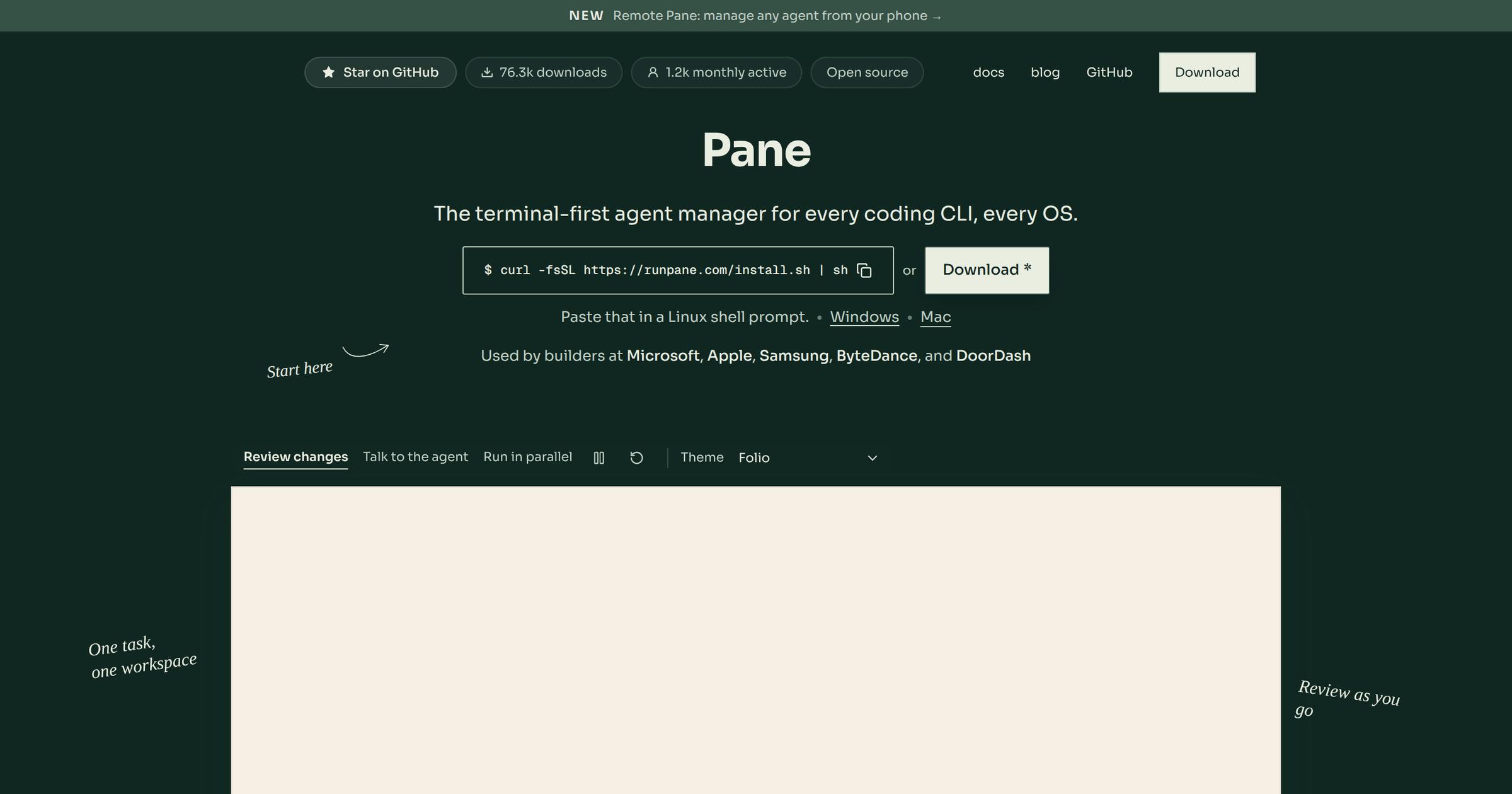
How to install
Install Pane using the curl installer on macOS and Linux.
curl -fsSL https://runpane.com/install.sh | shRecommended for this setup
Strengths
- Runs on Windows, macOS, and Linux with the same feature set: Pane ships native builds for Windows x64 and ARM64, macOS (Apple Silicon and Intel), and Linux x64 and ARM64. The UI, worktree management, Remote Pane, Loops, and MCP integration are identical across all platforms. Most commercial agent managers are macOS-only.
- Remote access is free and fully self-hosted: The Remote Pane daemon is open source and free to run on any machine you control. Teams keep agents on a dedicated Linux box or home server and control them from a laptop or phone without paying for a cloud relay or subscribing to a hosted tier.
- No lock-in: agents run in a plain terminal: Every agent runs directly in a terminal tab with no proprietary wrapper. If you stop using Pane, your agents, worktrees, and Git history are unchanged. The AGPL-3.0 source is auditable on GitHub at greenfield-inc/Pane.
- Git worktree complexity is hidden completely: Git worktrees provide the isolation parallel agents need, but the commands are hard to remember and easy to mess up. Pane handles add, remove, rebase, and squash without exposing a single git worktree subcommand. The README credits this as the original motivation for building Pane.
Trade-offs
- Windows direct downloads trigger a SmartScreen warning: The app is currently unsigned on Windows, so direct downloads trigger a SmartScreen security prompt. The website documents the fix: click More info and then Run anyway. The PowerShell installer bypasses this warning and is the recommended install path on Windows.
- 159 open issues as of November 2026: The GitHub repository carried 159 open issues as of the November 2026 reading. For a tool at this stage of adoption the count is not unusual, but it is worth checking the issue tracker before depending on a specific feature or platform quirk.
- Remote Pane requires Tailscale or SSH configuration: Remote Pane uses Tailscale for peer-to-peer connectivity between machines and requires HTTPS certificates enabled in the Tailscale admin console. An SSH mode is available for environments where Tailscale is not permitted, but neither path is zero-configuration.
Tech stack
FAQ
Yes. The AGPL-3.0 license with attribution permits running, modifying, and self-hosting Pane for any purpose including commercial internal use. You must share the source code of any modified versions under AGPL-3.0 and keep the visible Dcouple Inc attribution in the application UI. What is not permitted without written permission from Dcouple Inc is using the "foozol" name or Dcouple Inc branding to endorse a derived product.
Claude Code, Codex, Cursor, Aider, OpenCode, Goose, and Gemini are the agents specifically named in the documentation, but any tool that runs in a terminal works in Pane with no plugins or SDK required. If a CLI coding agent exists, Pane can run it.
Yes. Pane ships native builds for Windows x64 and ARM64. Direct downloads trigger a Windows SmartScreen security warning because the app is currently unsigned; the recommended install path is the PowerShell one-liner from the README: irm https://runpane.com/install.ps1 | iex. That command downloads the official release and bypasses the browser download friction.
Remote Pane is a self-hosted daemon that lets you run agents on a separate machine, such as a VM, WSL box, or home server, while controlling it from your desktop Pane app or the browser app at runpane.com/app. The default setup uses Tailscale for the peer-to-peer connection and requires HTTPS certificates enabled in the Tailscale admin console. An SSH-based alternative is available for environments where Tailscale is not permitted.
No. The README describes Pane as not an IDE and not a terminal emulator. It manages git worktrees and routes agents alongside your existing tools. Your editor, linters, and scripts continue to work as before; Pane adds the parallel worktree layer on top of them.