
OneDev
Git, CI/CD, issue tracking, wikis, and AI agents on your own server.
Replaces Github, Gitlab, Azure Devops, Bitbucket
Who it's for
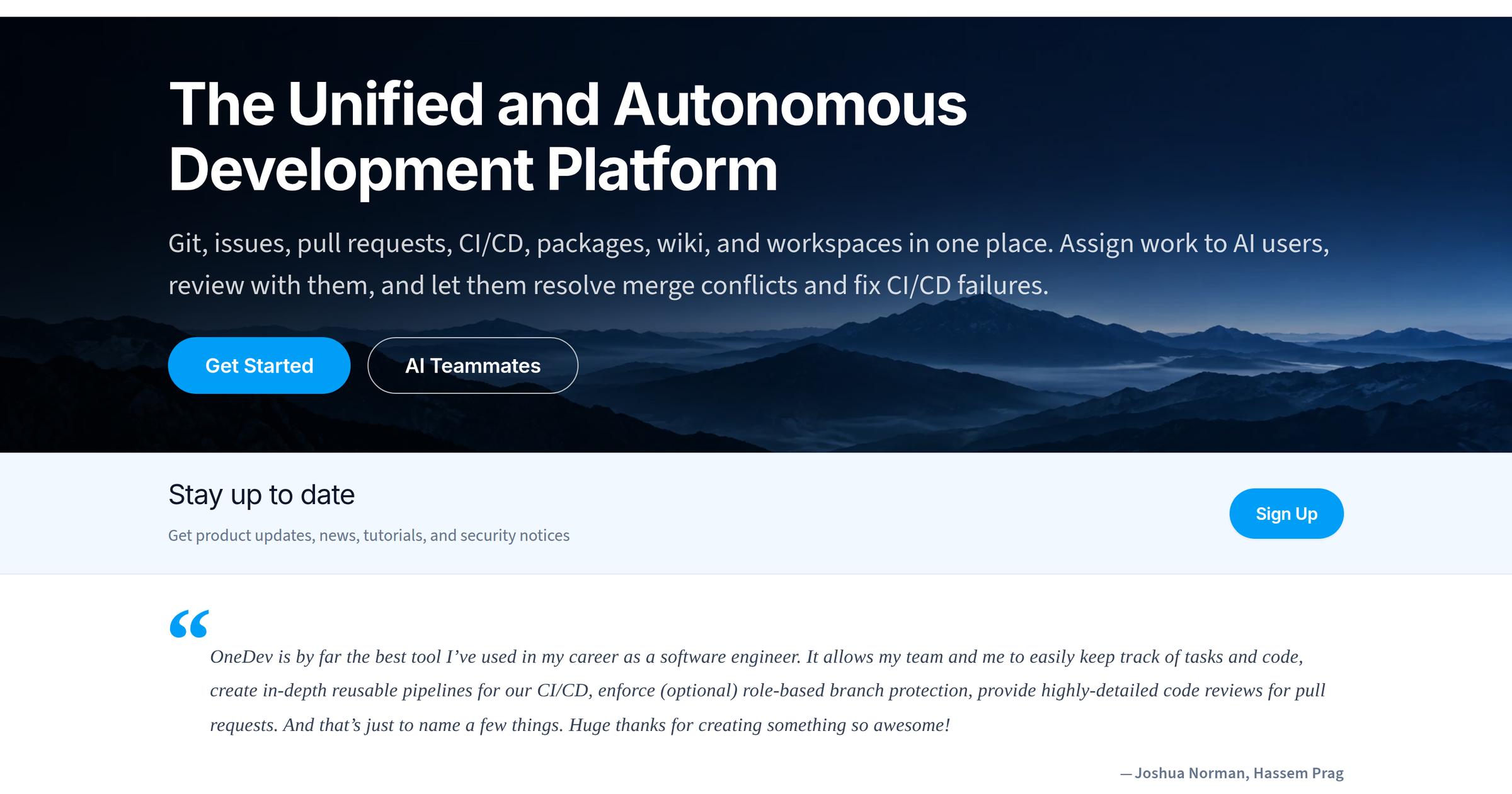
OneDev's AI users plug into the native issue and PR flow: assign issues to AI for implementation, let AI review PRs, trigger AI to fix CI failures. The workspace feature runs coding agents (Claude Code, OpenCode, Codex) headlessly in browser-accessible dev containers on the OneDev server. This is the most integrated setup for teams adopting AI-pair programming at the workflow level.
Teams that want to use a managed AI coding product without operating their own DevOps server. OneDev's AI integration requires a self-hosted instance with a configured AI provider; there is no cloud-hosted path.
All code, CI logs, package artifacts, issue history, and AI interaction traces stay on infrastructure you control. OneDev's MIT license permits deployment in air-gapped environments with no phone-home dependencies beyond whatever AI provider you configure. Audit trails across code, builds, and issues are all searchable within the same system.
Organizations without an existing server or cloud infrastructure team. If you cannot run and maintain a Linux or Windows server, the operational overhead outweighs the compliance benefit.
At team sizes where GitHub Teams or GitLab Premium per-user costs become significant, OneDev's self-hosted MIT model makes the economics straightforward: pay for the server once, not per developer per month. The full feature set (CI/CD, issue tracking, packages, wikis, code review) is available on the self-hosted version without a paid tier.
Teams of 2-3 developers where a managed service is cheaper than the time cost of operating a server. OneDev pays off at the point where per-seat fees materially exceed infrastructure costs.
OneDev has native Renovate integration to open pull requests for dependency updates and auto-merge them when required reviewers approve and CI passes. Combined with the built-in package registry and security scanning (dependencies, binaries, container images), teams get a full dependency lifecycle inside one system.
Projects with simple, infrequently-changed dependency trees where Renovate automation adds configuration overhead without clear benefit.
The problem
Engineering teams running separate tools for code hosting, CI/CD, issue tracking, package management, and documentation spend significant time maintaining integrations between those systems. When a commit triggers a build that fixes a bug, tracing that chain across three different dashboards is slow and error-prone. Cloud-hosted platforms like GitHub, GitLab, and Azure DevOps solve this by bundling everything, but at the cost of per-user pricing that scales uncomfortably as teams grow, storage and runner limits tied to plan tiers, and no option to keep code and pipeline data on infrastructure you control. For organizations with compliance requirements, air-gapped environments, or data-residency constraints, the only alternative has been assembling Gitea plus Jenkins plus Jira and keeping those integrations working over time. That maintenance burden is the real cost that per-seat SaaS pricing obscures.
How it works
AI users in OneDev work autonomously inside the standard issue and pull request flow. Assign an issue to an AI user and it implements the fix; add an AI reviewer to a pull request and it gives feedback; let the CI/CD failure handler assign the AI user to diagnose and fix broken builds. All AI actions happen through the platform's native workspaces, not an external service.
Jobs are created through an interactive editor with typed parameters, template reuse, and cache management. Framework templates cover common build patterns, and matrix jobs let you fan out tests across variable configurations. No CI YAML to commit or maintain; pipelines live inside OneDev and are version-controlled alongside the project settings.
Package registries are included and linked to CI/CD jobs, so build artifacts are published, versioned, and associated with the build that produced them. No separate registry service to operate or authenticate against; packages resolve the same identity graph as the issues and builds that reference them.
Each project includes a markdown wiki that is version-controlled alongside the codebase. Pages can be edited in the browser or via Git, wiki changes can be reviewed in pull requests, and any branch or release tag has its own wiki snapshot. Documentation stays in sync with the state of the code.
Code search supports regular expressions and language-aware symbol search across any commit in the repository, not just HEAD. Click a symbol to see all occurrences in the current file. The search runs across the full history, which matters when tracing when a symbol was introduced or renamed.
Issue states, fields, and transition rules are configurable per project. Kanban boards can move cards manually or automatically based on commit and CI events. The service desk feature links email threads to issues, letting teams support customers without requiring them to register accounts.
Features
- AI teammates for issue and PR automation
- GUI-based CI/CD without YAML authoring
- Built-in package registries
- Versioned wiki documentation
- Language-aware code search and navigation
- Customizable issue workflows with service desk
Recommended for this setup
Strengths
- MIT license with full self-hosting: OneDev is MIT-licensed and self-hosted, with no licensing fees and no restriction on commercial use or modification. You own the server, the code, the pipeline logs, and the package artifacts. Unlike GitHub (cloud-only for most features) or GitLab's paid tiers, there is no feature wall between the free and paid experience on the self-hosted path.
- Low resource footprint: The OneDev team documents medium-sized project operation on a single core with 2 GB RAM. A published performance comparison with GitLab shows OneDev using roughly 50% less memory and pushing Git commits about 40% faster. This means smaller infrastructure spend and faster operations on shared or constrained servers.
- Deep cross-referencing between code, builds, and issues: OneDev links issues, commits, CI/CD builds, and packages into a single traceability graph. A build shows which issues it fixed; an issue shows the builds that resolved it; package versions report the code changes they include. This is built into the data model, not a post-hoc integration between separate services.
- Browser-based workspaces for AI and human developers: Workspaces spin up preconfigured dev containers on the OneDev server, accessible in the browser. AI users (Claude Code, OpenCode, Codex) run in task-automation workspaces headlessly; human developers open the same environment interactively. Teams can onboard contributors without local setup, which reduces environment-configuration friction on large or distributed teams.
Trade-offs
- Java runtime and initial setup complexity: OneDev is written in Java and requires a Java runtime on the host. The server distribution handles this, but the setup process is more involved than a Docker-only install for teams unfamiliar with bare-metal service configuration. The 2026 release series replaced the old Java Service Wrapper with OneDev Wrapper, dropping Intel Mac and FreeBSD support in the process.
- Self-managed infrastructure responsibility: Running OneDev means you own backups, upgrades, availability, and security patching for the server and the underlying OS. Teams that chose GitHub or GitLab specifically to offload that operational burden will find that cost returns. High-availability mode (cluster replication) is supported but requires additional server capacity and configuration work.
- Smaller ecosystem than GitHub or GitLab: GitHub and GitLab have large ecosystems of third-party integrations, marketplace actions, and community-built templates. OneDev covers the core DevOps loop well but has fewer ready-made integrations. Teams dependent on specific GitHub Actions or GitLab CI templates may need to adapt those pipelines on import.
Tech stack
FAQ
Yes. OneDev is MIT-licensed and self-hosted, with no paid plans or per-user fees for the self-hosted version. You pay for the server infrastructure; the software itself is free to use, modify, and deploy for any purpose, including commercial use.
Both offer a similar feature set: Git hosting, CI/CD, issue tracking, and packages in one tool. OneDev uses significantly less memory (roughly 50% less) and pushes Git commits faster according to published benchmarks. GitLab has a larger ecosystem and more third-party integrations; OneDev has a lighter footprint and a GUI-based CI/CD editor that does not require YAML authoring.
Yes. OneDev workspaces spin up preconfigured dev containers on the server. AI users (Claude Code, OpenCode, Codex, and others) run in task-automation workspaces headlessly, while human developers can open the same environment in the browser. OneDev also ships a CLI and skills package so coding agents can query and edit issues, pull requests, and builds.
OneDev server and agent distributions run on Linux and Windows (amd64 and arm64 architectures) and macOS on Apple Silicon. As of version 16.9.0, Intel Mac, FreeBSD, and other platforms are no longer supported.
Yes. OneDev supports a cluster setup that can replicate projects across different servers for high availability or distribute projects for horizontal scalability. The high-availability configuration requires additional server capacity; documentation is at docs.onedev.io.