
LiVES
Live video editing and VJ performance tool for GNU/Linux
Replaces Resolume, Adobe Premiere Pro, Davinci Resolve Studio
Who it's for
LiVES fits VJs who need to trigger and manipulate video in real time on Linux systems.
You only need a conventional timeline editor for polished studio production.
Artists can use LiVES for projects that mix prepared edits, effects, and performance-driven playback.
Your workflow depends on commercial plugin ecosystems or team review tools.
The problem
Most video editors optimize for timeline post-production, not live performance. VJs and experimental artists need to trigger, mix, process, and manipulate clips in real time while still keeping editing tools available. Linux creators also face a smaller set of mature media tools than macOS and Windows users. LiVES fills a niche for people who want an open video workflow that can move between editing, effects, and live playback.
How it works
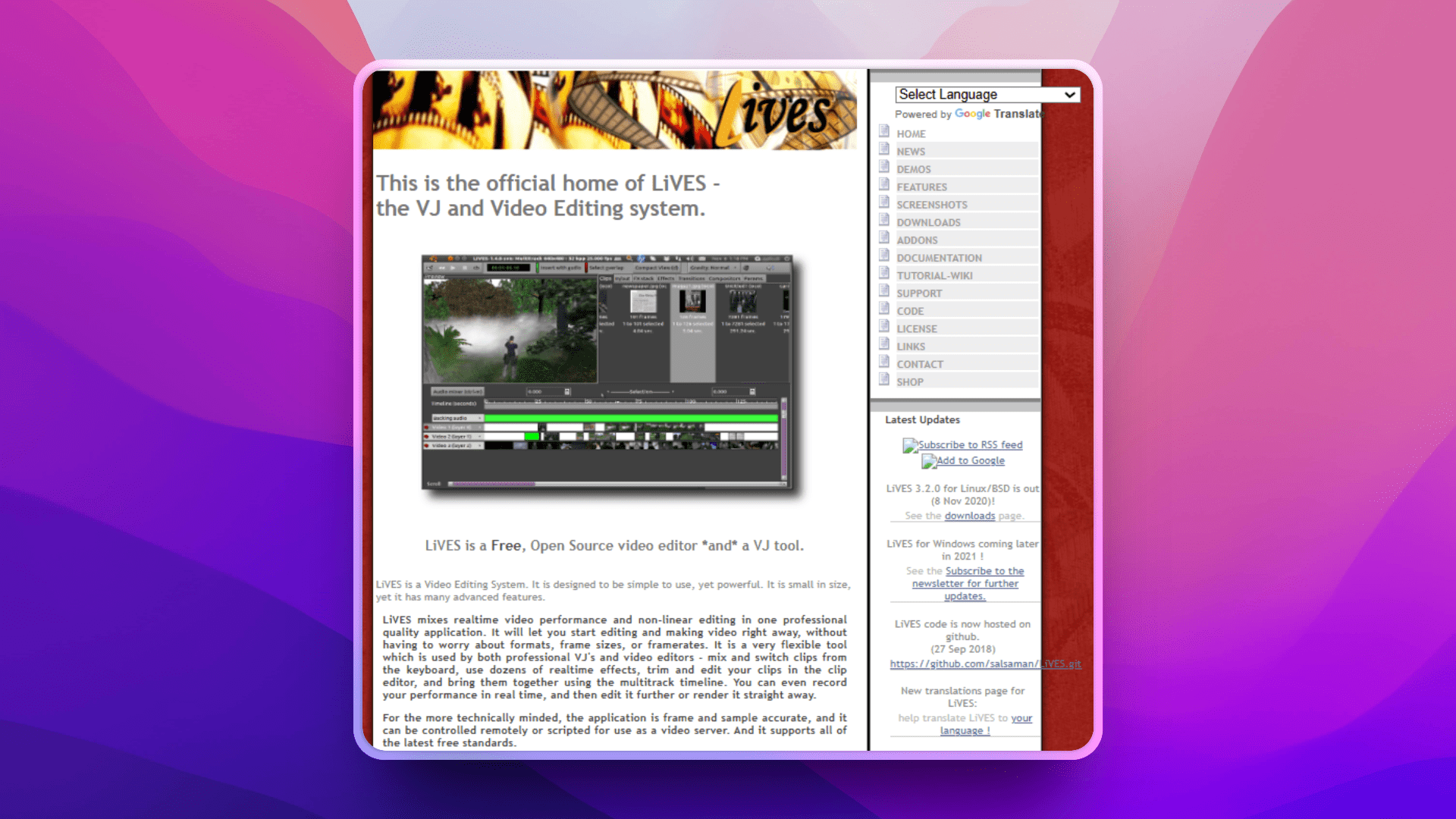
LiVES is built for live visual work where clips, effects, and playback need to respond during performance.
The tool also supports timeline-style editing, which helps creators prepare and refine material before performance.
LiVES gives GNU/Linux users an open video editor and VJ tool without depending on proprietary desktop suites.
Features
- Real-time video manipulation
- Non-linear editing workflow
- Linux-first media tooling
Recommended for this setup
Strengths
- Strong live-performance fit: LiVES is more relevant to VJs and experimental video artists than many standard open-source editors.
- Flexible creative workflow: Combining editing and performance features lets artists keep one tool in the loop from preparation to live output.
Trade-offs
- Niche interface and workflow: Editors coming from Premiere Pro, Final Cut Pro, or DaVinci Resolve should expect a different workflow and should test project-format needs first.
Tech stack
FAQ
LiVES is used for video editing and live VJ performance, especially on GNU/Linux systems.
No. LiVES includes non-linear editing features as well as real-time performance capabilities.
LiVES is best for Linux creators, VJs, and experimental video artists who need open tools for editing and live manipulation.