
HeyForm
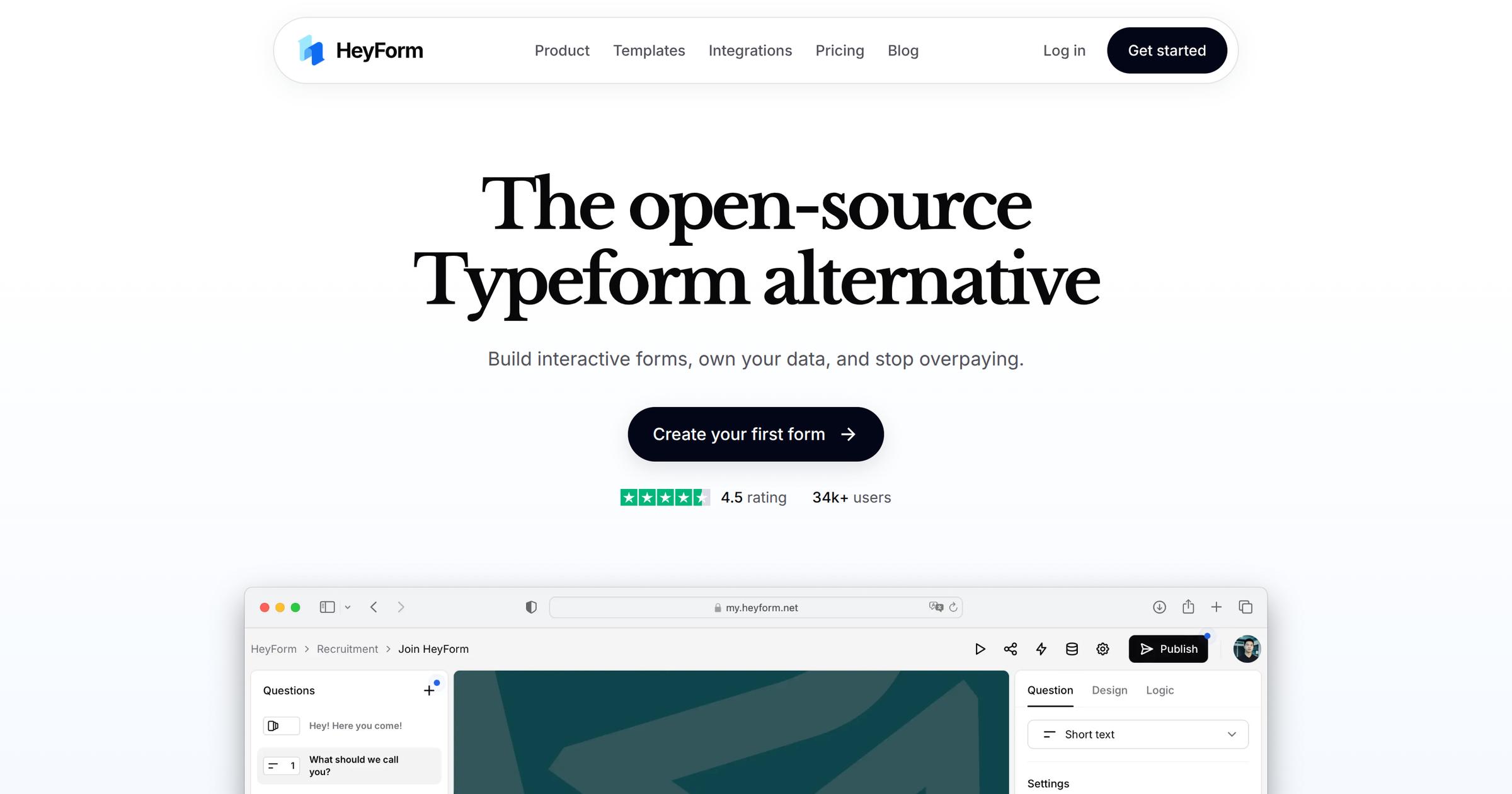
Open source form builder with conversational UI
Replaces Typeform, Jotform, Tally
Who it's for
Collect product feedback, NPS scores, and satisfaction surveys with a form that feels like a real conversation. Export to CSV or push to Google Sheets in real time.
Build contact forms, free-trial forms, and event registration flows with conditional routing. Connect to HubSpot, Mailchimp, or a webhook to drop leads directly into your CRM.
Job application forms, employee satisfaction surveys, and exit interviews run on your own infrastructure, keeping personal data out of third-party cloud form services.
The problem
Building forms that feel like a real conversation usually means paying for Typeform or Jotform. The challenge is that features that make form UX actually good (conditional logic, multiple endings, custom branding, payment collection, and AI-assisted drafting) are limited or paywalled on the major commercial form builders. Cloud-only form tools also mean your submission data lives on someone else's servers, with no option to self-host. HeyForm addresses both: a full conversational form experience with conditional logic, multiple endings, and integrations, running on your own infrastructure under the AGPL-3.0 license.
How it works
Questions appear one at a time in a guided sequence, like a conversation rather than a survey grid. Supports text, email, phone, picture choices, date pickers, file uploads, payment collection via Stripe, and more.
Show or hide questions based on earlier answers. Set up separate endings so respondents see different results, redirects, or follow-up steps depending on their path through the form.
Describe what you need and HeyForm generates a first draft of questions. You adjust, reorder, and refine from there, rather than starting from a blank page.
Connect to Slack, Google Sheets, Airtable, HubSpot, Mailchimp, Google Analytics, Zapier, and more via webhooks. Form responses can flow directly into the tools your team already uses.
Run HeyForm on your own servers. The AGPL-3.0 license grants full self-hosting rights for internal use, including internal commercial and team use. One-click deployments are available on Zeabur, Sealos, RepoCloud, and Alibaba Cloud.
Features
- Conversational form flow
- Conditional logic and multiple endings
- AI-generated question drafts
- Integrations with popular tools
- Self-hosting with AGPL-3.0 license
Recommended for this setup
Strengths
- Full conversational UI without a subscription: The single-question-at-a-time flow with animations and custom branding is the main reason teams pay for Typeform. HeyForm delivers it without monthly fees when self-hosted.
- Active and bootstrapped: 9,063 GitHub stars, 728 forks, only 9 open issues, and an active commit history. The project is fully bootstrapped with no investor pressure, and focuses on small business users rather than enterprise upselling.
- Wide integration surface: Slack, Google Sheets, Airtable, HubSpot, Mailchimp, Google Analytics, Zapier, and webhooks are all supported out of the box. Covers most team workflows without custom code.
Trade-offs
- AGPL-3.0 network copyleft: AGPL-3.0 grants full self-hosting rights for internal use, including internal commercial and team use. If you run a modified version as a network service and offer it to others, AGPL-3.0 requires you to release those modifications as open source. Teams hosting for themselves are not affected.
- Self-hosting has setup overhead: Running HeyForm requires a Docker deployment with server and webapp components plus a database. The hosted cloud plan at heyform.net removes this overhead for teams that prefer managed hosting over infrastructure control.
Tech stack
FAQ
Yes. The AGPL-3.0 license lets you run HeyForm on your own servers at no cost, with no response caps. You can use it commercially for internal team forms. The restriction is on running a modified version as a network service for others: AGPL-3.0 requires open-sourcing those modifications. heyform.net also offers paid cloud plans if you prefer managed hosting.
HeyForm covers Typeform's core features: conversational single-question flow, conditional logic, custom theming, file uploads, and payment collection via Stripe. The main practical difference is pricing: Typeform charges per response volume on its cloud plans, while a self-hosted HeyForm has no such limit. HeyForm adds AI-generated question drafts and multiple distinct form endings.
HeyForm does not have a built-in migration importer for Typeform or Jotform. You would need to recreate forms manually or use the API. The template library covers many common form types so you are not starting from scratch.
Self-hosting runs on Docker. The stack includes a Node.js server and a React webapp. See the official self-hosting guide at docs.heyform.net/open-source/self-hosting for the current requirements and configuration steps.
Yes. Self-hosted deployments can connect a generic OpenID Connect provider such as Authelia, Authentik, or Keycloak. See the OIDC configuration guide at docs.heyform.net/open-source/configuration/oidc.