Claude Command Center
Local dashboard for all your coding-agent sessions
Replaces Conductor
Who it's for
You routinely have four or more Claude Code or Codex sessions open across terminal tabs and lose track of which one finished or is waiting on input. CCC surfaces the needs-attention lane, context meters, and rate-limit projections so nothing stalls without your noticing.
You run only one or two agent sessions at a time and can monitor them directly in the terminal.
Your Claude plan resets at a fixed time but your sessions hit the limit hours before that. CCC's free-model fallback routes limit-hit sessions through a local free-model router so work continues at $0, then switches back to Claude automatically at reset.
You are on an unlimited API plan or do not use Claude Code.
You want to drop a batch of GitHub issues into a queue before leaving and have agent workers claim, fix, verify, and close them while you sleep. CCC's work queue with WatchTower, per-task git worktrees, and the GitHub issue board support this lifecycle end to end.
Your workflow does not involve batch or unattended agent tasks.
You step away from your machine while agents are running and want to check progress or send a follow-up instruction from your phone. CCC's responsive mobile UI, one-button Tailscale setup with QR code, and opt-in CCC Cloud relay make the fleet reachable on a trusted network.
You only need to monitor sessions when you are at your primary machine.
The problem
Running more than three parallel coding-agent sessions across multiple terminal tabs makes it easy to miss a question an agent asked 40 minutes ago, lose track of which sessions are still active, accidentally let a context window fill silently mid-refactor, or discover a fleet of orphaned sessions you had forgotten about entirely. The bottleneck shifts from the models to the developer's ability to monitor and steer them.
How it works
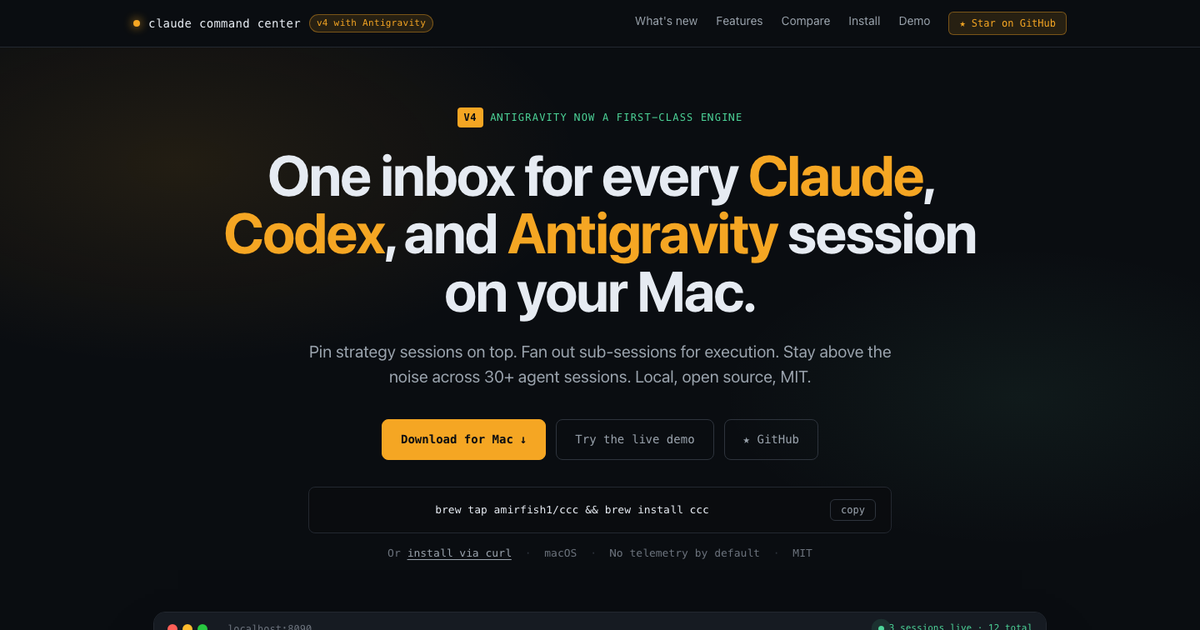
Every Claude Code, Codex, Cursor, Antigravity, Kilo Code, Kimi Code, OpenCode, Grok, and Devin session on your machine appears on one local board at localhost:8090, whether you launched it from CCC or from a terminal. Since v5.33, headless sessions launched outside the dashboard attach to their parent session automatically.
A dedicated lane flags sessions that ended on a real question, including plain-prose ones, and fires desktop notifications on macOS. Per-session context meters warn at configurable danger levels, and usage-window projections show your pace against Claude plan and Codex rate limits before a limit hits.
When a Claude session hits its usage limit, CCC can route it through a local free-model router so work continues on a $0 model, then switches back to Claude when the limit resets. A free-models leaderboard races each configured router model through small coding tasks and pins the best performer as the default.
A zoomable infinite Flow canvas lets you drag repos, sessions, group chats, and objects and connect them with edges. A project tree groups sessions under nestable named objects. Kanban states with drag-and-drop and multi-select, plus row pinning and sub-session nesting, give large fleets a workable shape.
A built-in queue with claim/fix/verify/close lifecycle pairs with WatchTower, installed by default as the queue engine. One-click git worktrees per task prevent parallel agents from colliding. An optional GitHub issue board spawns a session on an issue with one click and closes it with a commit-SHA comment when verify passes.
CCC is a stdlib-only Python server and a no-build vanilla-JS browser UI. No pip installs, no bundler, no framework. Session state is human-readable JSON sidecars under ~/.claude/command-center/, rewriteable by hand. Transcripts never leave your machine; the daily usage ping is opt-in.
Features
- Nine-engine session board
- Needs-attention detection
- Free-model fallback past usage limits
- Flow canvas and project tree
- Durable work queues with WatchTower
- Stdlib-only, zero-dependency architecture
How to install
# macOS / Linux — downloads, installs, and opens the dashboard curl -fsSL https://raw.githubusercontent.com/amirfish1/claude-command-center/main/scripts/install.sh | CCC_FROM=landing bash # Windows PowerShell irm https://raw.githubusercontent.com/amirfish1/claude-command-center/main/scripts/install.ps1 | iex # Homebrew brew install amirfish1/tap/ccc # From source git clone https://github.com/amirfish1/claude-command-center cd claude-command-center ./run.sh
Recommended for this setup
Strengths
- Attaches to work you already started: CCC reads each engine's on-disk state as the source of truth, so sessions you started or resumed by hand in a terminal appear on the board automatically. You are never locked into launching everything through the dashboard to keep the inventory accurate.
- Sessions survive a closed dashboard: Agents run independently of the CCC process. Close the dashboard, and every session keeps running. Reopen it the next day and everything reattaches, including dormant and archived sessions shown with time-gap markers so nothing is silently lost.
- No build step, no hidden runtime: The server is pure stdlib Python and the UI is vanilla JS with no bundler. There is nothing to install beyond cloning the repo and running the shell script. The source is auditable without a build process sitting between the code and what runs.
- Free to use at work under FSL-1.1-MIT: The Functional Source License 1.1 with MIT Future License permits use, modification, and self-hosting at work including for a team. Each release converts to MIT two years after it ships. Versions released before 2026-07-28 are already MIT.
Trade-offs
- Engine support is uneven: Claude Code is explicitly first-class. Other engines have documented gaps: Kilo Code has no resume support, Cursor IDE sync is metadata-only, and Devin cloud sessions are read-only. GitHub Copilot CLI and VS Code Copilot Chat are also read-only.
- Local-only scope by design: CCC is a local dev tool scoped to macOS, headless Linux, and native Windows. It has no hosted multi-user control plane. Remote access requires either a Tailscale setup, opt-in trusted-network exposure, or the opt-in CCC Cloud relay, which is outbound-only from your machine.
- Python 3.9+ and Git are required: The dashboard requires Git and Python 3.9 or later. The free-model fallback and queue features require additional setup: a local free-model router, API keys from external providers, and optionally the gh CLI or Vercel CLI for the GitHub and Vercel integrations.
Tech stack
FAQ
No. CCC reads each supported engine's on-disk state as the source of truth. Sessions you start or resume by hand in a terminal appear on the board automatically. Since v5.33, headless sessions launched outside the dashboard attach to their parent session automatically.
Sessions run independently of the CCC process and keep running after you close the dashboard. When you reopen it, every session reattaches, including dormant and archived ones shown with time-gap markers.
CCC routes limit-hit Claude sessions through a local free-model router you configure in Settings → Session limits. The session continues on a $0 model and switches back to Claude when the usage limit resets. A free-models leaderboard races each configured model through small coding tasks and pins the best performer as the default.
Session state, transcripts, and project names never leave your machine. The only outbound data is one anonymous daily usage ping, which is opt-in and can be disabled with CCC_TELEMETRY_DISABLED=1. Anonymous boot and site-click counters are documented and auditable. The public contract, bounded schemas, and absence of transcripts are stated in the project's telemetry documentation.
Yes. The FSL-1.1-MIT license permits use, modification, and self-hosting at work, including for a team. You may not sell CCC or offer it as a competing product or hosted service. Each release converts to the MIT License two years after it ships; versions released before 2026-07-28 are already MIT.