
Caprock
Track coding agent sessions with cost, plan limits, and PR pipeline
Replaces Conductor
Who it's for
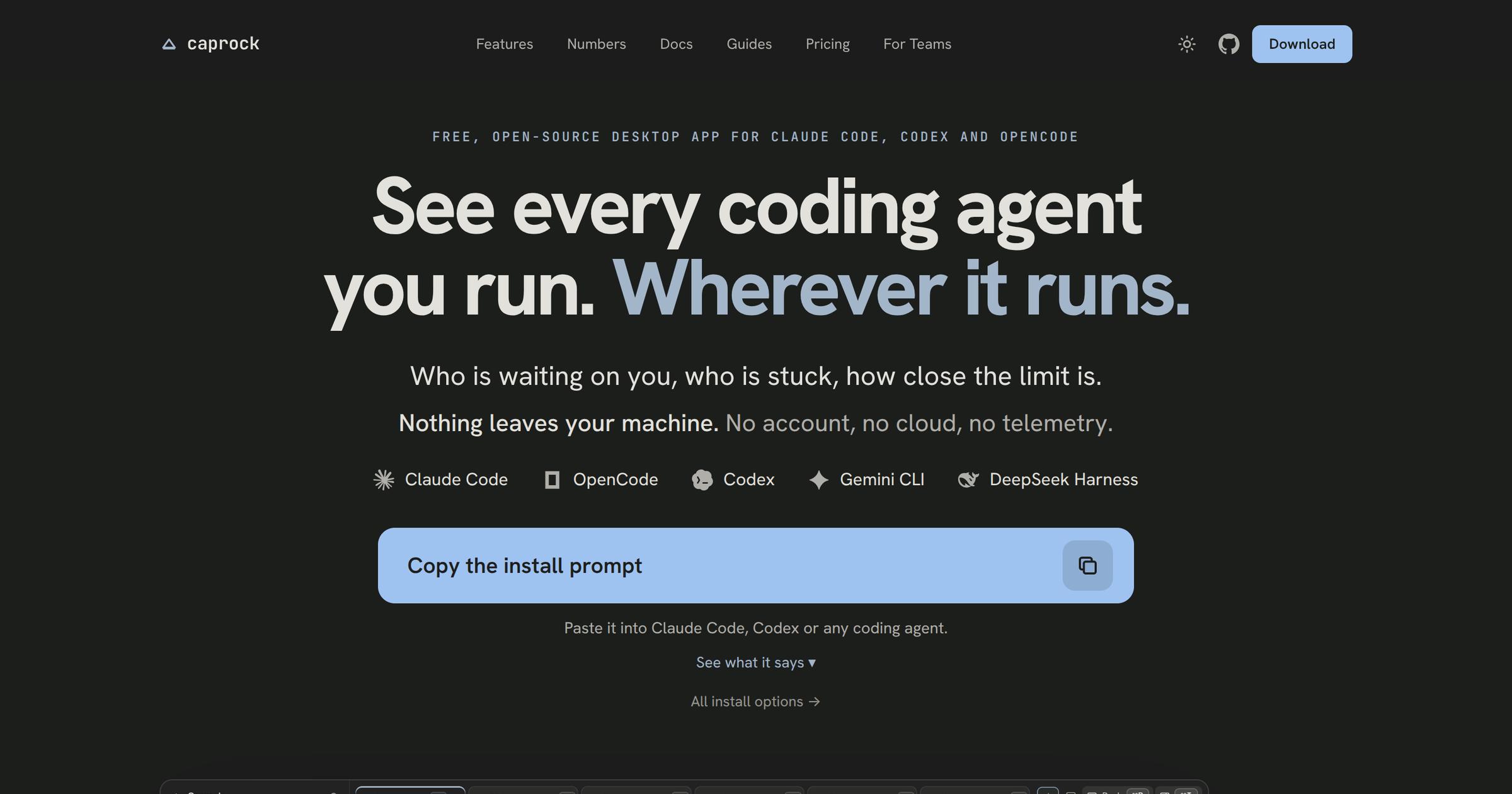
Caprock shows every active session, what is waiting on approval, your plan windows in real time, and per-repository cost in one window. The Pipeline view tracks each pull request from the first agent commit to the release it shipped in.
You run a single agent on one project and check usage from the provider's own dashboard. Caprock adds the most value when multiple sessions run across multiple repositories.
Caprock imports transcripts still on disk on first install, then records every new session going forward. After Claude Code deletes its own files, the sessions remain searchable in Caprock with their full tool call history.
You already back up transcripts manually or only need short-term session visibility within the default 30-day window.
A phone paired by QR code opens Caprock in its browser from anywhere through an encrypted relay. Sessions waiting on approval come first. You can dictate instructions, approve commands, and watch what an agent shipped without returning to your desk.
You rarely leave your desk while agents are running, or you prefer not to enable the phone relay network feature.
Cost per repository breaks down to per-service in a monorepo, each turn counted toward the directory of the last file the agent touched. caprock report prints a publishable summary at API list prices. caprock export writes the underlying data as TSV, CSV, or JSON for further analysis.
Your goal is aggregating cost across a team or integrating spend data into a billing system. Caprock is a solo tool and does not aggregate usage across multiple users.
The problem
Running multiple coding agents across several projects is hard to track. Claude Code deletes its own transcripts after 30 days by default, leaving no long-term record of what an agent did, what it cost, or which pull requests it produced. When a session waits on a permission prompt, nothing surfaces it. When an agent loops on the same tool call, the cost grows without a visible warning. The cost side is equally opaque. Paid AI coding plans bundle flat fees with usage windows, but the underlying token consumption and what the same work would cost through the API are not surfaced by default. A 5-hour or weekly Claude window can run out before any warning appears. Nothing in the default tooling shows which repository or directory within a monorepo is responsible for the spend.
How it works
Claude Code deletes transcripts after 30 days by default. Caprock captures every session in a local SQLite database, including ones started in your own terminal. On the maker's machine, 67 of 114 transcripts were already deleted after installation, including 10 from deleted worktrees, and all 67 remained searchable in Caprock. New sessions are recorded as they run and kept indefinitely.
Every agent turn is priced at API list prices, broken down by repository. Within a monorepo, cost is allocated to the directory of the last file the agent touched, so the rows add up to the repository total exactly. This is an estimate of what the same work would cost through the API, not a bill. In August, the maker found he had run $5,898 of Claude Code on a $200 Max plan using this view.
Caprock shows your Claude 5-hour and weekly usage windows in real time, with the time each resets and a warning before you hit 100%. Codex windows appear beside them so you can switch agents before running out. The menu bar shows your plan limits, today's spend, and the sessions waiting for approval at a glance.
The Pipeline view shows every pull request with its CI checks per job and operating system, how long each check took, and what the agents spent on that branch. A failed run, a conflict, or a branch behind main surfaces an action from the pull request row. Releases list which pull requests shipped in each version with their agent cost summed.
One QR code scan pairs a phone that opens Caprock in its browser from anywhere, through an end-to-end encrypted relay that sees only ciphertext. Sessions waiting for your approval come first. You can dictate instructions, approve commands, and monitor what an agent shipped without sitting at your computer.
When a session calls the same tool with nearly the same input five times within three minutes, a banner goes up. Repeated file reads are excluded; on 64,733 real tool calls they were over half of all alerts. Sessions Caprock started can be paused automatically when a loop is detected.
Features
- Session history kept past Claude Code's 30-day transcript cleanup
- Cost per repository and per service in a monorepo
- Claude and Codex plan limit windows, live
- Pull request pipeline from agent commit to release
- Phone access by QR code pairing
- Stuck session and runaway loop detection
How to install
Install the macOS desktop app with Homebrew.
brew install --cask dspv/tap/caprock-appRecommended for this setup
Strengths
- No account, no telemetry, and no cloud dependency: All data lives in a SQLite file on your disk. Caprock listens only on 127.0.0.1 by default and requires no account. Network features (update checks, GitHub, phone pairing, Telegram) are each off until you turn them on. Nothing leaves your machine unless you enable it. The code is Apache-2.0 on GitHub.
- Six coding agents unified in one session table: Claude Code, Codex, OpenCode, Gemini CLI, Hermes Agent, and DeepSeek's agent each write their own transcript format. Caprock reads all six into a single table on your disk. caprock export writes that table as TSV, CSV, or JSON lines for a spreadsheet, notebook, or your own data pipeline.
- Apache-2.0 license; core features free for solo use: Live sessions, cost per repository, plan-limit warnings, history, and search are free for solo use and described as staying free. A paid license ($30/year or $100 once) adds eight specific features: auto-pause at a daily budget, pause at the plan limit, Telegram answers, a weekly report, usage queries, failed-tool tracking, session export, and Obsidian import.
- Captures sessions started in your own terminal: Caprock adds a small hook to ~/.claude/settings.json (backed up first) and reads the transcripts Claude Code already writes. Sessions you start in your own terminal appear alongside ones Caprock started. The hook is removed with caprock hooks uninstall; your recorded history stays intact.
Trade-offs
- Young project with a small community: The repo was created in August 2026 and has 36 GitHub stars and 2 forks. Three open issues are listed. The project is actively maintained (last commit was October 2026) but has not yet built a large contributor community or broad third-party documentation.
- Cost estimates are at API list prices, not actual billing: All cost figures are calculated from token counts at API list prices. The site labels these an estimate, not a bill. Developers on flat-rate plans like Claude Max pay a subscription fee rather than per-token rates; the estimate shows what the same usage would cost through the API, which may be many times the plan fee.
- Windows installer not yet code-signed: The macOS app is signed with a Developer ID and notarized by Apple. The Windows installer is not code-signed yet, which triggers a Windows SmartScreen 'Run anyway' prompt at install time.
- Phone access uses an external encrypted relay: Phone pairing works through an end-to-end encrypted relay that sees only ciphertext. This is a network feature that is off by default. Unlike the rest of Caprock's local-only data model, phone pairing involves an external connection you enable.
Tech stack
FAQ
By default, no. Data stays in a SQLite file on your disk, and Caprock listens only on 127.0.0.1. There is no account or telemetry. Network features (update checks, GitHub, phone pairing, Telegram) are each off until you turn them on. Updating downloads the new app from GitHub's release files; that is the only automatic network activity once you allow it.
Yes, if those transcripts are still on disk. Claude Code keeps transcripts for 30 days by default. Caprock imports everything still present on first run, then records new sessions going forward. On the maker's machine, 67 of 114 transcripts were already deleted when Caprock was installed, and all 67 remained searchable after import.
No. Keep running claude or codex in your own terminal. Caprock adds a small hook to ~/.claude/settings.json, backed up first, and reads the transcripts those agents already write. You can remove the hook with caprock hooks uninstall; your recorded session history stays intact.
Yes, for solo use. Live sessions, cost per repository, plan-limit warnings, history, and search are free and described as staying free. Eight additional features require a paid license: auto-pause at a daily budget, pause at the plan limit, Telegram answers, a weekly report, usage queries, failed-tool tracking, session export, and Obsidian import. A license costs $30 per year or $100 once.
Claude Code, Codex, OpenCode, Gemini CLI, Hermes Agent, and DeepSeek's agent. Each agent writes its own transcript format; Caprock reads all six into a single table on your disk. Sessions started by Caprock and sessions you start in your own terminal both appear in the same view.