
TiktokAutoUploader
Upload and schedule TikTok videos from Python, TypeScript, CLI, or Go.
Replaces Socialpilot, Upload Post
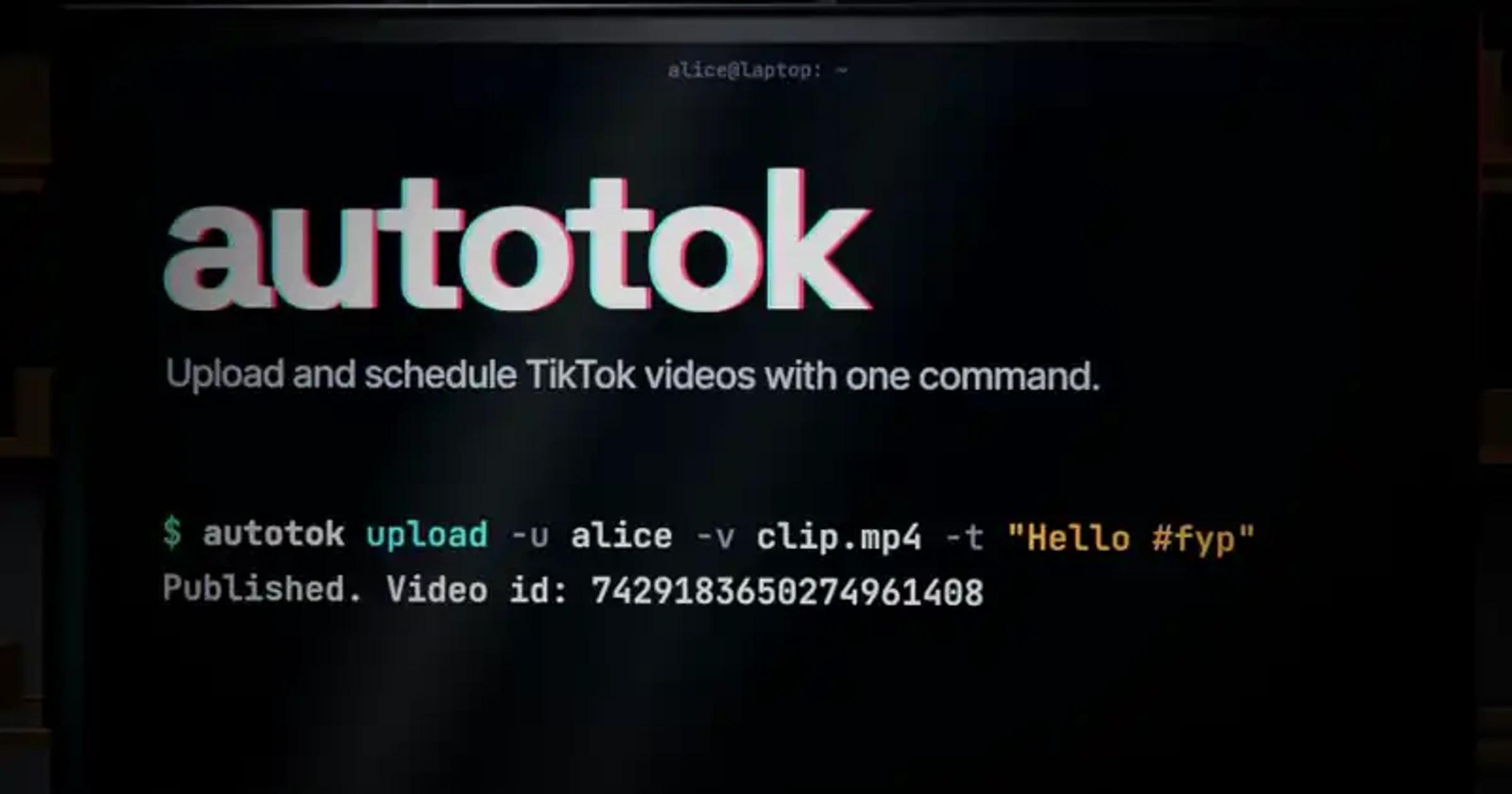
Who it's for
TiktokAutoUploader handles login-state persistence and per-account proxy routing, the two things that make multi-account TikTok automation fragile at scale. A team managing 10+ accounts can assign each one a residential proxy, store the sessions once, and push videos from a cron job or CI pipeline with no browser UI.
If you need a visual content calendar, approval workflows, or a drag-and-drop scheduler, a managed tool like SocialPilot will be faster to operate for a non-technical team.
The included MCP server exposes upload and scheduling commands to AI agents such as Claude or Cursor. An agent can receive a video path and caption, call TiktokAutoUploader over MCP, and confirm the upload without any custom API glue. The Go binary and TypeScript SDK provide additional integration paths.
If you need to post across multiple platforms beyond TikTok, TiktokAutoUploader covers TikTok only. A multi-platform service like Upload-Post handles cross-platform distribution from a single API call.
One login per account, one upload command per video, and TikTok-side scheduling up to 30 days out. No browser UI needed after the initial setup. YouTube Shorts URLs are downloaded automatically via yt-dlp, so creators can cross-post directly from a YouTube link.
If you need analytics, comment management, or brand monitoring alongside scheduling, TiktokAutoUploader has no dashboard. It is an upload and scheduling tool only.
The problem
Publishing videos to TikTok programmatically has no first-party API. The only paths are Selenium-based browser automation (brittle, frequently breaks when TikTok updates its frontend), unofficial third-party APIs (rate-limited and often disabled without warning), or manual uploads (not scalable for teams running dozens of accounts). The result is that developers building automated TikTok pipelines spend more time maintaining the upload layer than building the actual content workflow. For teams managing multiple accounts, the problem compounds: running several accounts from one IP is a fast path to flags and bans, so each account needs its own proxy and consistent login state. Most automation scripts do not handle per-account proxy routing, session persistence, or cloud browser support, leaving teams to wire these pieces together by hand or pay for a managed scheduling service at a per-post cost.
How it works
Sends videos through TikTok's own web upload endpoint, signing each request the same way a logged-in browser does. Unlike Selenium-based alternatives, it needs no browser driver and no unofficial API key. The same upload command works from Python, TypeScript, Go, or the CLI.
Each account stores its own proxy (HTTP(S) or SOCKS5), which autotok applies to the login, request signing, upload API calls, and video transfer. Running several accounts from one IP is a fast path to flags; this ensures each account always appears from a consistent, separate IP.
TikTok-side scheduling lets you queue a video to publish at a specific time without keeping a server running to trigger it. TikTok supports windows from 15 minutes to 30 days on most accounts (some are capped at 10 days). Post visibility (public or private) and interaction settings (comments, duets, stitches, AI-generated label) are set at upload time. The self-hosted web app removes the time limit entirely.
Ships as a Python package on PyPI, a fully typed TypeScript/JavaScript npm package, and a Go library with a standalone binary. The Go binary requires no Python or Node.js and shares saved account sessions with the other packages, so teams can mix languages in the same pipeline without duplicating login state.
An included MCP server lets AI agents (Claude, Cursor, VS Code) trigger uploads and scheduling without custom glue code. The same session and account state used by the CLI is accessible from the MCP interface, so an agent can receive a video path and caption and post it to TikTok in one step.
The login and request-signing browser can run on Browserbase (hosted) or Steel (hosted or self-hosted, open source) instead of locally. Set AUTOTOK_BROWSER=browserbase and an API key; uploads then run headlessly without installing Chromium on the server. Self-hosted Steel is free and open source, available as a Docker image.
Features
- One-command upload via TikTok's web upload API
- Per-account proxy with consistent IP routing
- Scheduling from 15 minutes to 30 days ahead
- Python, TypeScript, and Go SDKs
- MCP server for AI agent integration
- Cloud browser support via Browserbase or Steel
How to install
Install autotok via pip for the CLI and Python SDK, or npm for the TypeScript SDK.
pip install "autotok[youtube]"Recommended for this setup
Strengths
- No Selenium dependency: Most TikTok upload scripts rely on Selenium or Playwright for every request, which breaks when TikTok updates its frontend. TiktokAutoUploader computes TikTok's anti-bot request signatures in a headless Chromium session but handles the actual upload through the web API directly, making uploads faster and less fragile than full browser automation.
- Four-language support from one account store: Python, TypeScript, Go, and the CLI all share the same saved account sessions in ~/.autotok/accounts. A session created with the CLI is immediately usable from Python code or the Go binary; there is no account migration or format conversion between language environments.
- AGPL-3.0 with no per-post cost: Unlike SocialPilot or Upload-Post, which charge per post or per account under a managed subscription, TiktokAutoUploader has no per-post pricing. Run it on any server, container, or CI environment for the cost of that compute alone. AGPL-3.0 permits modification and internal commercial use; the restriction is on distributing a modified version as a managed service to others.
- Active maintenance with 1,221 stars and 4 open issues: The repo received its last push on 2026-11-05, with only 4 open issues. 1,221 GitHub stars and 252 forks reflect a broad user base across the Python and TypeScript communities. The low open-issue count suggests the current release is stable.
Trade-offs
- Requires a one-time Chromium download (about 300 MB): Even though uploads bypass Selenium, TikTok's anti-bot signatures still require a headless browser for the signing step. The local path needs about 300 MB for a Chromium download via the install-browser command. Cloud browser options (Browserbase, Steel) avoid this but add an external service dependency or a self-hosted container to maintain.
- AGPL-3.0 restricts managed service redistribution: If you build a hosted, multi-tenant service on top of TiktokAutoUploader and distribute it to others beyond your own internal use, the AGPL-3.0 license requires releasing your source changes. Teams running it for their own accounts internally have no such obligation. This is a real constraint for SaaS builders who want to white-label it.
- TikTok-side scheduling window is 10 to 30 days: TikTok's native scheduler supports a window of 15 minutes to 30 days for most accounts, but some accounts are capped at 10 days. The self-hosted web app works around this with its own queue and no time limit, but adds an extra container to run and maintain.
Tech stack
FAQ
No. TikTok's official Content Posting API is restricted and not publicly available for most use cases. TiktokAutoUploader uses TikTok's web upload endpoint, the same one the TikTok website uses when you upload manually in a browser. It signs each request using a headless Chromium session, which is not the same as Selenium automation: Selenium drives a full browser UI, while this tool calls the upload API directly after computing the required signatures.
TiktokAutoUploader ships as a Python package (via uv, pipx, or pip), a fully typed TypeScript/JavaScript npm package, and a standalone Go binary with no Python or Node.js required. All three share the same account session format, so a login done with the CLI is immediately usable from Python code or the Go binary.
Yes, for running it yourself. AGPL-3.0 permits you to run TiktokAutoUploader on your own servers for internal or commercial purposes, including client work, without any licensing fee. The restriction applies if you distribute a modified version as a managed service to third parties: in that case, AGPL-3.0 requires publishing your source modifications. Using it internally for your own accounts has no such obligation.
Yes. Set AUTOTOK_BROWSER=browserbase (Browserbase hosted cloud) or AUTOTOK_BROWSER=steel (Steel Cloud or a self-hosted Steel container). Both options run the login and signing browser remotely, so nothing needs to be installed locally. For the local browser option on a fresh Linux server, running autotok install-browser with the --with-deps flag as root installs Chromium's system libraries.
The CLI scheduling uses TikTok's own native scheduler. TikTok supports a window of 15 minutes to 30 days on most accounts; some accounts are capped at 10 days. The self-hosted web app (Docker) adds its own queue with no time limit and removes the TikTok-side scheduling window, but requires running an extra container. For most use cases the native scheduler is sufficient; the web app is for teams that need to queue posts further than 30 days out.