awesome-gpt-image-2
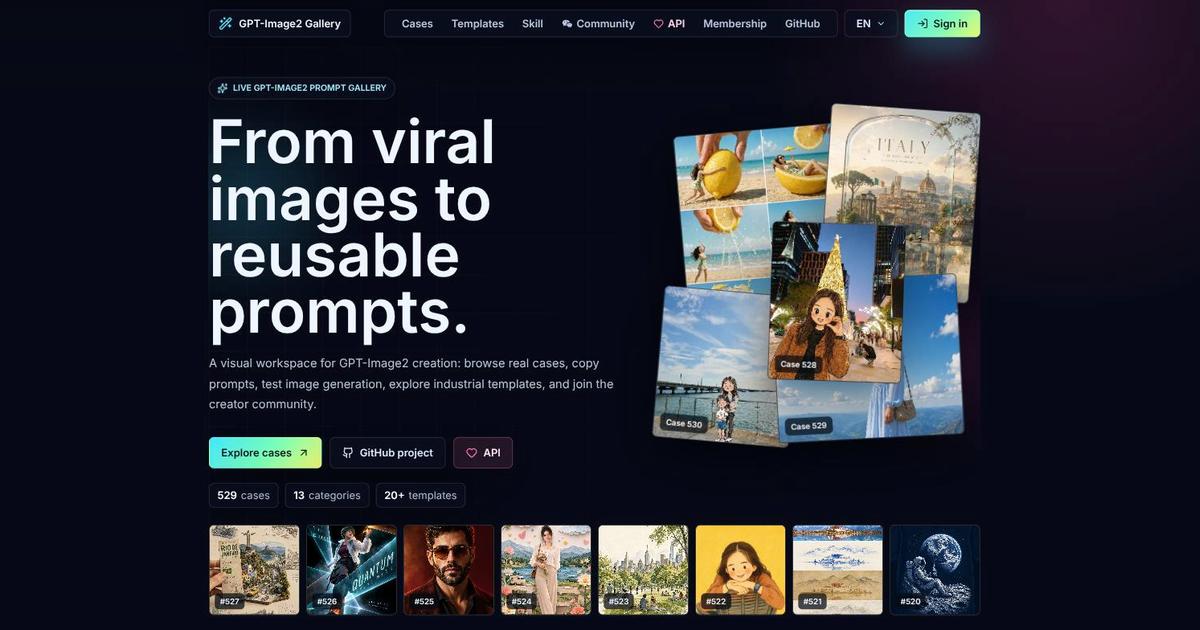
Discover and copy GPT-Image2 prompts easily
Replaces —
Who it's for
Generate creative content ideas and visuals for campaigns.
Skip if you are looking for highly technical prompts.
Quickly prototype applications using pre-defined prompts.
Skip if you need complex coding examples.
The problem
The project helps users find and utilize effective prompts for GPT-Image2 to enhance their creative and development processes.
How it works
Users can easily copy prompts for immediate use in their projects.
Apply different visual filters to see how prompts can be adapted.
Access related GitHub repositories for deeper integration and customization.
Features
- Copyable Prompts
- Visual Filters
- Direct GitHub Links
Recommended for this setup
Strengths
- User-Friendly Interface: The gallery is designed for easy navigation and prompt discovery.
- Diverse Applications: Prompts cater to various fields including marketing, development, and education.
Trade-offs
- Limited Customization: Prompts may require further customization to fit specific needs.
Tech stack
FAQ
Simply copy the prompt text and paste it into your GPT-Image2 interface.
No, the gallery is free to use.
Currently, contributions are not accepted, but feedback is welcome.