
Shlink
Self-hosted URL shortener with REST API, CLI, and visit analytics
Replaces Bitly, Dub, Short Io, Rebrandly, Cuttly
Who it's for
Marketing teams that run repeated campaigns under a branded domain benefit from Shlink's unlimited link creation and per-link visit analytics. Click data is stored locally, so it feeds directly into internal reporting dashboards or data warehouses without an additional API integration.
Your team has no server infrastructure and no one to manage it. Shlink requires a server or Docker environment; it is not a hosted service.
Developers who need URL shortening as a backend service can integrate Shlink through its REST API. The API key system supports multiple clients, and the full API spec is publicly documented with an interactive sandbox at api-spec.shlink.io.
You need a simple redirect with no analytics or API. A static redirect rule at the web server or CDN level is simpler and lighter for that case.
Teams that have hit link or domain caps on Bitly or Dub's paid tiers can move their custom domain to Shlink and replicate the redirect setup without ongoing per-link or per-event costs.
You rely on features specific to your current service, such as Dub's affiliate program management or Bitly's social media integrations. Shlink covers shortening and analytics, not those adjacent product areas.
The problem
Commercial URL shortening services charge monthly fees that scale with the number of links you create, domains you use, and tracked events you consume. These services store your analytics on their infrastructure, so migrating away means losing your click history. Free tiers impose strict caps that break down quickly for any production use: link counts, branded domain restrictions, and API rate limits all require paid upgrades. The deeper issue is control. When a vendor reprices their plans or discontinues a tier, every short link in your campaigns and published content depends on their decision. Teams that run ongoing marketing campaigns or embed short links in printed materials, emails, or integrations need those redirects to stay up indefinitely, on a schedule they set.
How it works
Provides a fully documented REST API for creating, listing, and managing short URLs from any application. API keys control access; you can generate multiple keys from the CLI and assign different permissions per key. The full API spec is published at api-spec.shlink.io with an interactive sandbox.
A command-line interface for generating short URLs, listing visits, and managing domains without opening a browser. Run bin/cli to see all available commands; every command accepts --help for usage details. API key management is CLI-only and cannot be done through the REST API.
Records anonymized visit stats for every short link click, including geolocation data derived from MaxMind GeoLite2. Visit data is stored in your own database, so you can query it directly or export it to any analytics pipeline you already operate.
Accepts a long URL and either auto-generates a unique short code or accepts a custom human-friendly slug you specify. Custom slugs make short links readable and predictable in marketing materials, emails, and printed content.
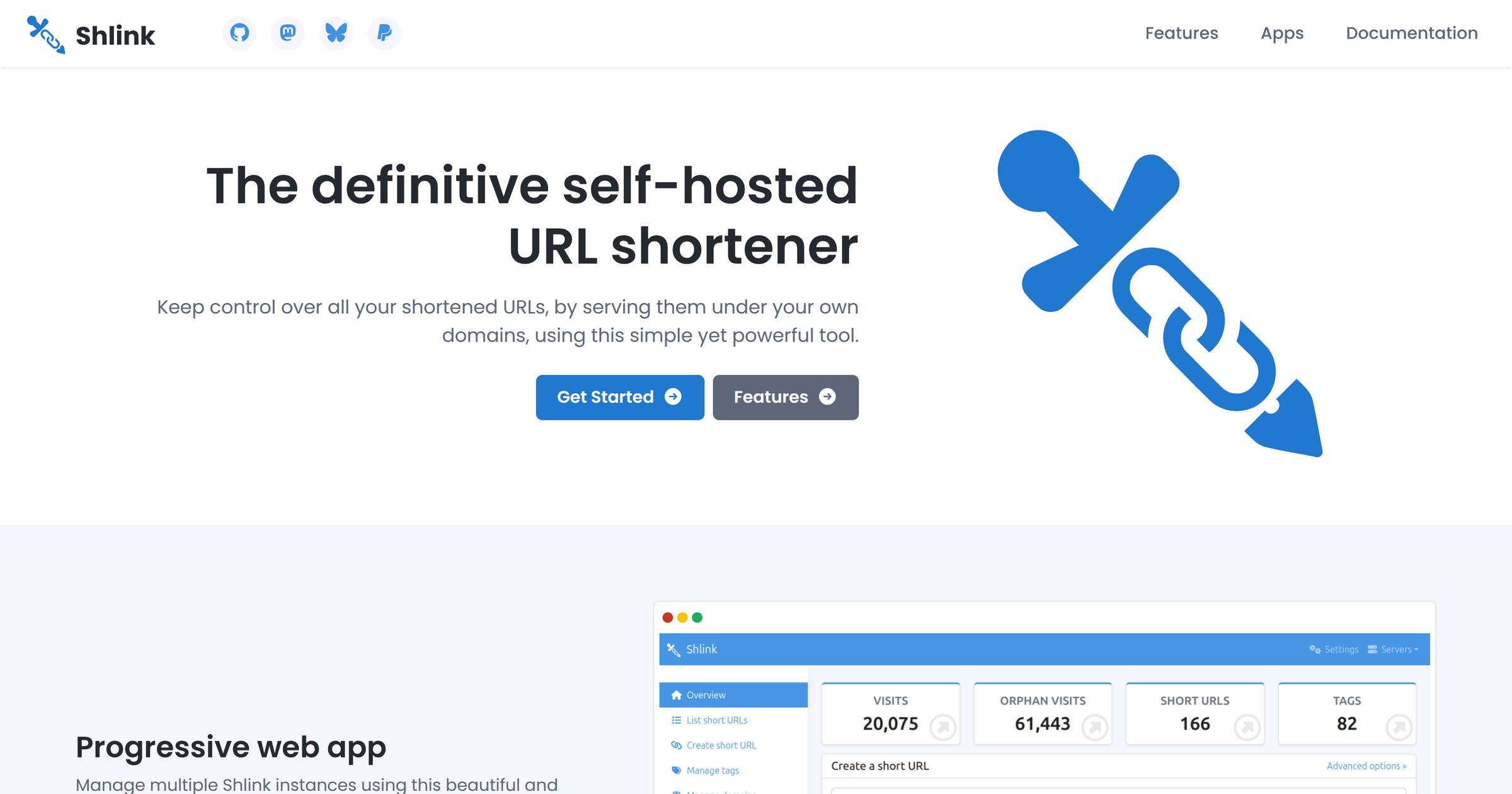
The companion shlink-web-client is a progressive web app that connects to one or more Shlink instances and provides a visual interface for managing links, viewing visit stats, and handling domains. It is available at app.shlink.io or can be self-hosted alongside Shlink.
Works with MySQL, MariaDB, PostgreSQL, Microsoft SQL Server, and SQLite. The corresponding PDO extension is the only database-side requirement, so you can connect Shlink to a database you already operate rather than provisioning a new one.
Features
- REST API with API Key Authentication
- CLI for Link and Domain Management
- Visit Analytics with Geolocation
- Custom Short Codes and Human-Friendly Slugs
- Progressive Web App for Multi-Instance Management
- Multi-Database Support
How to install
Deploy Shlink with Docker using your domain and database settings passed as environment variables.
docker run -d shlinkio/shlinkRecommended for this setup
Strengths
- MIT License with No Usage Caps: MIT licensed and free to run on any infrastructure, commercially or otherwise. Unlike hosted services that impose link counts, event limits, or domain caps per pricing tier, Shlink imposes none of those; the limits are what your server and database can handle.
- Complete Data Ownership: Every short link record, click event, and geolocation entry lives in a database you provision and control. You can query it directly, back it up on your own schedule, and export it to any reporting tool without requesting a data export from a vendor.
- API-First Design with Multiple Clients: The same operations are available through the REST API, the CLI, and the web app. Teams that build internal tooling, CI pipelines, or marketing automation can call the API directly; non-technical users can use the web app against the same instance.
Trade-offs
- PHP Server Prerequisites: Self-hosting requires PHP 8.4 or 8.5 with specific extensions (json, curl, pdo, intl, gd, gmp). Teams without PHP experience may find the initial setup more involved than deploying a containerized Node.js or Go application. The Docker image reduces this significantly, but Docker itself adds an infrastructure dependency.
- No Managed Hosting Option: Shlink has no managed cloud tier: you run all of it yourself. If your team has no existing server or container infrastructure, the deployment cost and ongoing maintenance are part of the equation. Services like Bitly or Dub's hosted tier remove that overhead at the cost of data ownership and link caps.
Tech stack
FAQ
Yes. Shlink is MIT licensed and free to run on your own server, including for commercial use. There are no license fees and no link count or event limits built into the software. Your costs are the server and database you host it on.
Shlink works with MySQL, MariaDB, PostgreSQL, Microsoft SQL Server, and SQLite. You need the corresponding PHP PDO extension installed: pdo_mysql, pdo_pgsql, pdo_sqlsrv, or pdo_sqlite. SQLite works with no separate database server and is suitable for small or personal deployments.
The Docker image is the documented path for most deployments: pull shlinkio/shlink from Docker Hub and pass your domain and database settings as environment variables. The alternative is downloading a pre-built dist file from GitHub Releases and running the shlink-installer setup script on a PHP 8.4 or 8.5 server.
Yes. Shlink is designed to serve short links under your own domain. You configure your default domain during the install process, and the CLI and API let you add and manage additional domains afterward.
shlink-web-client is the companion progressive web app for Shlink. It connects to your Shlink instance via the REST API and provides a visual interface for managing links, viewing visit stats, and handling domains. It is optional: all the same operations are available through the REST API and CLI. You can use the hosted version at app.shlink.io or self-host it alongside your Shlink instance.