
Passbolt
Open source team password manager with sharing and audit
Replaces 1password, Dashlane, Keeper
Who it's for
Passbolt fits teams replacing spreadsheets or ad hoc password sharing with a proper shared vault and access model.
You only need an offline personal password database.
Self-hosting gives small teams control over where credential data lives while still supporting collaboration.
You do not have anyone to maintain the database, backups, and application updates.
The problem
Team passwords often end up in chat messages, spreadsheets, browser sync accounts, or a password vault controlled entirely by a vendor. That creates security risk and makes it harder to review who can access shared infrastructure credentials. A team password manager needs more than personal vault storage. It has to support secure sharing, onboarding, offboarding, roles, and reliable deployment because credentials are a business-critical control point.
How it works
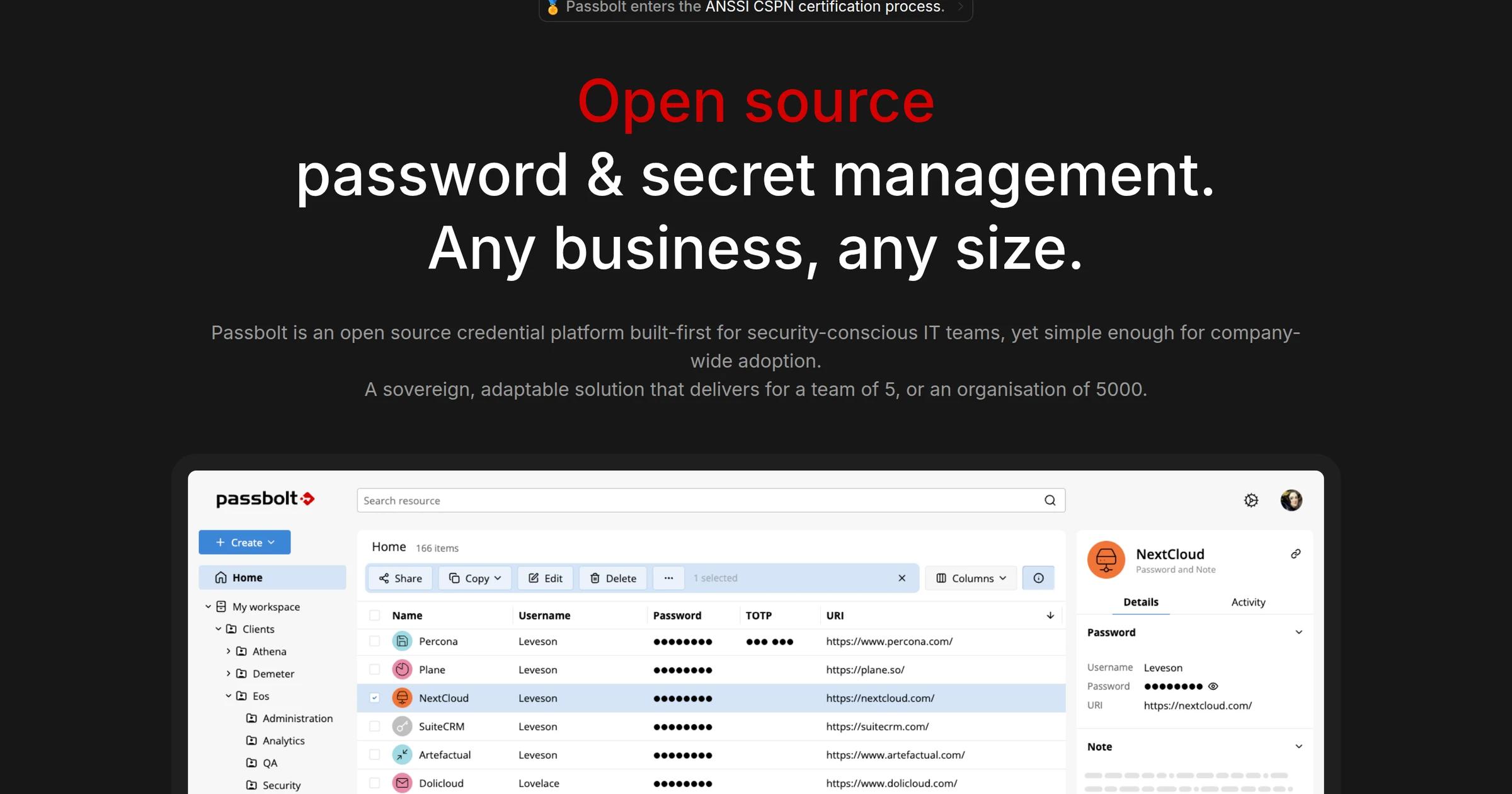
Passbolt lets team members store and share credentials securely, which addresses collaboration rather than only personal password storage.
The passbolt_docker repository provides Docker-based setup guidance, including Docker Compose usage and a MariaDB or MySQL requirement.
The repository focuses on getting started with Passbolt CE, giving teams a source-available path before evaluating hosted or enterprise editions.
Features
- Team credential sharing
- Docker deployment path
- Community edition source
How to install
docker-compose -f docker-compose/docker-compose-ce.yaml upRecommended for this setup
Strengths
- Built for teams, not just individuals: Passbolt's core positioning is secure credential sharing among team members, which is the hard part missing from simple local password databases.
- Self-hosted password control: Credential stores contain keys to production systems. Passbolt lets organizations operate the vault on their own infrastructure rather than placing all team secrets in a closed SaaS.
Trade-offs
- Database-backed service maintenance: Passbolt requires a running database and server maintenance. Teams need a backup and upgrade process because password vault downtime can block operations.
Tech stack
FAQ
Passbolt is used to store and share team credentials securely. It is aimed at organizations rather than only individual password storage.
Yes. Passbolt Community Edition has a Docker-based getting-started path.
Yes. Passbolt requires MariaDB or MySQL for the Docker setup.