
OpenNavo
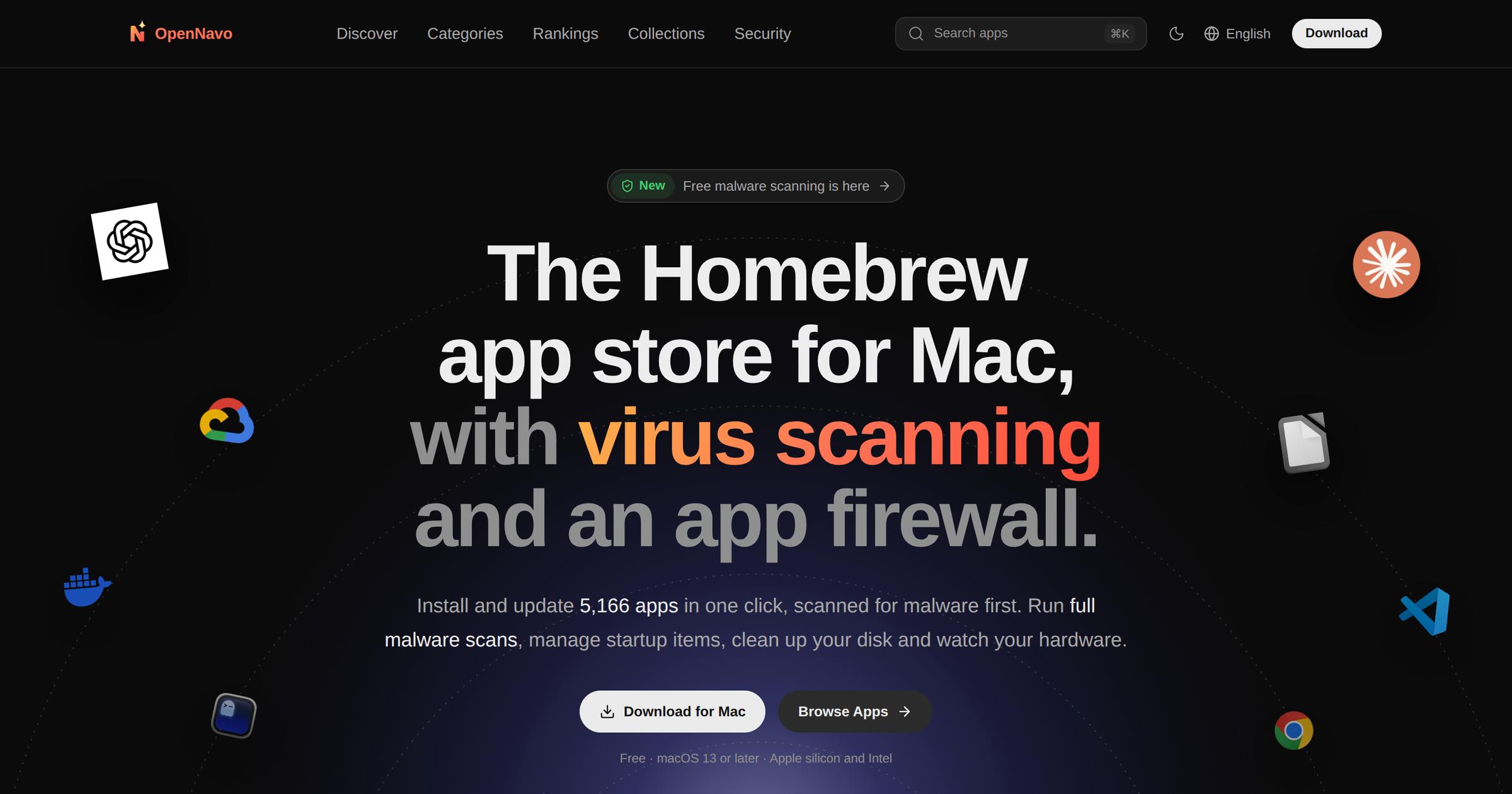
Homebrew GUI for Mac with ClamAV scanning and system monitoring.
Replaces Cork, Cleanmymac
Who it's for
Browse and install over 5,000 casks with screenshots, rankings, and release notes. Daily update checks handle Homebrew, App Store, and other update mechanisms in one place, so the morning routine is a click rather than a sequence of brew commands.
You are comfortable with brew in Terminal and already have an update workflow. OpenNavo adds the most value for users who have Homebrew installed but rarely open Terminal.
Add apps to a Brewfile list while browsing opennavo.com. On a new Mac, running brew bundle with the exported file installs every app in the list. Collections can also be exported directly as a Brewfile.
Your team already manages Mac provisioning with tools like Ansible or MDM. Brewfile export is most useful for personal or small-team setups.
The uninstaller finds the data, caches, preferences, and background items left by an app across all three install sources (Homebrew, App Store, and disk image installs). The cleanup scan sorts leftovers into risk tiers before anything is deleted, with files going to Trash by default.
You need commercial support or guaranteed safe deletion with rollback beyond Trash. CleanMyMac and similar tools have longer track records and customer support channels.
ClamAV scans run before every Homebrew install and on every file that lands in Downloads. Startup items are catalogued and new additions trigger an alert immediately. System check shows the status of SIP, Gatekeeper, FileVault, XProtect, and the firewall in one screen.
You need enterprise-grade endpoint security. ClamAV has limited coverage of Mac-specific malware compared to dedicated macOS security products. OpenNavo adds to macOS built-in protections but does not replace a dedicated endpoint security tool.
The problem
Homebrew is one of the most reliable ways to install software on a Mac, but its command-line interface puts a ceiling on who can use it. Remembering exact cask names, running brew outdated to find stale apps, and looking up changelogs separately are friction points that push many Mac users back to the App Store or scattered download pages. There is no built-in way to browse what is available, compare options, or know what changed in a new version. For Mac users who also want to keep their system clean and secure, the problem multiplies. Dedicated cleanup tools like CleanMyMac run as proprietary software and require paid subscriptions, meaning you cannot inspect what they delete or how they determine what is safe to remove. Malware scanning on Mac is either limited to built-in XProtect or requires a separate paid product. Having separate paid tools for Homebrew management, malware scanning, cleanup, and system monitoring adds up quickly.
How it works
Over 5,000 Homebrew casks organized with descriptions, screenshots, installation counts, dependencies, and per-version release notes. Rankings follow real install data from the past 30 days. The web directory at opennavo.com lets you browse and copy brew commands without installing the app.
The macOS app queues tasks with live Homebrew command output, so you see exactly what runs. Daily update checks cover Homebrew, the App Store, Sparkle, Electron, and GitHub releases. Apps can be pinned or skipped; running apps prompt before an update proceeds.
Every download goes through ClamAV before it installs. New files in Downloads are scanned automatically. Scheduled quick scans cover the Desktop and startup items; full scans cover the whole Mac. Scans run locally and no files are uploaded to any server.
Twenty categories of startup items are tracked, from background services and login items to browser extensions, each with its owning app and signature. New startup items trigger an alert. Signature checks catch apps whose developer certificate changed after install.
Uninstalls apps from Homebrew, the App Store, or disk images and finds associated data, caches, preferences, and background items before removing anything. A read-only scan categorizes leftovers into risk tiers; caches are deleted directly, while other files go to Trash so the action can be undone.
CPU, GPU, memory, disk, network, battery, temperatures, and fans are available as menu bar items, shown as text or small charts. SMART drive health, per-process resource usage, and fan speed control are included. Readings stay in memory and are never written to disk or uploaded.
Features
- Homebrew App Directory
- One-Click Install, Update, and Uninstall
- ClamAV Malware Scanning
- Startup Item and Signature Monitoring
- App Cleanup and Uninstaller
- System Monitor with Menu Bar Integration
How to install
Download the signed macOS app from GitHub Releases: https://github.com/opennavo/OpenNavo/releases/latest
Recommended for this setup
Strengths
- Free While Replacing Two Paid Tools: Cork is a paid Homebrew GUI and CleanMyMac is a paid cleanup and monitoring suite. OpenNavo is free with no paid tier and published under GPL-3.0, so you can read the cleanup rules, the ClamAV integration, and the fan control code before trusting it on your Mac.
- Covers Homebrew, Cleanup, and Security in One Download: Cork handles Homebrew management, CleanMyMac handles cleanup and monitoring, and a separate antivirus handles malware scanning. OpenNavo replaces all three in a single free app that installs in one download and needs no subscription.
- Transparent and Reversible Cleanup: Cleanup scans are read-only until you approve. Files go to Trash by default so they can be recovered. Protected items (keychains, VPNs, virtual machines, iCloud Drive, browser history, passwords) are never touched. Each path is rechecked right before removal.
- No Account, No Telemetry: No sign-in is required. The app does not report which apps you have installed. Malware scans run on-device. The Brewfile list stays in your browser.
Trade-offs
- ClamAV Has Limited Mac Malware Coverage: ClamAV's coverage of Mac-specific malware is limited compared to dedicated macOS security products, as the project itself notes. OpenNavo adds signature checks, notarization checks, and startup item monitoring to compensate, but the combination does not replace a dedicated endpoint security tool.
- Early-Stage Project: OpenNavo was created in October 2026 and has 89 GitHub stars. The user community and ecosystem of third-party guides are still developing, and the issue tracker has 8 open items as of the research date.
- Web Directory Requires a Complex Stack to Self-Host: The macOS app is a simple download, but self-hosting the web directory and backend sync server requires a Go backend, PostgreSQL, Redis, and a Nuxt 4 web app via Docker Compose. This is not a zero-effort setup and is not needed for typical desktop use.
Tech stack
FAQ
Yes. OpenNavo is free to download and use with no paid tier or subscription. The source code is published under GPL-3.0 on GitHub.
No. OpenNavo wraps Homebrew, so Homebrew must already be installed on your Mac. The app calls brew on your local Homebrew installation and does not ship its own version. The server never runs brew itself: installation and updates run on your Mac only.
OpenNavo ships the open-source ClamAV engine with its virus database updated from ClamAV's official servers. Downloads are scanned after Homebrew finishes downloading and before the cask installs. New files in your Downloads folder are also scanned automatically. Scans run on your Mac and no files are uploaded. ClamAV's coverage of Mac-specific malware is limited, so OpenNavo also checks signatures, notarization, and startup items alongside ClamAV.
Yes. OpenNavo requires macOS 13 or later and supports both Apple silicon and Intel Macs.
Yes. You can add apps to a Brewfile list while browsing and export it in one click. On a new Mac, running brew bundle with the exported file installs every app in the list. Collections can also be exported directly as a Brewfile.