
oh-my-pi
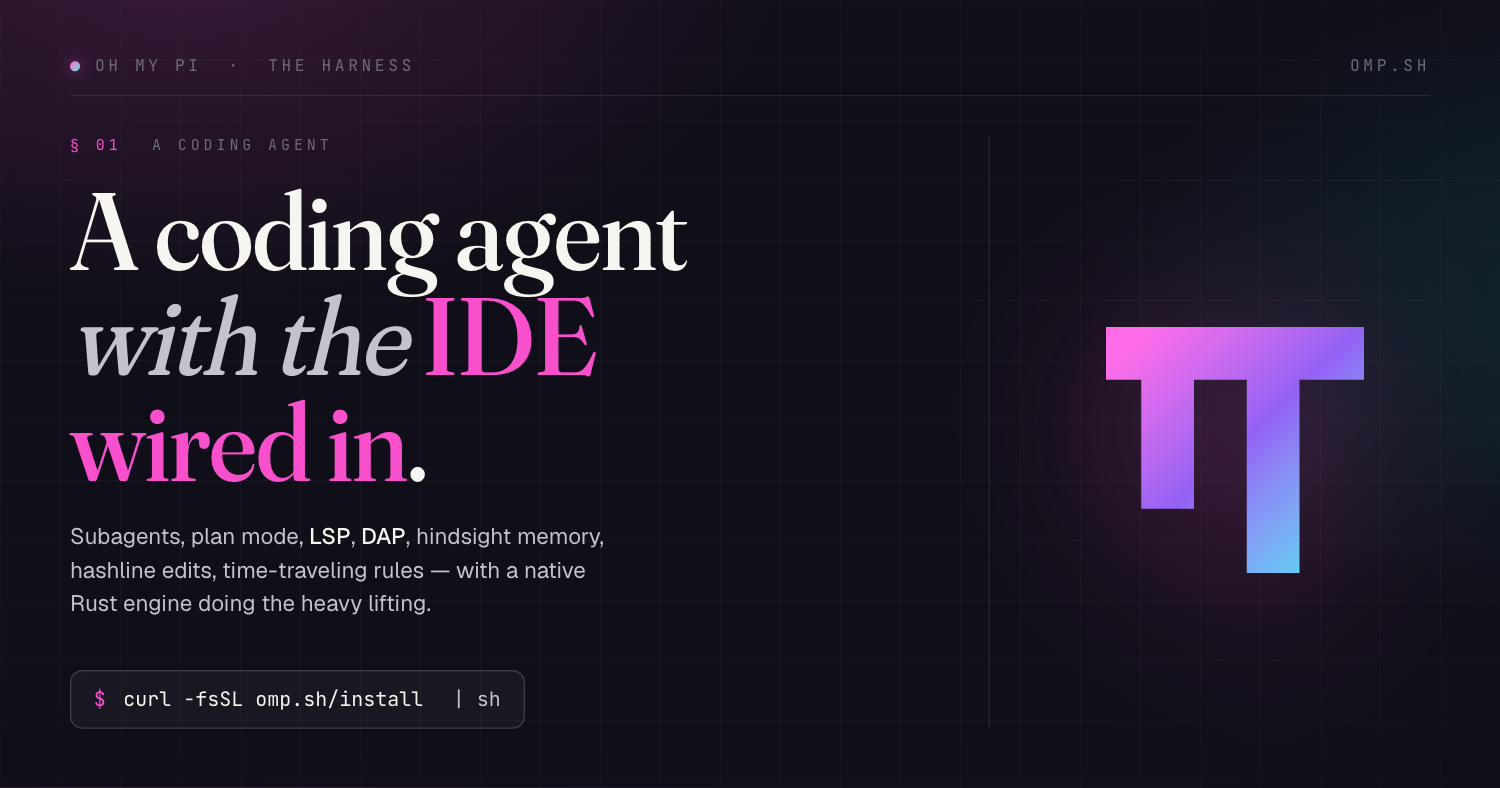
A coding agent with the IDE wired in
Replaces Claude Code
Who it's for
oh-my-pi is best for developers who want an open terminal AI coding agent with deeper IDE-style tools than a basic model wrapper. It fits advanced users who are comfortable configuring CLI tooling and want control over models, memory, and execution surfaces.
Adopt it when terminal speed and tool depth matter more than a gentle graphical onboarding path. It is probably too much for teams that only need occasional inline autocomplete.
The problem
Many terminal coding agents can read files and call a model, but they lack the editor-grade context that makes changes land cleanly. Without LSP, debugger, structured search, and safer edit primitives, the agent burns time on retries or asks the developer to repair avoidable mistakes. Teams also face deployment and infrastructure friction when the best agent experience lives inside a proprietary IDE. If the coding workflow must run in a terminal, on remote machines, or across mixed models, a closed editor surface may not fit.
How it works
LSP-backed operations let the agent rename symbols and understand references like an editor.
Debugger integration helps agents inspect native, Go, and Python failures without print-only loops.
Subagents can split larger tasks into isolated worktrees and return structured findings.
Hash-anchored edits reduce fragile patch attempts and protect against stale context.
Terminal-first deployment works across local and remote development environments.
Features
- LSP-backed operations let the agent rename
- Debugger integration helps agents inspect native
- Subagents can split larger tasks into
- Hash-anchored edits reduce fragile patch attempts
- Terminal-first deployment works across local and
How to install
Install oh-my-pi with the official shell installer when you want the source-preferred setup path from the README.
curl -fsSL https://omp.sh/install | shIf your environment blocks shell-pipe installers, use the README-listed npm path instead.
npm install -g @oh-my-pi/pi-coding-agentRecommended for this setup
Strengths
- oh-my-pi, also called omp, packages a: oh-my-pi, also called omp, packages a terminal coding agent with a Rust core, TypeScript tooling, built-in search, LSP operations, debugger support, subagents, and memory.
- The project is MIT licensed and: The project is MIT licensed and can be installed through the official shell script, npm package, Bun, PowerShell, or mise.
- This approach sits in the Developer: This approach sits in the Developer Tools category because it gives developers a full agent harness rather than a narrow chat wrapper.
Trade-offs
- When to choose another path: Adopt it when terminal speed and tool depth matter more than a gentle graphical onboarding path. It is probably too much for teams that only need occasional inline autocomplete.
Tech stack
FAQ
oh-my-pi is best for developers who want an open terminal AI coding agent with deeper IDE-style tools than a basic model wrapper. It fits advanced users who are comfortable configuring CLI tooling and want control over models, memory, and execution surfaces.
Unlike Cursor's proprietary IDE agent experience, oh-my-pi keeps the coding agent in an open terminal workflow with local tool orchestration and model choice. Compared to paid commercial tools in this category, oh-my-pi is better for terminal-native teams that want agent internals exposed.
Install oh-my-pi with the official shell installer when you want the source-preferred setup path from the README. curl -fsSL https://omp.sh/install | sh