
Mailflare
Self-hosted email inbox for custom domains on Cloudflare
Replaces Fastmail, Google Workspace, Zoho Mail, Migadu
Who it's for
Mailflare supports multiple domains in a single deployment, so a freelancer or consultant can receive mail for every client domain from one workspace without a separate service per domain. Smart rules and labels keep client conversations organized within the same inbox.
You do not manage your clients' DNS through Cloudflare. Mailflare requires Cloudflare Email Routing, so domains must be on a Cloudflare-managed nameserver.
The Team license ($249 perpetual) covers unlimited users and shared mailboxes. A small team migrating from Google Workspace avoids the $6+/user/month subscription and keeps mail data inside their own Cloudflare account rather than on Google's servers.
Your team relies on Google Calendar, Google Drive, or Google Meet tightly integrated with Gmail. Mailflare is an email inbox only and does not replace the broader Google Workspace suite.
API keys let developers send transactional mail from their own applications through Mailflare's outbound infrastructure, using the same custom domain they receive on. Webhooks and audit logs provide visibility into what the app is sending.
Your app needs advanced transactional email features like template rendering, click tracking, or delivery analytics. Mailflare's API keys cover basic sending; purpose-built transactional providers offer more.
Mail data stays in D1 and attachments in R2, both inside the user's own Cloudflare account. There are no ad profiles and no mystery servers, per the project's own positioning. The Community edition is free to self-host for personal use.
You do not have a Cloudflare account and prefer to avoid any cloud vendor dependency entirely. Mailflare is not deployable on purely self-managed hardware.
The problem
Setting up professional email for a custom domain means choosing between expensive hosted services or complex mail server infrastructure. Google Workspace, Fastmail, Zoho Mail, and similar commercial providers charge per user per month, store your mail on their servers under their data policies, and give you no control over the underlying infrastructure. For freelancers and small teams, those per-seat costs add up fast, and switching providers means migrating years of mail across systems. The alternative, self-hosting a traditional mail server, requires managing Postfix, Dovecot, spam filtering, and TLS certificates on a dedicated server. Most people who try it find the maintenance burden too high for a tool that should just work in the background. Mailflare takes a different approach: it runs on Cloudflare's infrastructure, which you already control if you use Cloudflare for DNS, and eliminates the server management problem entirely.
How it works
Mailflare runs on Cloudflare Workers, D1, and R2, so there is no separate server to provision. Deploy with one click via the "Deploy to Cloudflare" button, then connect your domain and follow guided DNS checks for MX, SPF, and DKIM. The app name must stay "mailflare" for routing to work correctly.
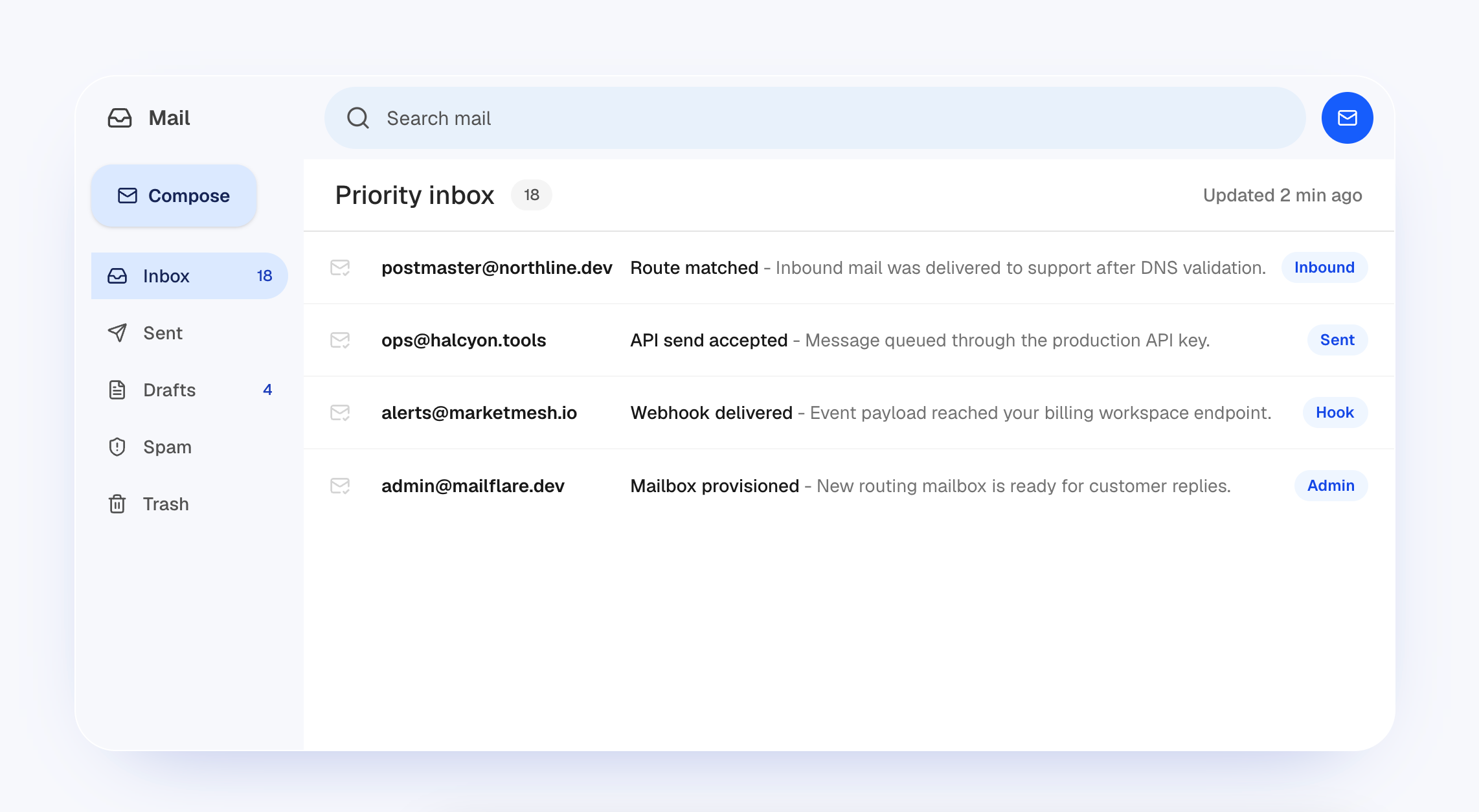
Includes inbox, sent, drafts, spam, and trash folders alongside search, filters, attachments, autosaved drafts, and custom folders. New messages appear the moment they arrive via live updates. Attachments are stored securely in your own R2 bucket inside your Cloudflare account.
Create rules to route, label, forward, or archive incoming messages automatically. Rules fire on delivery, so incoming mail is sorted before it reaches your inbox. You can also block unwanted senders and set up automatic replies.
Supports separate personal, team, and client accounts with delegated access controls. Shared mailboxes give multiple team members access to the same inbox, with role-based permissions. Shared mailbox access requires the Team license ($249 perpetual).
Generate API keys from the dashboard to send transactional email from your own apps using the same Mailflare sending infrastructure. Webhooks and audit logs provide visibility into outbound activity. Outbound sending requires a Cloudflare Paid Workers plan ($5/month).
Export mailbox data manually or on a schedule for portable copies you can store anywhere. Backups cover the D1 database, making them straightforward to restore without vendor-specific tooling.
Features
- Cloudflare-native deployment
- Full inbox experience
- Smart routing rules
- Multi-account and shared mailboxes
- API keys for transactional mail
- Manual and scheduled backups
How to install
Deploy to your Cloudflare account with one click, or run a local development server with the following setup steps.
cp .dev.vars.example .dev.vars
npm install
npm run db:migrate:local
npm run dev
Recommended for this setup
Strengths
- Data stays in your Cloudflare account: Mail data lives in D1 and attachments in R2 inside your own Cloudflare account. Unlike hosted email providers, no third-party reads or stores your mail. You retain full control over the database and can export it at any time.
- No recurring per-seat cost for the base tier: The Community edition is AGPL-3.0 licensed and free to self-host for personal use. Your Cloudflare usage typically fits within free allowances for small personal installations. The only cost to add sending is the Cloudflare Paid Workers plan ($5/month), which covers the whole account, not per user.
- One-click deployment with no server management: Cloudflare Workers handle all compute; there is no VPS, no Docker Compose stack, and no operating system to patch. Deployment runs through the Cloudflare dashboard in minutes, making this one of the simplest email self-hosting paths available.
- Active development with a growing community: The repo has 2,551 stars and 274 forks and was last pushed on September 3, 2026, indicating active maintenance. Open issues stand at 6, suggesting a well-managed backlog. Named sponsors are listed on the project website, signaling external investment in the project's future.
Trade-offs
- Cloudflare account required, no alternative deployment: Mailflare runs exclusively on Cloudflare infrastructure (Workers, D1, R2, Email Routing). There is no Docker image, no bare-metal path, and no self-hosted option outside of Cloudflare. Teams that do not already use Cloudflare or prefer to avoid a single cloud vendor have no alternative deployment path.
- Outbound sending requires a paid Cloudflare plan: Receiving email is free, but sending requires a Cloudflare Paid Workers plan at $5/month. This is an account-level cost, not per user, but it is an additional dependency that users must budget for if they want a full send/receive inbox.
- Shared mailboxes locked to the Team license: Shared mailbox access and unlimited users require the Team license, priced at $249 at launch (normally $399). This is a perpetual license, not a subscription, but it is a meaningful upfront cost for teams that need multi-user shared access.
- AGPL-3.0 restricts reselling as a managed service: The Community edition is AGPL-3.0, which means you can run it for yourself and your team, including internal commercial use, without restriction. What is not permitted is offering Mailflare as a managed hosted email service to third parties without distributing your source changes.
Tech stack
FAQ
The Community edition is AGPL-3.0 licensed and free to self-host. Receiving email costs nothing beyond your existing Cloudflare plan; sending email requires a Cloudflare Paid Workers plan ($5/month account-wide). Pro and Team licenses are available as one-time perpetual purchases for users who need custom branding or multi-user shared mailboxes.
Yes. Mailflare runs on Cloudflare Workers, D1, and R2, and uses Cloudflare Email Routing for inbound delivery. You must have a Cloudflare account and manage your domain's DNS through Cloudflare to connect it to Mailflare. There is no deployment option outside of Cloudflare.
Yes. Inbound delivery uses Cloudflare Email Routing. Outbound sending works from the inbox UI and through API keys for apps. A Cloudflare Paid Workers plan ($5/month) is required for outbound sending; receiving email works on the free Cloudflare plan.
Mailbox data lives in Cloudflare D1 (a SQLite-backed database) inside your Cloudflare account. Attachments are stored in Cloudflare R2. Neither Mailflare nor a third-party service holds your mail; it stays inside the infrastructure account you control. Manual and scheduled backups let you export portable copies of the database.
You can run Mailflare for personal use, internal team use, and internal commercial team use without restriction. What AGPL-3.0 does not allow is offering a modified version of Mailflare as a hosted managed email service to others without distributing your source changes. Running it for your own team is fully permitted.