
Docker Mailserver
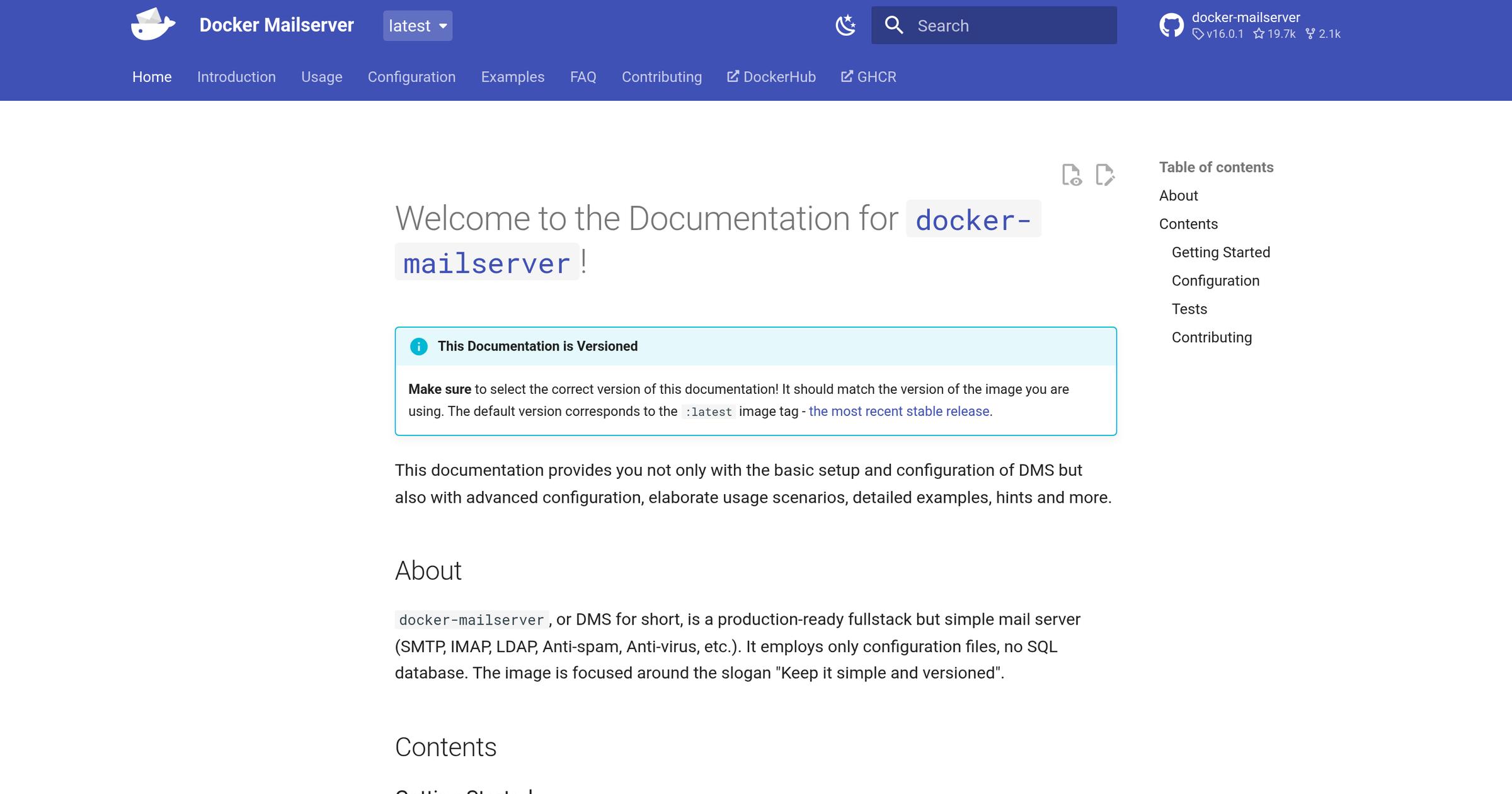
Postfix/Dovecot mail server in Docker, configured with plain files.
Replaces Google Workspace, Microsoft 365, Fastmail, Proton Mail Business, Zoho Mail
Who it's for
Platform teams that need a reliable SMTP relay for internal applications, monitoring alerts, and CI/CD notifications get a full production mail stack without per-email SaaS costs. Docker Compose deployment means it fits alongside other containerized infrastructure with no separate provisioning step.
If you need guaranteed deliverability for customer-facing emails at high volume (marketing campaigns, transactional receipts to external addresses), a dedicated email delivery API handles IP reputation management better than a self-hosted server on a shared cloud IP.
Teams paying per seat for hosted email that primarily use the email layer can reclaim those costs by self-hosting. Docker Mailserver handles SMTP, IMAP, spam filtering, and virus scanning; a separate self-hosted tool covers calendar and contacts if needed.
If your organization depends on deep integration between email, shared drives, video conferencing, and SSO that comes built into Google Workspace or Microsoft 365, the migration overhead outweighs the hosting savings for most teams under 20 people.
Organizations with data residency requirements (healthcare, legal, finance) can host mail on infrastructure in jurisdictions they choose and audit every component. File-based configuration makes the setup fully inspectable; the MIT license removes any constraint on using it in a regulated context.
If data sovereignty is the primary driver but your team lacks Linux server experience, a managed privacy-focused provider with a business associate agreement may carry lower operational risk than a self-managed server.
Individuals and small teams running services on their own server who currently rely on their hosting provider's mail stack can switch to Docker Mailserver on the same host. The setup.sh script makes account management scriptable, and Docker Compose keeps the mail configuration isolated from other services on the machine.
If your VPS is on a shared IP with poor sender reputation, outbound delivery will face obstacles regardless of which mail server software you run. Dedicated IP or a transactional relay for outbound sending resolves this.
The problem
Running your own mail server has a long reputation as one of the most complex pieces of self-hosted infrastructure to get right. SMTP, IMAP, TLS, DKIM, DMARC, spam filtering, and virus scanning each require separate daemons, separate configuration formats, and separate maintenance schedules. Most teams end up paying Google Workspace or Microsoft 365 month after month because assembling those pieces manually felt like a multi-day project with too many failure modes. The challenge compounds at upgrade time. Each component follows its own release schedule, and a Postfix version change can ripple into Dovecot's authentication configuration. Teams that have operated bare-metal mail servers describe spending more time managing configuration drift than actually delivering mail.
How it works
Postfix handles inbound and outbound SMTP with native LDAP directory lookups, SASL authentication, and support for address extension delimiters (e.g., user+tag@domain). Multiple mail domains are handled through config file entries with no schema changes. SASLauthd provides an additional LDAP authentication path alongside the native Postfix support.
Dovecot provides IMAP and POP3 mailbox access with per-mailbox storage quotas and basic Sieve server-side filter support for sorting incoming mail into folders. LDAP lookups and OAuth2 authentication via XOAUTH2 and OAUTHBEARER SASL mechanisms are supported, covering teams that want to authenticate against an existing identity provider.
Rspamd filters spam at the SMTP level with configurable scoring. SpamAssassin is included alongside it for custom rule support, so teams with existing SpamAssassin rule sets can carry them over. Both run inside the same container image with no separate service to provision.
ClamAV scans inbound and outbound messages for malware. Signature databases update automatically, so new malware definitions are pulled without manual intervention or scheduled maintenance scripts. The antivirus layer runs inside the container alongside the mail daemons.
OpenDKIM signs outbound messages and verifies inbound signatures. OpenDMARC enforces DMARC policy checks. Fail2ban monitors authentication logs and blocks IP addresses after repeated failed login attempts. Postgrey adds greylisting. All four run inside the same container, covering the main email authentication and abuse-prevention requirements without additional infrastructure.
The container supports Let's Encrypt certificates for public servers, manual certificate imports for organizations with their own CA, and self-signed certificates for private or staging deployments. TLS configuration lives in the same mounted config volume as the rest of the mail server settings.
Features
- Postfix SMTP with LDAP and SASL authentication
- Dovecot IMAP and POP3 with quotas and Sieve filtering
- Rspamd and SpamAssassin anti-spam stack
- ClamAV antivirus with automatic signature updates
- DKIM, DMARC, and brute-force protection built in
- Let's Encrypt, manual, and self-signed TLS support
How to install
Self-hosting deploys with Docker Compose using the official image from Docker Hub.
docker pull mailserver/docker-mailserverRecommended for this setup
Strengths
- MIT license with no per-seat costs: The MIT license allows running Docker Mailserver commercially, modifying it, and redistributing changes without licensing fees. Unlike Google Workspace ($6-$18/user/month) or Microsoft 365 ($6-$22/user/month), cost does not scale with the number of mailboxes. A team of 50 pays the same VPS hosting cost as a team of 5.
- File-based configuration is version-controllable: Every account, alias, TLS certificate, and per-domain setting lives in plain config files inside a Docker volume. The entire mail server configuration is diffable and reproducible from a git checkout. Moving the mail server to a new host means copying the volume and pulling the image; no database export or migration is required.
- Actively maintained with broad community adoption: The project has 19,659 GitHub stars and 2,121 forks with its last commit in October 2026. It was created in 2015 and has been maintained by volunteers since 2021, giving it a decade-long track record. Eighty-five open issues indicates active engagement rather than abandonment.
- Full protocol coverage from a single container image: One container image covers SMTP, IMAP, POP3, LDAP, anti-spam, antivirus, DKIM, DMARC, OAuth2, Sieve, greylisting, and brute-force protection. Equivalent setups with separately managed services would require coordinating upgrades and configuration across six or more daemons.
Trade-offs
- Requires Linux server knowledge and ongoing maintenance: Docker Mailserver is not a managed service. You are responsible for OS updates, disk space, backups, and monitoring delivery health. Email servers have strict deliverability requirements (PTR records, SPF, DKIM, DMARC, IP reputation), and misconfiguration leads to messages landing in spam rather than inboxes. Teams without prior mail server experience face a meaningful learning curve before reaching reliable outbound delivery.
- No built-in web admin interface: Account creation, alias management, and configuration changes go through the setup.sh CLI script and plain config files. There is no included web management panel. Teams that want browser-based mailbox administration need to add a separate front end such as Roundcube or a third-party admin tool.
- ClamAV and Rspamd add significant memory overhead: Running ClamAV (whose virus signature database can exceed 200MB) alongside Rspamd, Postfix, and Dovecot means the container needs at least 1-2GB of RAM for stable operation. Low-memory VPS instances under 1GB may hit out-of-memory conditions under moderate mail load. The antivirus layer can be disabled to reduce memory use, but that removes virus scanning.
Tech stack
FAQ
Yes. Postfix, Dovecot, and SASLauthd all support LDAP directory integration. This lets you manage mailbox accounts centrally through an existing LDAP or Active Directory server instead of maintaining a separate account list in config files. The documentation has a dedicated LDAP configuration section covering setup for each component.
The setup.sh script handles account creation, alias management, and password resets. You run it against the running container or the config volume directly. All changes land in plain config files inside the mounted volume, so you can also edit them directly and restart the container to apply them.
Yes. OpenDKIM and OpenDMARC are included. You generate a DKIM key pair using setup.sh, add the public key to DNS as a TXT record, and configure SPF and DMARC records for the sending domain. The documentation covers the exact DNS records required for each authentication standard.
Plan for at least 1-2GB of RAM. ClamAV alone uses several hundred megabytes for its virus signature database, and Rspamd adds additional overhead on top of Postfix and Dovecot. A VPS with 1GB RAM may struggle under moderate mail load. CPU usage is typically low; memory is the main constraint. Disabling ClamAV reduces memory requirements if antivirus scanning is not needed.
Yes, for teams with Docker experience and willingness to maintain a Linux server. A team of 10-50 users can run it on a standard VPS and avoid per-seat email subscription costs entirely. The operational work is periodic container updates and monitoring delivery metrics, not daily administration. Teams without prior mail server experience should budget time to learn email deliverability requirements (PTR records, SPF, DKIM, DMARC) before going live.