
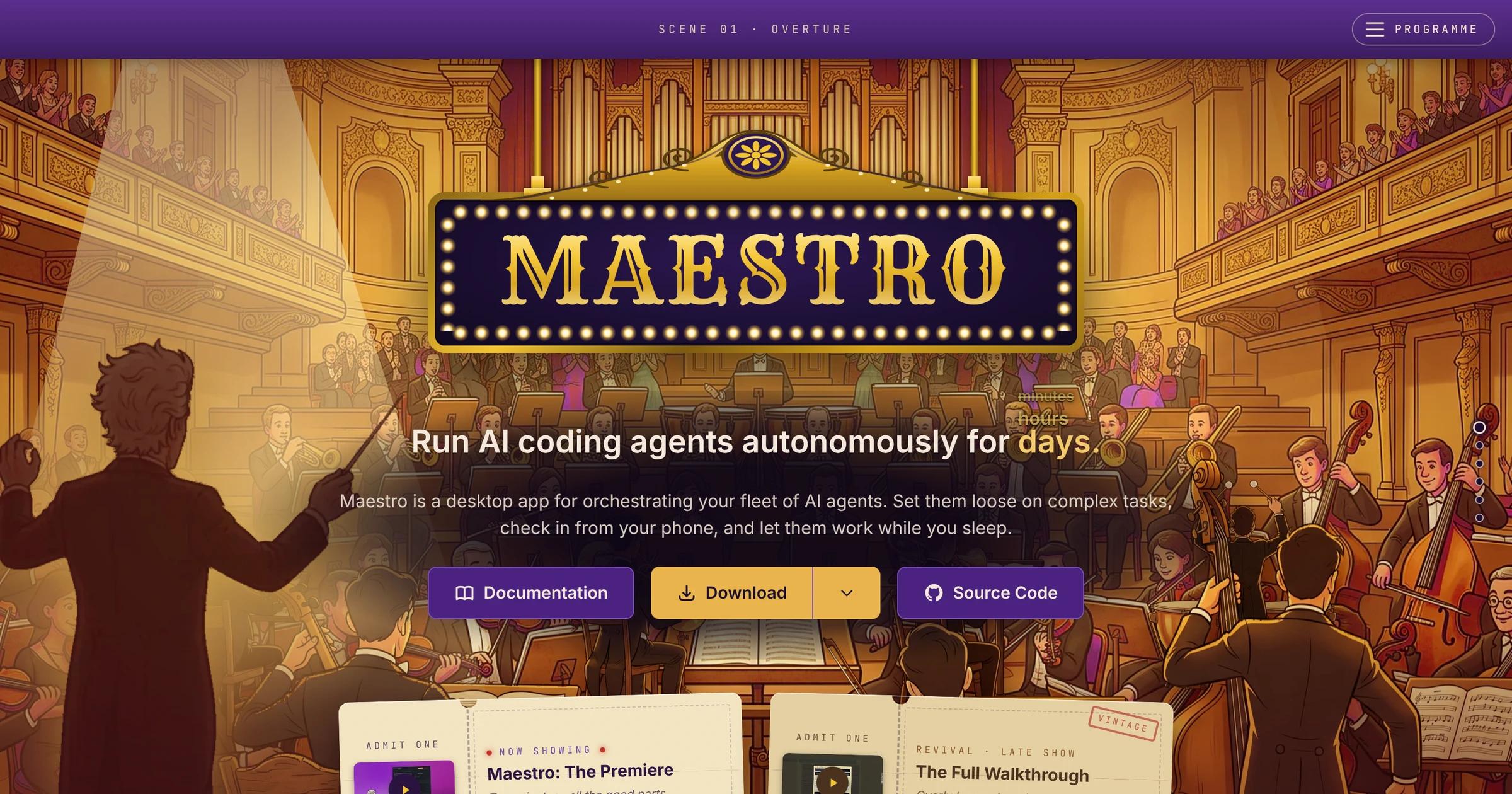
Maestro
Desktop orchestrator for parallel AI coding agent fleets
Replaces Conductor
Who it's for
Maestro gives you a single window to manage all your AI agents, switch between conversations instantly, and queue messages while an agent is busy. Auto Run handles tasks you can define in a spec, so you launch it, let it run overnight, and review the results in the morning.
If you run a single AI session at a time and have no plans to parallelise, the overhead of a fleet manager is not worth it over a single terminal tab.
Worktree sub-agents each operate in an isolated branch directory, so three agents can be working on three separate features without interference. Each agent can open a pull request from inside Maestro when its branch is ready. Maestro Cue can trigger an agent when another agent's branch lands a commit.
If your team uses a shared remote environment rather than local git worktrees, the worktree integration adds no benefit without local repo access.
maestro-cli runs playbooks from cron jobs or CI/CD pipelines with JSONL output for scripting. SSH Remote Execution lets you point Maestro at build machines or GPU boxes. Maestro Cue fires agents on GitHub activity, turning agent invocations into first-class pipeline steps.
If you need agents to run purely server-side without any desktop dependency, Maestro's local architecture is a constraint. SSH Remote Execution may cover the case but requires Maestro running on a client machine.
Auto Run's Goal-Driven mode pursues a free-text objective through multiple tasks without a predefined checklist. Agent Resilience handles provider errors and quota resets automatically, so a 429 or 529 from your provider does not abort the session. The leaderboard shows community members logging sessions of 24 hours or more.
If your tasks are well-defined, short, and synchronous, the overhead of Auto Run setup is not worth it over a single interactive session.
The problem
Running multiple AI coding sessions in parallel is friction-heavy without tooling designed for it. Each agent lives in its own terminal tab with its own context, history, and state. Switching between them breaks flow, messages pile up while you are in another tab, and there is no way to see the overall status of your fleet at a glance. The coordination problem compounds when tasks span branches or repositories. Git worktrees let you run parallel work on isolated branches, but nothing ties your agents to those branches or lets you launch a sub-agent per branch from one interface. Teams running three to five parallel AI sessions routinely lose track of which agent did what, which session has stalled waiting for input, and what each one's current task is.
How it works
Runs agents autonomously on markdown checklists (Spec-Driven) or free-text objectives (Goal-Driven). Each task gets its own AI session for clean context, so long multi-step work does not bleed conversation history. Auto Run sessions can run for hours unattended; the README documents a single session of nearly 24 hours. Playbooks make workflows repeatable and runnable from cron jobs or CI/CD pipelines via maestro-cli.
Runs Claude Code, OpenAI Codex, OpenCode, Factory Droid, Copilot-CLI, Qwen3 Coder, and Oh My Pi simultaneously with no defined limit. Each agent has an isolated workspace, conversation history, task memory, and context. Maestro is a pass-through to your provider configuration: MCP tools, permissions, and authentication carry over without reconfiguration.
Creates worktree sub-agents from the git branch menu, each in an isolated directory. Agents can run Auto Run sessions on their own branches independently while you work interactively in the main repository. Pull requests can be opened from within the app, and the diff viewer shows branch changes alongside active conversations.
A built-in web server exposes a control UI accessible by QR code. Works on the local network or over a Cloudflare tunnel for remote access. You can monitor agent progress, review output, and send messages to your fleet from a phone without being at the machine.
Triggers agent prompts on file changes, timers, GitHub activity, or another agent finishing its task. Chains those triggers into self-running pipelines. Off by default and enabled in Settings. Covers the gap between manually launching agents and fully automated CI: a file lands, an agent picks it up.
maestro-cli lists agents and groups, runs playbooks headlessly, and outputs JSONL for scripting. SSH Remote Execution lets you orchestrate agents on remote hosts, build machines, or GPU boxes without opening a second desktop session.
Features
- Auto Run and Playbooks
- Multi-Agent Parallel Execution
- Git Worktree Support
- Mobile Remote Control
- Event-Driven Agent Automation (Maestro Cue)
- Full CLI and SSH Remote Execution
How to install
Download the latest release for your platform from GitHub Releases: https://github.com/RunMaestro/Maestro/releases/latest
Recommended for this setup
Strengths
- Works with any supported AI coding agent you already have: Maestro does not replace your AI provider setup. It connects to Claude Code, OpenAI Codex, OpenCode, and others through the existing CLIs on your machine, so your MCP tools, permissions, and authentication configurations carry over. Switching agents or providers does not require reconfiguring your orchestration layer.
- AGPL-3.0 license with local-first architecture: The app installs from a binary and runs entirely on your local machine with no server, cloud dependency, or subscription. AGPL-3.0 permits self-hosted use for internal and commercial team work without licensing fees; the restriction applies only if you offer a modified version as a managed service to external users, in which case you must publish the source changes.
- Agent Resilience for unattended sessions: When a provider returns a 529 Overloaded error or quota exhaustion, Maestro resends the prompt automatically, backing off by the error's indicated reset time. Auto Run batches resume themselves, and agents can fail over to a backup endpoint. A single live status card replaces the wall of error dialogs, so overnight sessions finish without intervention.
- Keyboard-first design with ~100 customizable shortcuts: Cmd+K opens a quick-action palette; nearly 100 bindings are customizable; and mastery tracking records which shortcuts you have used. The interface is designed around rapid agent switching and focus management for minimal mouse use, with a command palette for every action.
Trade-offs
- AGPL-3.0 restricts managed service redistribution: AGPL-3.0 is permissive for self-hosted internal use, including commercial and team work, but requires publishing source code if you offer a modified version as a hosted service to others. Teams building their own orchestration products on top of Maestro need to comply or negotiate a commercial license. Personal and internal team use is unrestricted.
- Active development with 53 open GitHub issues: The project has 53 open GitHub issues as of November 2026. It is under active development with commits through November 2026, so some rough edges and unreported bugs are expected. Release candidate builds with newer features are available but beta-labelled features are not on by default.
- No headless server mode: Maestro runs on a local desktop. SSH Remote Execution covers many remote-agent use cases, but the app still needs to be running on a client machine to orchestrate them. There is no container-native headless server mode for fully automated cloud deployments without a desktop session.
Tech stack
FAQ
Maestro currently supports Claude Code, OpenAI Codex, OpenCode, Factory Droid, Copilot-CLI (beta), Qwen3 Coder (beta), and Oh My Pi (beta). It is a pass-through to the agent's existing CLI, so you need each agent installed and authenticated before Maestro can connect to it. The README notes plans for Gemini CLI support based on community demand.
Yes. Maestro is AGPL-3.0 licensed and free to download and use. You still pay for the AI providers you connect to (Claude Code, OpenAI Codex, etc.) at their own rates. Maestro itself adds no subscription or per-agent fee. The only restriction under AGPL-3.0 is that if you distribute a modified version as a hosted service to others, you must publish the source changes.
Download the latest release for your platform from the GitHub Releases page at https://github.com/RunMaestro/Maestro/releases. Official releases cover macOS, Windows, and Linux. Building from source is documented in the README for contributors; the binary is the recommended install for end users.
Auto Run executes a task spec through your agents: Spec-Driven mode processes a markdown checklist one item at a time, each in a fresh AI session; Goal-Driven mode pursues a free-text objective autonomously. A playbook is a saved, named Auto Run configuration you can run repeatedly, trigger from maestro-cli, or schedule in a cron job. The two features work together: you create playbooks for recurring workflows and Auto Run executes them.
Yes, through SSH Remote Execution. You point Maestro at a remote host over SSH and it orchestrates agents on that machine, letting you use build servers, GPU boxes, or any specialized environment without leaving your local fleet view. Agents still need to be installed and authenticated on the remote host.