
Handle
Edit UI visually in the browser and sync changes to code
Replaces Plasmic, Webflow
Who it's for
Handle fits developers who use agents to create interfaces and need faster ways to correct visual details after the first pass.
Your frontend work is mostly backend-driven templates with little visual iteration.
Handle gives design engineers a direct way to mark UI changes in the running browser and pass actionable context back to the coding agent.
Your team already completes all design changes in Figma before code starts.
The problem
AI coding agents can build a first version of a UI, but small visual corrections are painful to describe in text. Developers end up writing long prompts about element position, spacing, copy, and hierarchy, then reviewing another generated patch that may miss the point. The gap is visual intent. Designers, design engineers, and frontend developers need to point at the exact element, make or describe the change in context, and give the agent feedback it can map back to code.
How it works
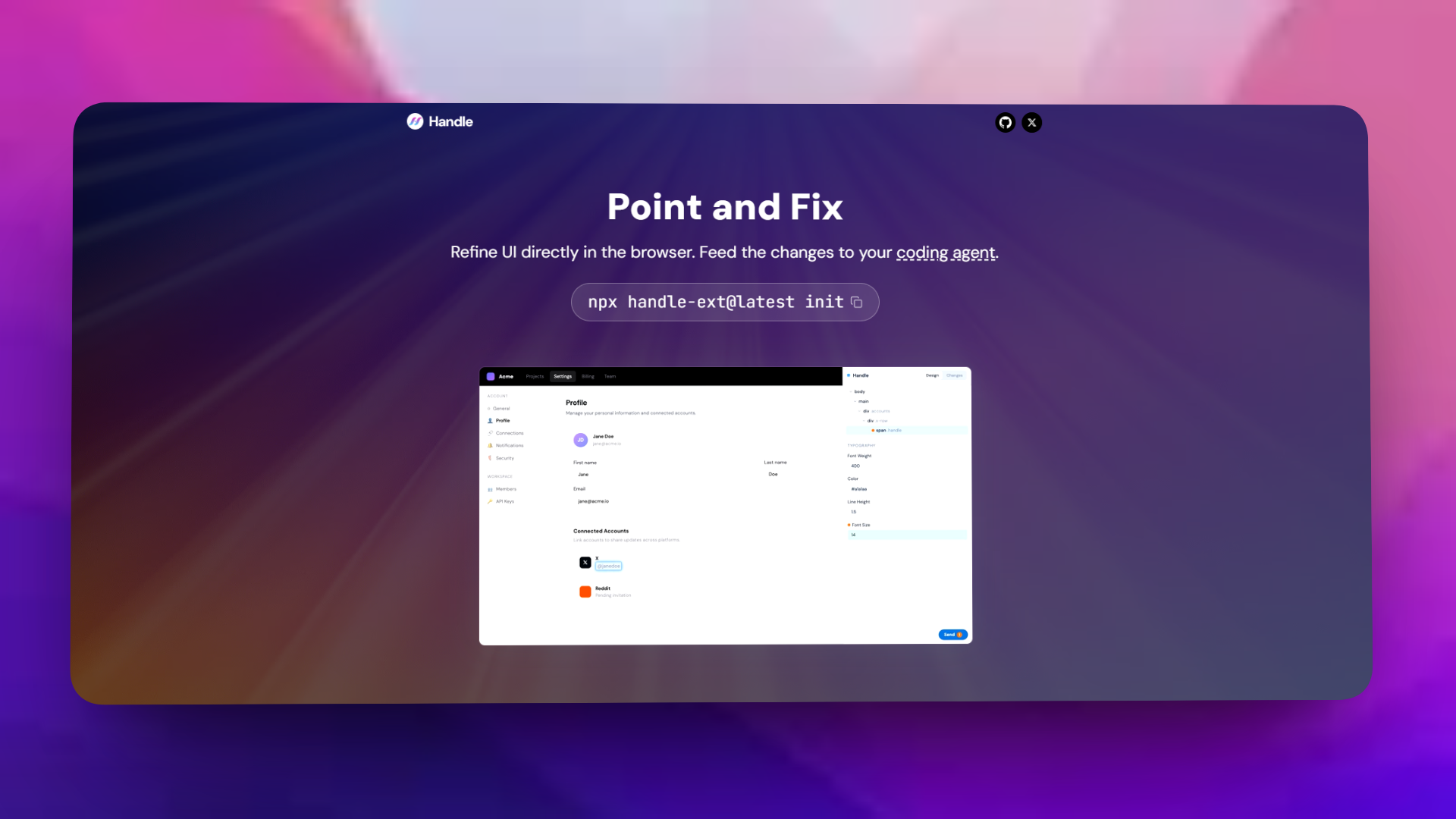
Handle lets users inspect and refine elements directly inside Chrome instead of describing the target element and desired change in a prompt.
The README documents an MCP setup command that configures supported agents with npx handle-ext@latest init.
Handle lists support for Claude Code, Codex, Cursor, GitHub Copilot, Windsurf, Gemini CLI, Rovo Dev, and Antigravity.
Features
- Browser-based UI refinement
- MCP server setup
- Multi-agent support
How to install
Setup requires Node and an MCP-ready coding agent before installing the Handle browser extension.
npx handle-ext@latest initRecommended for this setup
Strengths
- Better feedback than prompt descriptions: Pointing at the UI reduces ambiguity when changing spacing, position, hierarchy, or visual polish in generated frontend code.
- Works with existing agent tools: The MCP approach lets Handle sit beside coding agents developers already use instead of requiring a separate design handoff system.
Trade-offs
- Requires Chrome extension workflow: Handle depends on installing a browser extension and MCP server, so teams with locked-down browsers or no MCP adoption may need process changes first.
Tech stack
FAQ
Handle lets users refine UI in the browser and send structured feedback to AI coding agents through a Chrome extension and MCP server.
The README lists Claude Code, Codex, Cursor, GitHub Copilot, Windsurf, Gemini CLI, Rovo Dev, and Antigravity as supported agents.
The official setup starts with installing the MCP server using npx handle-ext@latest init, then installing the Handle Chrome extension.