
Drift
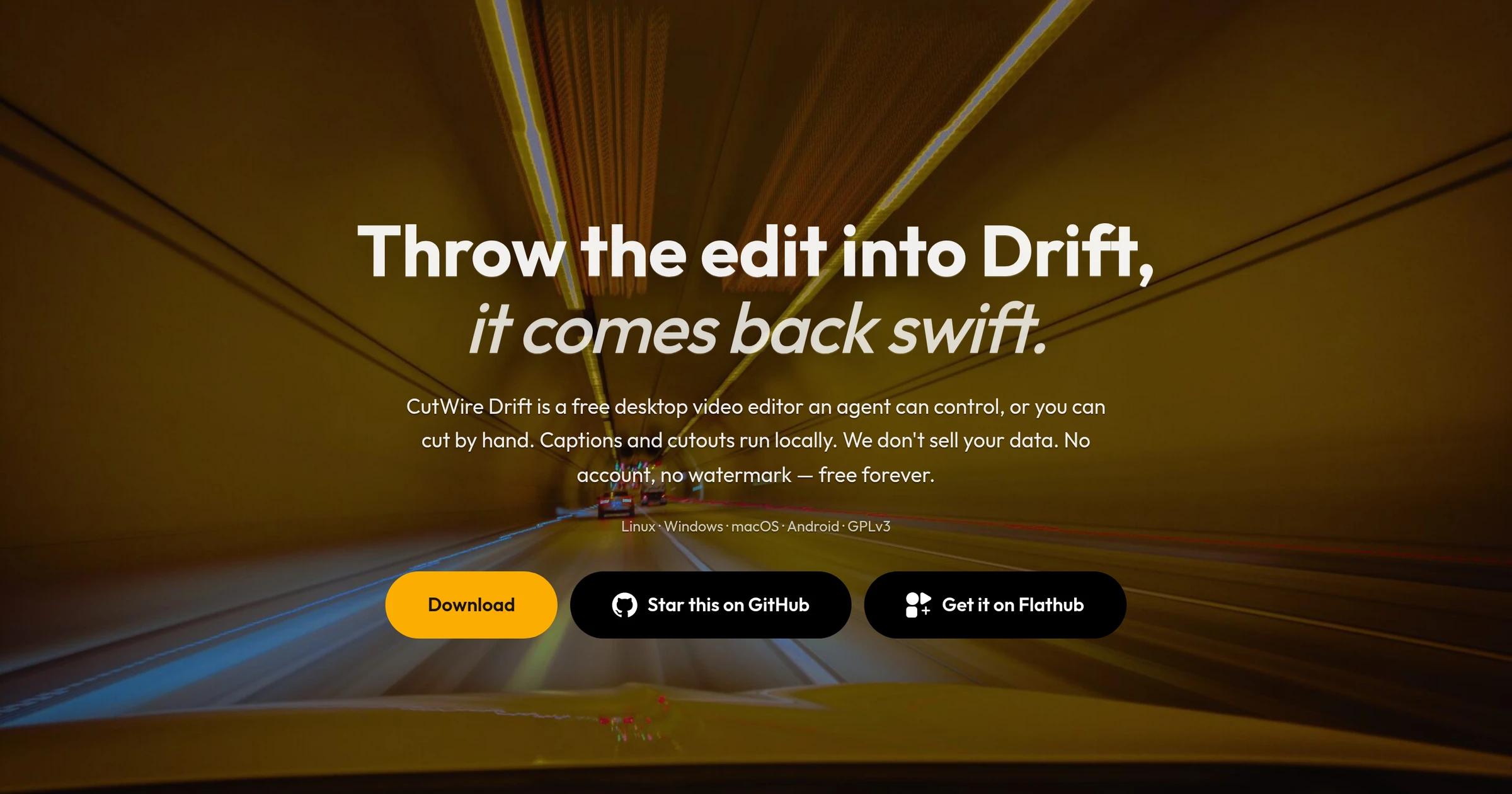
Desktop CapCut alternative. GPL-3.0, no subscription, no watermark.
Replaces Capcut, Wondershare Filmora
Who it's for
Drift covers the same workflow as CapCut: import a clip, add captions, cut silence, apply a transition, and export vertically. Auto-reframe adjusts a landscape take to follow the subject. No watermark, no account wall after editing.
You rely heavily on CapCut's mobile-first template library or viral filter packs. Drift's add-on ecosystem is early-stage, so the catalog of ready-made social looks is smaller for now.
Enable the MCP server and connect Cursor or Claude Code to the local endpoint. An agent can import footage, trim by timecode, generate captions, apply effects, and trigger export. Useful for batch content workflows: product demos, tutorial clips, or social variants where the edit logic is repeatable.
You need a headless render farm or cloud-based pipeline. Drift runs on a local machine with a GUI and does not support cloud deployment or CLI-only execution.
Drift covers the core features Filmora Pro and CapCut users rely on: multi-track timeline, keyframing, color grading, audio mixing, and clean export. No license fee, no renewal. Install once and use indefinitely.
You depend on Filmora's effects store or CapCut's AI template feed. Drift's built-in effect library is substantial but does not yet have a community marketplace matching those platforms.
Every AI feature in Drift processes on the local machine: captions, cutouts, upscale, and face retouch. No footage reaches an external server unless the user explicitly sends it. For creators under GDPR, NDA, or internal security policies that restrict cloud uploads of video content, Drift is one of the few capable editors that satisfies those constraints.
If your workflow requires cloud collaboration features such as shared project libraries or remote review links, Drift does not provide those at this stage.
The problem
Most approachable video editors charge for what matters. CapCut is fast and beginner-friendly, but exports carry watermarks on the free tier and premium templates live behind a subscription. Filmora charges a recurring fee for full export quality. Both tools process footage on external servers with no self-hosted path. Creators who want a full timeline with 3D tools, AI captions, and audio production on their own machine have few options that are free and open source. The choice usually falls between a feature-limited open source tool or a paid product that adds recurring cost as soon as a project gets serious.
How it works
Stack video, audio, text, and shape tracks and edit with ripple, snap, and undo. Trim and split clips with immediate feedback; a crash leaves the last save intact. Split a clip and its color grade stays attached. Bookmarks, a mixer, and freeze-frame round out the timeline controls.
Generate captions directly from spoken audio on a clip. Adjust timing and wording on the timeline after generation. Thirty-three title-style packs are included: karaoke, Hormozi-style, neon, chrome, holographic, and handwritten. Copy one style onto every subtitle on the track in one step.
Click a subject to lift it from the shot. Add masks, apply depth of field, key out a green screen, or composite layers in the same timeline. All processing runs on the local machine; no footage is sent to an external service.
150+ transitions and 40+ GPU effects preview live on your footage before you apply them. Drop a full-stack look in one click: Beat Drop, Glitch Cut, Neon Cutout. Effects and grades stick to individual clips; they travel with the clip when you split it.
Enable a local MCP server to let Cursor, Claude Code, or another MCP-compatible agent edit the open project. The agent can import clips, trim, apply captions, run effects, and trigger export without a human at the keyboard. The server is off by default and requires deliberate opt-in; every edit is undoable.
Tilt clips in 3D space, light them, park a title behind a subject, or drop in a 3D model that plays in the same cut. Lottie motion graphics stay sharp at any size and can be recolored or reworded in place on the timeline.
Features
- Multi-track timeline editing
- AI captions from speech
- Subject cutouts and masking
- GPU effects and transitions
- MCP server for agent editing
- 3D clips and Lottie animations
How to install
Install Drift from Flathub on Linux or via Homebrew on macOS.
flatpak install flathub org.cutwire.Drift
brew install --cask cutwire-studios/tap/drift
Recommended for this setup
Strengths
- GPL-3.0, no account, no watermark: The entire feature set ships under GPL-3.0 and runs locally. Exports are clean at the free install tier; no subscription unlocks them. Users never create an account or send footage to an external server unless they choose to. CapCut and Filmora both require an account and impose watermarks or paywalls on clean exports.
- Cross-platform, including Android: Linux via Flathub or AppImage, Windows via Microsoft Store or installer, macOS via Homebrew, and Android in closed testing on Google Play. The same timeline, effects, and export pipeline are available on mobile. Most open source desktop video editors do not ship an Android build.
- All AI features run locally: Auto captions, subject cutouts, video upscale, and live face retouch all process on the local machine. No external account or API key is required for any AI-assisted feature. Footage never leaves the device for AI processing, which matters for anyone with privacy or compliance requirements.
- Agent-controllable timeline via MCP: The MCP server lets Cursor, Claude Code, or another MCP-compatible agent edit the open project. Import clips, trim, caption, apply effects, and export are all available to the agent over a local endpoint. The capability is opt-in, runs on-device, and every edit can be undone.
Trade-offs
- Early release with 41 open issues: Version 0.8.0, created in July 2026. The product website is explicit: file the bugs you hit, read the source, check the docs. With 41 open issues on a three-month-old repo, expect rough edges in edge-case workflows. Users who need a stable production editor for complex projects should test the current release against their specific workflow before committing.
- macOS Gatekeeper blocks manual installs: The macOS build is signed ad-hoc and not notarized by Apple. Homebrew handles the quarantine attribute automatically. If you install via a .dmg manually, Gatekeeper will block the first launch; you need to run `xattr -dr com.apple.quarantine /Applications/Drift.app` to clear it. Not an issue for Homebrew installs, but it adds a step for users who prefer direct downloads.
- Effects marketplace is early-stage: Effects, transitions, and templates are addons hosted in a separate Drift-Addons repository. The built-in library covers 150+ transitions and 40+ effects, but the third-party pack ecosystem Filmora and CapCut offer has years of head start. Users who depend on a broad marketplace of community-made packs will find the current selection limited.
Tech stack
FAQ
Yes. Drift is GPL-3.0 and the full feature set is available with no subscription. Exports never add a watermark on any platform or tier. No account is required to use or export.
Linux (Flatpak via Flathub or AppImage), Windows (Microsoft Store or installer), macOS (Homebrew or disk image), and Android (closed testing on Google Play, or direct APK install). All platforms share the same timeline and export features.
Enabling the MCP server starts a local endpoint that exposes editor operations to MCP-compatible agents such as Cursor or Claude Code. The agent can import clips, trim, caption, apply effects, and export the open project. The server is off by default and never opens a network port without deliberate opt-in; every edit the agent makes can be undone.
Version 0.8.0 is an early release with 41 open GitHub issues as of October 2026. The project website notes this directly and asks users to file bugs. For straightforward social edits and tutorial clips it is functional; for complex multi-camera or broadcast projects, test against your specific workflow before committing.
You can run Drift for any personal or commercial video production with no licensing fee. The GPL-3.0 terms apply to the editor itself: if you distribute a modified version of Drift, you must release those modifications under the same license. Using Drift to edit and export your own videos creates no license obligation on your output.