
chippytea
Free up Mac disk space with no account and no telemetry.
Replaces Cleanmymac, Daisydisk, Ccleaner For Mac, Crumb
Who it's for
Active macOS developers accumulate gigabytes of Xcode DerivedData, node_modules trees, and cached build outputs over months of project work. chippytea surfaces these per folder with size estimates and lets you remove the ones tied to projects you no longer maintain.
You primarily work in cloud build environments or on machines where local build artifacts are pruned automatically. chippytea's value is in reviewing and removing accumulated local build clutter.
chippytea runs entirely offline with no account required and no telemetry. If you are unwilling to grant a commercial cleaning app network access or an account, chippytea offers the same core workflow (scan, review, remove) with zero cloud dependency.
You need a tool that scans your entire disk automatically and surfaces a ranked list of all large files. chippytea requires you to choose which folders to scan and does not cover all file categories.
The repository demonstrates a SwiftUI front end over a Rust engine, with a SQLite index, a durable reward ledger, and native Trash and Finder integration. It is a concrete, working example of this hybrid architecture pattern on macOS that contributors can read, fork, and build on.
You are looking for a tool to use rather than study. The build process requires Xcode CLT, Python 3, and a Rust toolchain, which adds setup friction for non-developers.
The problem
Developer Macs accumulate gigabytes of build artifacts over time: Xcode DerivedData, old node_modules directories, cached dependencies, and stale installer files that were useful once and are now just consuming space. The problem is not that the files are hard to find; it is that deleting them manually requires knowing what each folder is and whether removing it is safe. Guessing wrong can break a project mid-build. The paid tools that promise to solve this either scan your entire disk automatically and surface hundreds of items at once, or they bundle aggressive cleanup presets with limited transparency into what is being removed. Neither approach gives you the kind of targeted, file-by-file review that a developer actually wants before permanently deleting something from a production build environment.
How it works
Scans folders you choose for old Xcode DerivedData, build outputs, cached dependencies, and installer files. Results appear directly in the menu-bar panel with estimated sizes, so you can work through cleanup items without opening a separate window.
Every suggested removal shows the file path, estimated size, and what removing it would mean. chippytea changes nothing on your Mac until you choose to act. You can move items to Trash or skip them entirely at each step.
Eligible developer build files and dependencies can be permanently deleted rather than moved to Trash, freeing storage immediately. Personal files, downloads, and app caches use the Trash path only, so they remain recoverable until you choose to empty the Trash.
A guided scan covers old app caches, logs, Xcode data, build folders, downloads, and large personal files across your home folder. Git and activity checks vary by category; the tool flags items that may still be in use rather than silently surfacing them for removal.
When reviewing already-indexed old or large personal files, you can run a duplicate check that verifies file contents (not just names), lets you choose which copy to keep, and rechecks both before moving the selected copy to Trash. This is a bounded check on already-flagged items, not a whole-Mac duplicate scan.
Features
- Menu-bar scan for build artifacts and dependencies
- Review-before-delete workflow
- Permanent removal for eligible build files
- Guided home-folder scan
- Bounded duplicate file check
How to install
Building chippytea from source requires Apple Silicon, macOS 14+, Xcode command-line tools, Python 3, and a Rust toolchain; install Rust via rustup.rs before running the build script.
git clone https://github.com/richiemcilroy/chippytea.git
cd chippytea
./scripts/build.sh
open build/chippytea.app
Recommended for this setup
Strengths
- No account, no telemetry, no automatic deletion: chippytea runs entirely on your local machine with no outbound network calls required for cleanup features. It does not create an account, collect usage data, or delete anything on its own. You control every action, which is unusual among Mac disk-cleaning tools.
- MIT licensed and fully auditable: The entire codebase is MIT licensed and available on GitHub, covering both the SwiftUI interface and the Rust engine that handles discovery, safety checks, and cleanup. You can read every file-selection rule before running a cleanup, something no commercial cleaner allows.
- Rust core for safe, fast file operations: The engine that indexes files, runs safety checks, and handles cleanup is written in Rust. Disk scanning and file content hashing run efficiently without blocking the SwiftUI interface, even on large folder trees. Memory safety is enforced at the language level.
- Transparent size estimates before any removal: Estimated sizes are shown for every suggestion before you act. The cleanup history records actual outcomes separately from estimates, so you can verify the real space freed rather than relying on projections. Files still in Trash are noted as not yet freed.
Trade-offs
- Build from source required: no prebuilt binary: There is no downloadable .app or Homebrew formula. Running chippytea requires cloning the repository, installing Xcode command-line tools, Python 3, and a Rust toolchain, then running the build script. Local builds are ad-hoc signed, not notarized, so macOS may prompt on first launch.
- Early software with permanent deletion capability: The README explicitly warns that this is early software that can permanently delete files. The authors recommend starting with a disposable test folder and keeping backups before using permanent removal on real projects. There is no undo for permanently removed files.
- No whole-disk automatic scan: chippytea does not scan your entire disk automatically or surface a ranked list of large files across all locations. You choose which folders to scan. This is a deliberate design choice, but it means you will not discover space usage in folders you have not explicitly directed it to check.
Tech stack
FAQ
Not at the time of writing. chippytea must be built from source. You need an Apple Silicon Mac running macOS 14 or later, Xcode with its command-line tools, Python 3, and a Rust toolchain. The build script (scripts/build.sh) compiles the app, which you then open directly from the build folder. Local builds are ad-hoc signed and not notarized by Apple.
No. Every removal requires your explicit approval. Eligible developer build files and dependencies can be permanently deleted, but only after you review the item and choose to act. Downloads, personal files, and app caches go to Trash only, where they remain recoverable until you empty the Trash. The README describes this as early software and recommends keeping backups before using permanent removal.
CleanMyMac and DaisyDisk are commercial apps with broad, automated scan-and-clean workflows. chippytea is open source, MIT licensed, and takes a review-first approach: you choose which folders to scan, see each suggestion with its estimated size and consequences, and approve every removal individually. It covers developer build artifacts and dependencies specifically and does not bundle the wider set of cleanup categories those commercial tools offer.
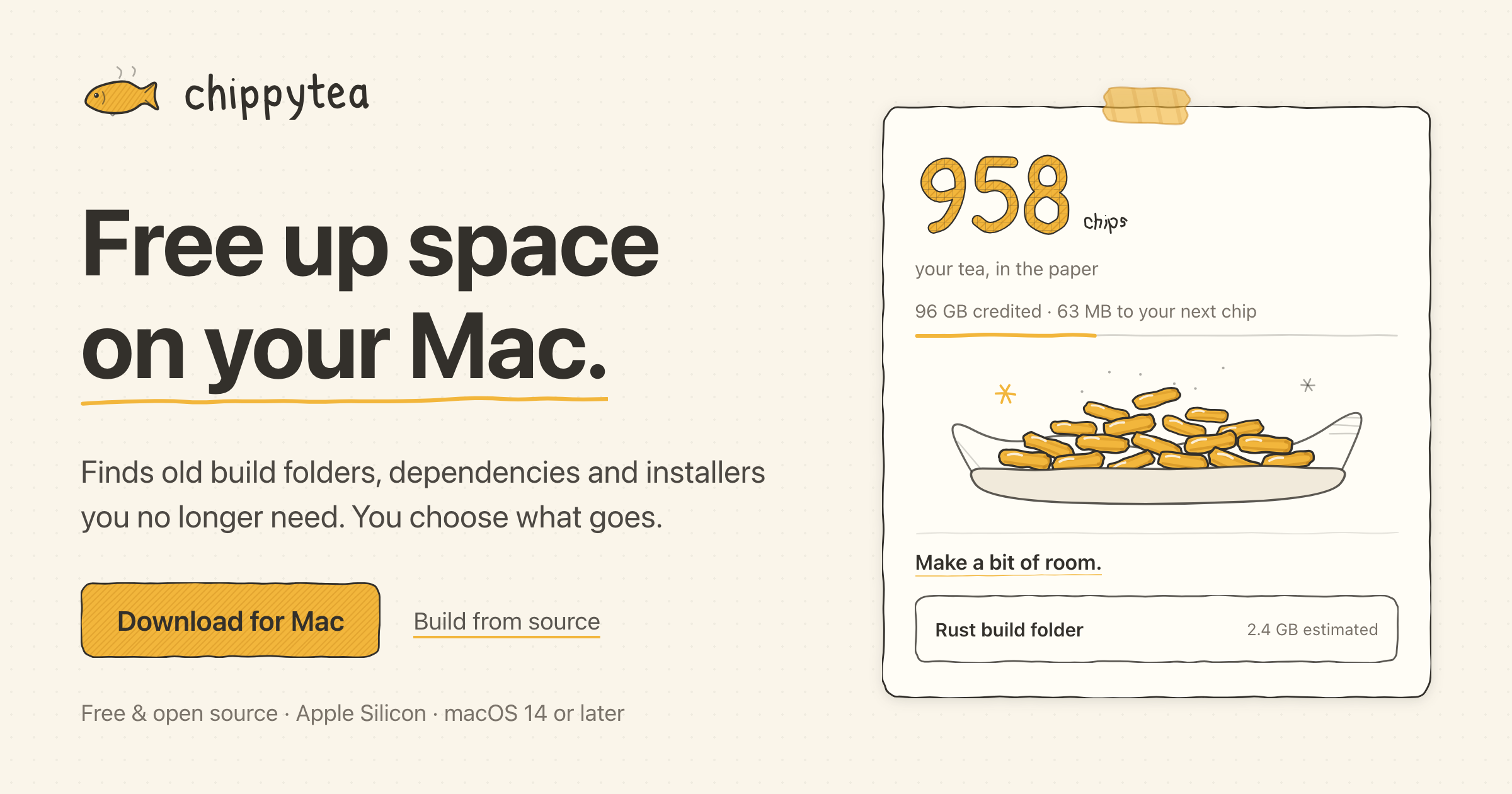
The chip counter is a decorative display of permanently freed storage. One chip is added per 100 MB of conservatively credited space from eligible permanent cleanup (build files and dependencies only). Moving files to Trash adds no chips, and estimated sizes never update the counter. Chips stay on your Mac and have no monetary value.
The tool is designed around review and transparency, so nothing is removed without your approval. That said, the README classifies it as early software capable of permanent deletion and recommends starting with a disposable test folder. Keep Time Machine or another backup current before using permanent removal features on projects you still need.