
RustDesk
Self-hosted remote desktop with end-to-end encryption
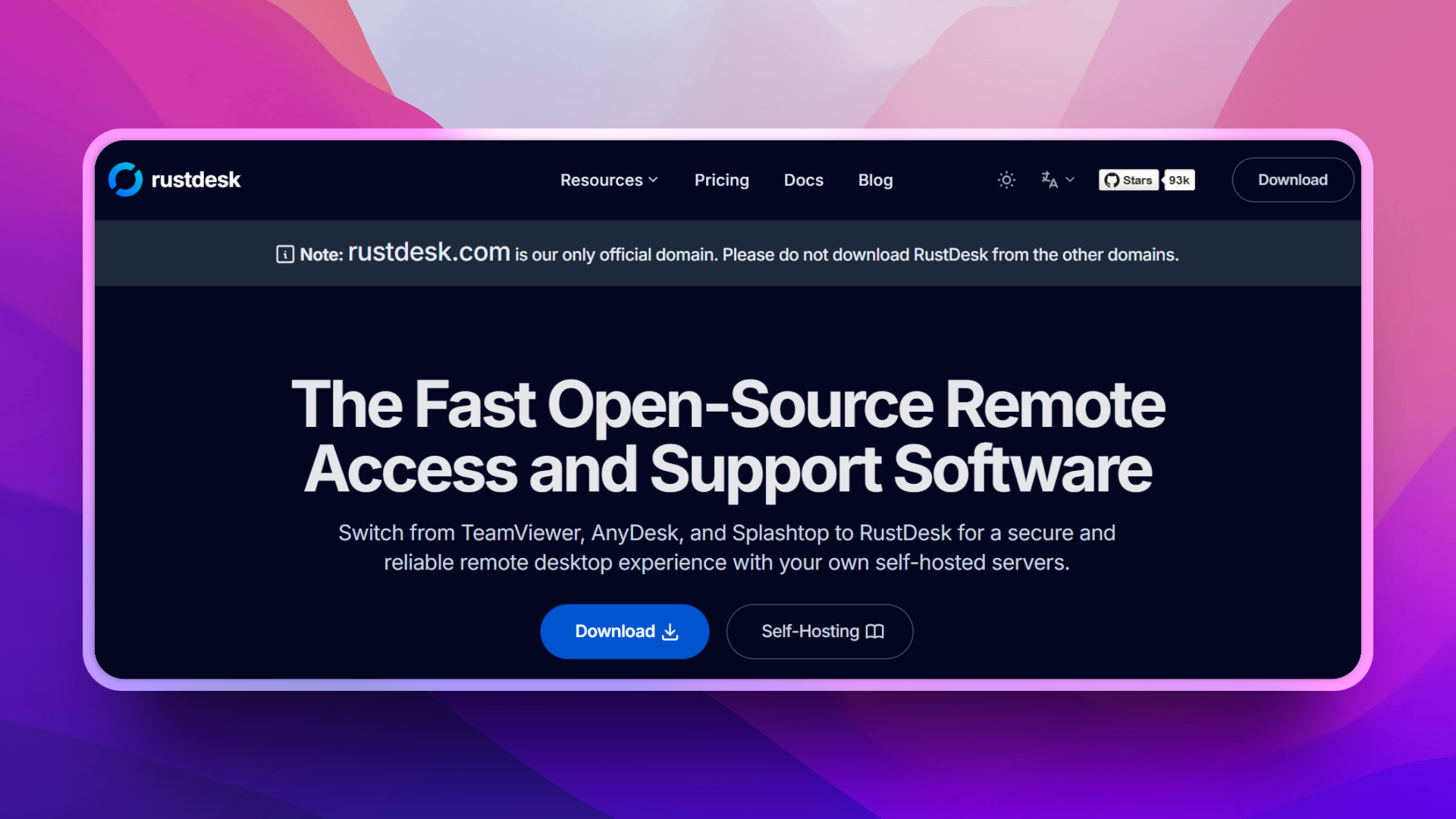
Replaces Teamviewer, Splashtop, Anydesk
Who it's for
RustDesk keeps remote access familiar while allowing a self-hosted relay path.
you need a fully managed enterprise admin suite immediately.
broad client support covers common desktop and mobile devices.
your customers require vendor-hosted compliance reports out of the box.
self-hosted servers keep connection infrastructure under your control.
you cannot maintain a public-facing server securely.
The problem
Remote desktop tools become risky when pricing, account policies, or vendor infrastructure control access to critical machines. Support teams, IT admins, and small businesses need reliable remote access, but they also need to know where connection metadata and relay traffic flow. The operational pain grows when remote access must work across Windows, macOS, Linux, mobile devices, and locked-down networks. A self-hosted rendezvous and relay path gives teams more control over access infrastructure while keeping the user-facing remote desktop workflow familiar.
How it works
Cross-platform remote desktop client supports Windows, macOS, Linux, Android, iOS, and web workflows.
Self-hosted server option runs `hbbs` for ID and signaling plus `hbbr` for relay traffic.
Out-of-the-box public server path lets users start quickly before moving to their own backend.
RustDesk Server OSS gives individuals and teams a free self-hosted backend, while Server Pro adds admin and business features.
Custom client and branding options support managed support deployments.
Features
- Cross-platform remote desktop
- Self-hosted server option
- Public server path
- OSS and Pro server paths
- Custom client and branding
How to install
Self-host RustDesk Server OSS on a Linux host or VPS when you want your own ID and relay infrastructure. Docker is the easiest starting point for most teams. git clone https://github.com/rustdesk/rustdesk-server cd rustdesk-server docker compose up -d
Recommended for this setup
Strengths
- Self-hosted relay control: RustDesk gives teams a practical escape from TeamViewer-style vendor dependency by letting them run their own ID and relay infrastructure.
- Broad client coverage: The client coverage is broad enough for mixed-device support teams, including desktop and mobile operating systems.
- Useful OSS server path: The OSS server path is enough for many individuals and small teams that need control without enterprise admin layers.
- Inspectable remote access core: Rust implementation and AGPL licensing make the core project inspectable for security-sensitive remote access workflows.
Trade-offs
- Network-facing server operations: Self-hosting RustDesk means operating network-facing relay and ID services, including ports, TLS, firewall rules, and uptime monitoring.
- Business features require Pro: Business features such as web console, OIDC, LDAP, 2FA, device management, and access control sit in RustDesk Server Pro rather than the OSS server.
- Remote access misuse risk: Remote access tools carry misuse risk, so organizations need clear consent, logging, and access policies before rollout.
Tech stack
FAQ
Yes. RustDesk supports self-hosted ID and relay servers through `hbbs` and `hbbr`. The OSS server fits individuals and teams that want a free backend, while Server Pro adds centralized business controls.
RustDesk replaces proprietary remote desktop tools like TeamViewer, AnyDesk, and Splashtop for users who want more control over relay infrastructure and data flow.
RustDesk can be safe when deployed with proper access controls, consent, and server security. Like any remote desktop tool, misuse is possible, so teams should define policies and restrict who can initiate sessions.