
WailBrew
Beautiful GUI for Homebrew on macOS
Replaces —
Who it's for
Someone who has heard of Homebrew and wants to use it for installing developer tools, but finds the command line uncomfortable. WailBrew lets them install and update packages visually.
User is already fluent with the brew CLI and comfortable managing packages that way.
An engineer who uses the terminal for coding but prefers a dedicated visual tool for routine package management tasks like checking for outdated software or removing unused packages.
Someone with a large Homebrew catalogue who wants a faster visual overview of what is installed rather than parsing brew list output in a terminal.
User relies on scripted or automated Homebrew workflows that require the CLI directly.
The problem
Homebrew is the de facto package manager for macOS, but it is entirely command-line driven. Users who are less comfortable in the terminal, or who simply prefer visual tools for routine tasks like checking installed packages or running updates, have no native GUI option from Homebrew itself. WailBrew addresses this by providing a dedicated, polished macOS application that exposes Homebrew's functionality through a point-and-click interface.
How it works
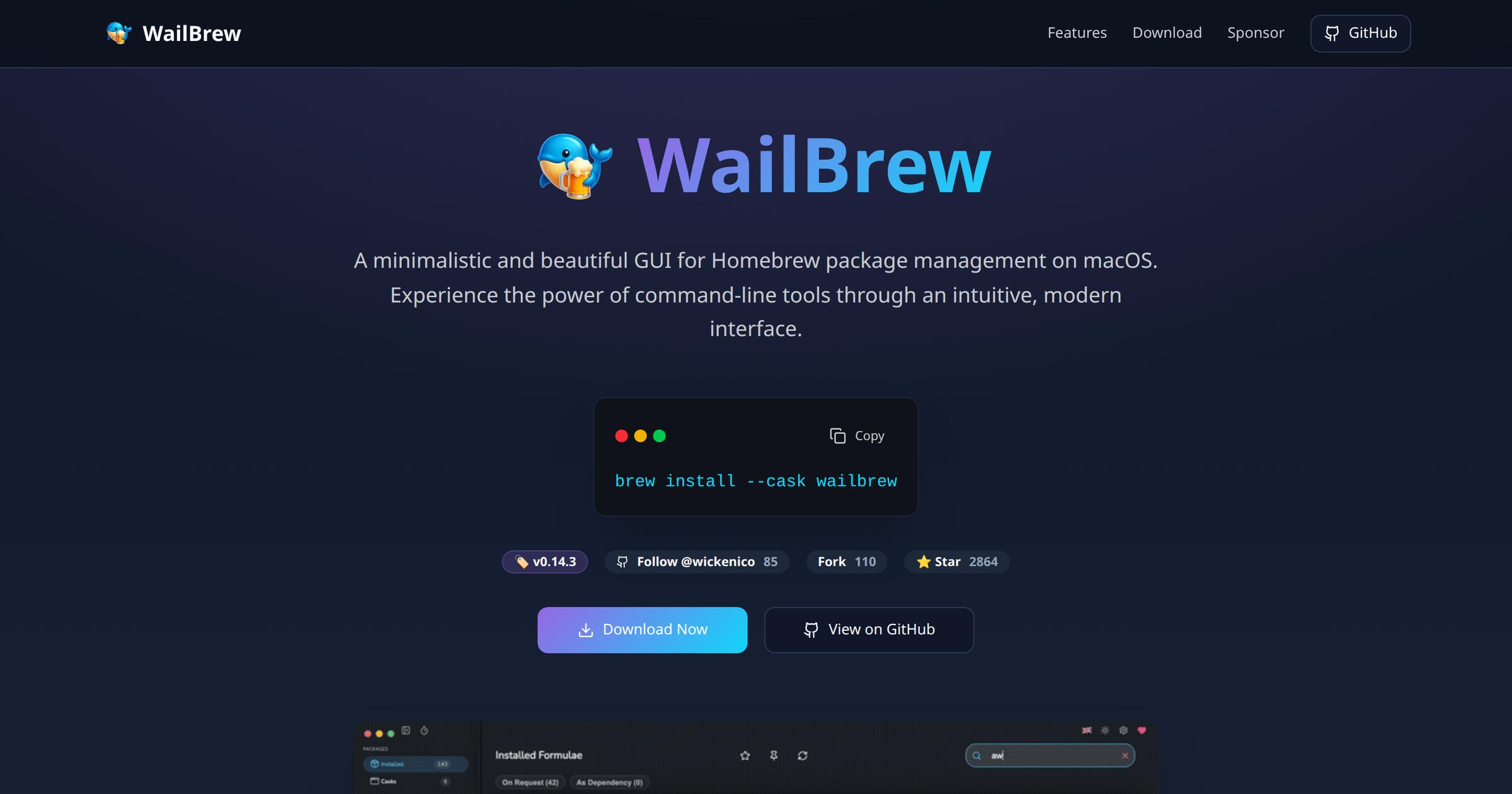
WailBrew wraps Homebrew's package management in a visual UI, letting users browse and manage packages without typing brew commands in a terminal window.
The interface is intentionally spare and uncluttered, keeping focus on package management tasks rather than presenting unnecessary options or chrome.
Built as a native-feeling macOS application, WailBrew follows a contemporary visual style that fits naturally alongside other apps on the platform.
The application surfaces Homebrew's underlying capabilities through the visual interface, so users retain the full utility of Homebrew without needing to memorise CLI syntax.
Features
- Graphical Homebrew interface
- Minimalistic design
- Modern macOS aesthetic
- Command-line power, GUI access
Recommended for this setup
Strengths
- Lowers the Homebrew entry barrier: Users who find the terminal unfamiliar or prefer visual workflows can install and manage macOS software through Homebrew without learning its command syntax.
- Clean, focused interface: The minimalistic approach means less visual noise compared to more feature-heavy package managers or general-purpose GUI shells, making common tasks quick to find.
- macOS-native experience: Designed specifically for macOS, WailBrew fits the platform's conventions and feels like a purpose-built tool rather than a cross-platform port.
Trade-offs
- macOS only: WailBrew is built exclusively for macOS and mirrors Homebrew's own platform restriction. It is not available on Linux or Windows.
- Requires Homebrew to be installed: WailBrew is a front-end for an existing Homebrew installation. Users who have not set up Homebrew will need to do so before WailBrew is functional.
- Limited source documentation available: With a minimal public web presence and no linked GitHub repository in the available source material, it may be difficult to evaluate the project's maintenance status, licence, or contribution activity before adopting it.
Tech stack
FAQ
WailBrew is a graphical front-end that works alongside an existing Homebrew installation. It does not replace Homebrew; it provides a visual interface for managing packages that Homebrew handles under the hood.
Yes. WailBrew requires Homebrew to be installed on your Mac. It acts as a GUI layer on top of Homebrew rather than bundling its own package management backend.
No. WailBrew is designed for macOS only, which mirrors Homebrew's own platform support.
The name combines Wails, the Go-based desktop application framework used to build it, with Brew, short for Homebrew, the package manager it wraps.
Yes. WailBrew is a companion GUI and does not lock you into using it exclusively. Changes made through either the GUI or the terminal CLI will reflect through Homebrew's shared state.