
Typemill
Flat-file CMS: write Markdown, publish docs and user manuals
Replaces Document360, Confluence, Notion
Who it's for
Typemill fits teams that want a self-hosted CMS for manuals, product docs, knowledge bases, or handbooks written in Markdown.
You need a hosted workspace with real-time collaborative editing and per-user billing.
The Dev Theme gives frontend developers a working place to study Typemill template structure, Twig views, and YAML configuration.
You only need to author pages and do not plan to modify themes.
The Demo Plugin helps PHP developers inspect Typemill plugin configuration, event hooks, and editor integration patterns before building their own extension.
Your CMS extension needs a large marketplace or enterprise plugin framework.
The problem
Documentation sites often start small and become hard to maintain when the content lives in a database-backed CMS that does not match the writing workflow. Teams that write in Markdown want readable files, simple versioning, and a site structure that mirrors the content tree instead of a heavy publishing stack. Developers extending a CMS face a second problem: themes, templates, plugin hooks, and editor integrations are easier to learn by changing a working project than by reading reference pages alone. Without a development starter, theme and plugin work becomes trial and error across unclear folders and configuration files.
How it works
Typemill is built around Markdown content for documentation, manuals, handbooks, and other text-driven websites, which keeps source content portable and easy to inspect.
The typemill/dev repository packages a working Typemill setup with a Dev Theme and Demo Plugin, so developers can learn by editing real theme and plugin files.
The README says each Theme Guide article corresponds to a file in the theme folder, giving developers context for Twig templates such as file, folder, and home views.
The Demo Plugin shows configuration, event hooks, and editor interface integration, which helps developers understand how Typemill extensions fit into the CMS.
The repository uses PHP, Composer, Slim, Twig, Symfony components, Parsedown, and a standard local server workflow, making it familiar for PHP teams.
Features
- Flat-file Markdown publishing
- Developer starter environment
- Theme guide tied to actual files
- Plugin architecture examples
- PHP and Composer stack
Recommended for this setup
Strengths
- Strong fit for text-first sites: Typemill focuses on manuals, documentation, handbooks, and other structured writing rather than broad website building, which makes its positioning clearer than a general CMS.
- Readable source content: Markdown-based content is easier to review, back up, and move between tools than content trapped only in a hosted editor or proprietary database.
- Practical extension path: The dev edition gives theme and plugin builders a concrete project to inspect, with references to official theme and plugin developer documentation.
- Permissive license: The GitHub repository and Composer metadata both report MIT licensing, which keeps self-hosted and commercial extension work straightforward.
Trade-offs
- Linked repository is a developer edition: The audited GitHub repo is a Typemill development starter, not a broad product README for every end-user CMS feature. Public copy should avoid claims that are not grounded in the dev repository, homepage, or official docs.
- PHP hosting knowledge still matters: The README expects a local server, Composer, folder write permissions, and first-user setup through /tm/login, so Typemill is not a zero-ops hosted documentation service.
- Documentation focus may be too narrow: Teams looking for ecommerce, complex workflows, or broad no-code site building may outgrow a Markdown-first CMS built around manuals and documentation.
Tech stack
FAQ
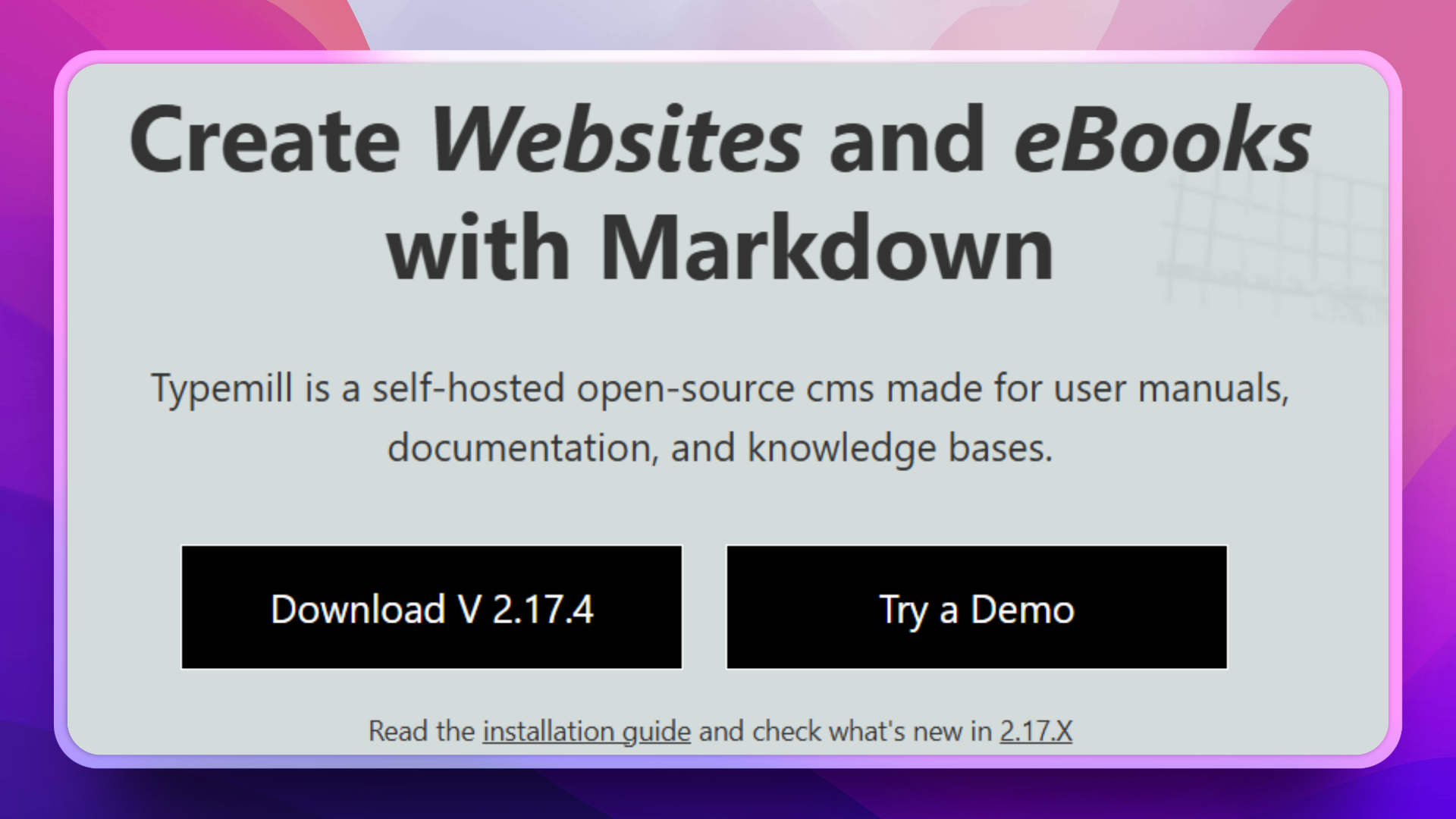
Typemill is an open-source Markdown CMS for documentation, manuals, handbooks, and other text-driven websites. It is built for teams that want self-hosted publishing around readable content files.
The typemill/dev repository is a Typemill developer edition with a Dev Theme and Demo Plugin. It helps theme and plugin developers learn Typemill by working inside a local project.
GitHub metadata and the repository Composer file report the typemill/dev project as MIT licensed.
The README says to clone the repository, run composer update, set write permissions on runtime folders, run it on a local server, and create the first user at /tm/login.