
Statusnook
Statusnook is a self-hosted status page and endpoint monitoring tool for communicating service health and incidents. It replaces hosted status page products for teams that want a small Go-based deploy
Replaces —
Who it's for
Statusnook fits teams that need a public health page and endpoint checks without paying for a larger hosted platform.
You need enterprise incident response workflows, on-call scheduling, and deep observability integrations.
The Docker and one-line install paths make it practical for solo developers or small operators to add a status page to a service.
You do not want to own a separate deployment for status communication.
The problem
Customers need a reliable place to check service health when the product itself is degraded. Hosted status page tools solve communication, but they add another vendor dependency and recurring cost for a workflow that many small teams can run themselves. A useful status page also needs monitoring, alerting, and incident updates to be close together. If uptime checks, incident posts, and maintenance messages live in separate tools, outage communication gets slower when speed matters most.
How it works
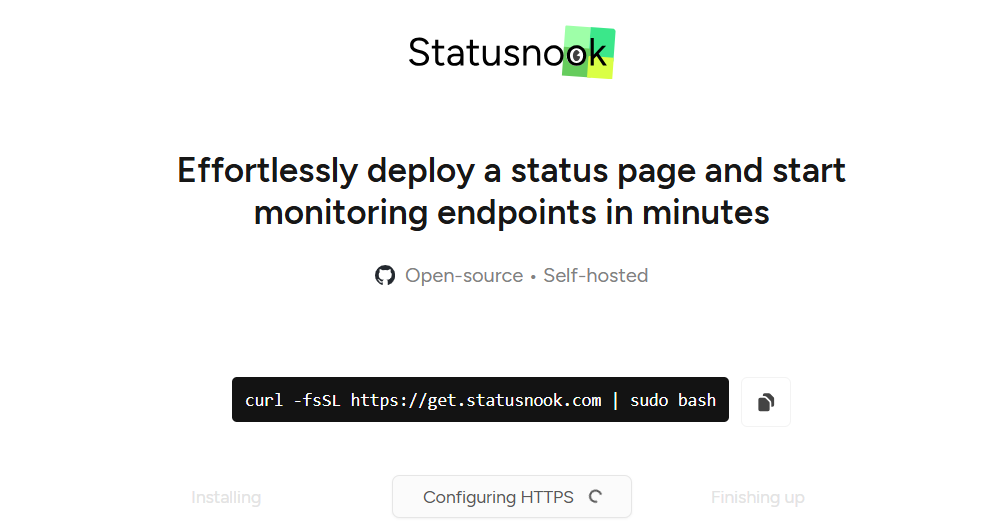
Statusnook deploys a status page and endpoint monitoring in minutes, combining public communication with basic health checks.
Statusnook supports standalone, reverse proxy, Docker CLI, and Compose deployment options, including managed TLS for direct deployments.
Statusnook offers one-line install commands for standalone and reverse proxy modes, reducing setup friction for small teams.
Features
- Status page plus monitoring
- Multiple deployment paths
- SQLite-backed simplicity
How to install
curl -fsSL https://get.statusnook.com | sudo bashRecommended for this setup
Strengths
- Fast self-hosted setup: Statusnook provides one-line install commands for standalone and reverse proxy modes, reducing setup friction for small teams.
- Focused status page scope: Statusnook avoids becoming a full monitoring suite. Its value is a status page with endpoint monitoring that a small team can understand and operate.
Trade-offs
- Not a full incident management suite: Statusnook covers status pages and endpoint monitoring. Teams needing on-call rotations, escalation policy, log correlation, and postmortem workflows will need additional tools.
Tech stack
FAQ
Statusnook deploys a status page and monitors endpoints so teams can communicate service health and incidents.
Yes. Statusnook includes a reverse proxy install command using a custom port for Caddy, NGINX, or similar setups.
No. Statusnook is a status page and endpoint monitoring tool, not a full on-call incident management platform.