
Snapzy
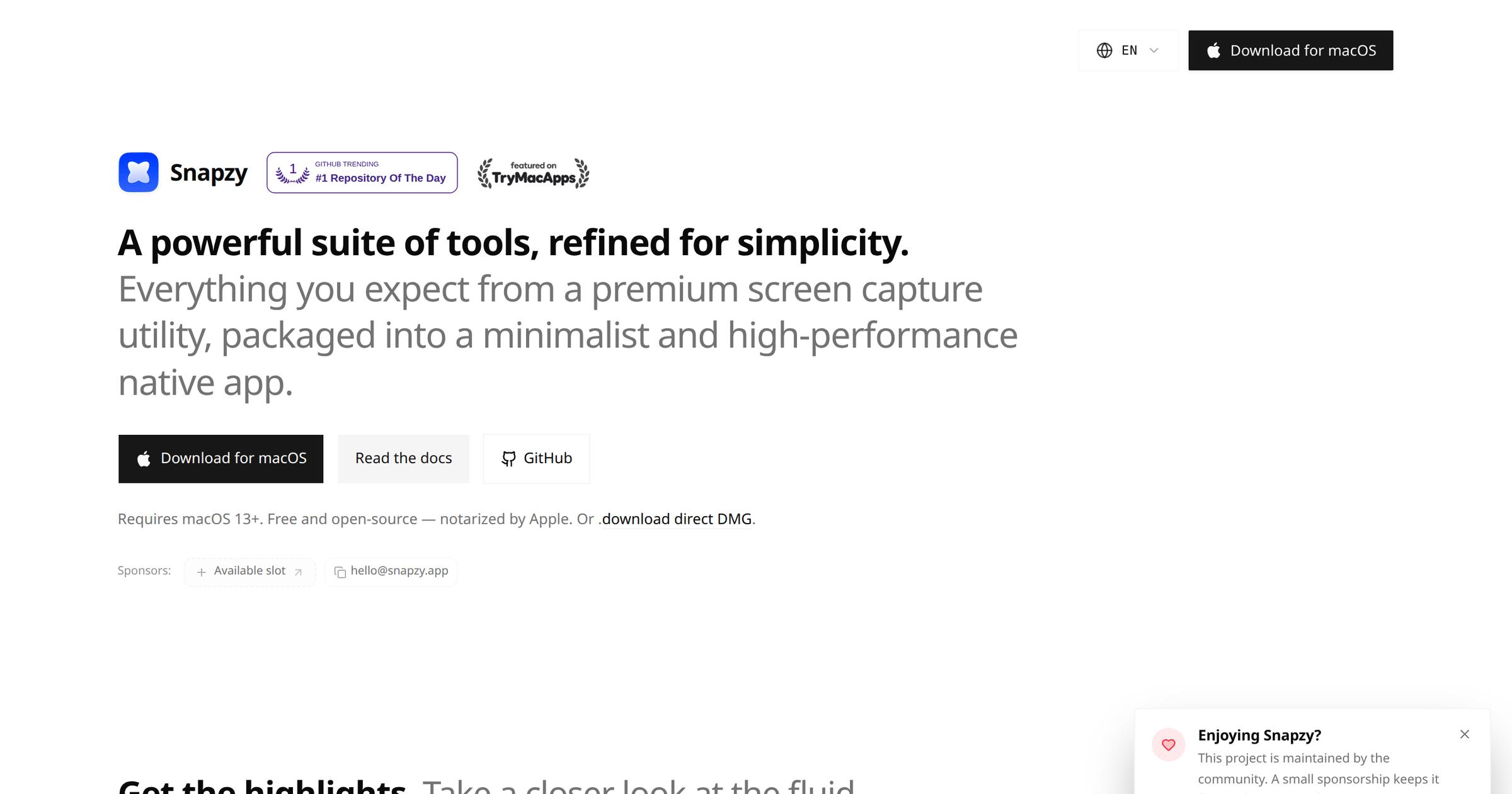
Native macOS screenshot and recorder, free and open source
Replaces Cleanshot X, Snagit, Shottr, Xnapper, Monosnap
Who it's for
Snapzy covers every CleanShot X workflow that individual users rely on: area and window capture, scrolling screenshots, Quick Access overlays, annotation, and local history. The Homebrew install takes one command, and no license purchase is needed.
You need CleanShot X's cloud hosting feature (snapzy.app) or its built-in cloud upload URL shortener. Snapzy's cloud upload goes to your own S3, R2, or Google Drive; it has no managed hosting tier.
The `snapzy` CLI captures windows and areas by name or geometry from the terminal, with per-app permission approval. The `snapzy://` URL scheme integrates with Raycast extensions, Alfred workflows, and custom shell scripts. The automation surface is documented in the CLI reference.
Your automation runs on a Linux or Windows server. Snapzy is macOS-only and requires a running desktop session.
Inline annotation before capture (Capture Markup mode), sequential numbered steps, arrows and text overlays, and a Measure tool for dimensions cover the common documentation screenshot workflow. Sensitive data can be blurred or redacted on-device before the image leaves the editor.
Your screenshots feed into a managed content pipeline that expects direct upload to a CMS or specific cloud service. Snapzy uploads to S3, R2, or Google Drive; other destinations require manual export.
All captures and recordings are local by default. No telemetry is collected. OCR runs on Apple Vision on-device. Cloud upload is opt-in and goes to infrastructure the team controls. The app uses the macOS Keychain for credentials and excludes secrets from configuration exports.
Your team needs centralized cloud storage with shared access across members. Snapzy has no built-in team collaboration or shared library feature.
The problem
On macOS, the tools with the best capture workflows cost money. CleanShot X requires a one-time purchase; Snagit requires a subscription; Xnapper and Monosnap each have paid tiers for the features that matter most. For individuals or teams without a software budget, the free and open source options have historically been thinner: basic screenshot tools without scrolling capture, without a built-in video editor, and without local history. The gap is sharpest for developers and technical users who want to automate captures through a CLI or URL scheme, and for anyone who needs on-device OCR to extract text from screenshots without sending images to a third-party API. Free tools rarely cover this depth in a single native macOS app.
How it works
Captures entire web pages and long documents by stitching screen sections into one image. A live preview runs during capture so you can see the result before it completes. Works in any scrollable content, not just browsers.
Extracts text from any screenshot or video frame using Apple Vision on the device. No image is sent to an external service unless you configure a custom OpenAI-compatible endpoint. Triggered by a single shortcut (Shift+Cmd+2) and copies the result straight to the clipboard.
Trims recordings, crops frames, adjusts playback speed, adds Follow Mouse zoom effects, applies canvas wallpapers, and exports to MP4 or animated GIF. All editing is local; no upload to a cloud editor is needed.
Adds arrows, text, geometric shapes, blur, pixelation, watermarks, and sequential numbered steps directly on captures. Sensitive data can be detected and redacted on-device. The annotate editor also supports a Measure tool (U key) for distance and size annotations that export with the image.
A `snapzy` helper binary at `/Applications/Snapzy.app/Contents/Helpers/snapzy` supports scripted capture of windows and areas from the terminal. A `snapzy://` URL scheme lets Raycast, Alfred, and custom scripts trigger any capture action. Per-caller app approval is required, with no repeated prompts after the first.
Stores every screenshot, recording, and GIF locally with rich metadata. Searchable by filename, type, and time. Captures never leave the machine unless you manually initiate an upload to your own AWS S3, Cloudflare R2, or Google Drive account.
Features
- Scrolling capture with live preview
- On-device OCR text recognition
- Built-in video and GIF editor
- Full annotation suite
- CLI and URL scheme automation
- Local capture history
How to install
Install Snapzy with Homebrew or download the DMG from GitHub Releases.
brew install --cask snapzyRecommended for this setup
Strengths
- BSD-3-Clause license with no paywall: The entire feature set is free. There is no paid upgrade tier, no feature gating, and no subscription. The BSD-3-Clause license lets you use it privately, commercially, and in team environments without restriction. CleanShot X costs $29 and Snagit requires an annual subscription for the same depth.
- Fully native macOS app with Apple notarization: Built with SwiftUI, AppKit, ScreenCaptureKit, and Apple Vision. Signed and notarized by Apple, so it installs without a security override. Runs with the macOS Hardened Runtime and library validation; only code signed by Snapzy or Apple can load. No Electron, no web runtime.
- Zero telemetry and local-first storage: Captures and recordings are stored locally by default. No data is sent anywhere unless you configure a cloud upload destination yourself. OCR uses Apple Vision on-device. Cloud credentials are stored exclusively in the macOS Keychain, not in app files or preferences.
- Active development with 3,574 GitHub stars: Created in January 2026 and already at 3,574 stars and 209 forks, with the last push on November 14, 2026. The community is active on Discord and Reddit. Localization covers ten languages with per-app macOS language support.
Trade-offs
- macOS only, minimum macOS 13: Snapzy runs only on macOS 13 (Ventura) or later. Users on Windows or Linux have no equivalent. Teams with mixed operating systems cannot standardize on it, and users on older macOS versions are excluded.
- 56 open issues as of November 2026: The repo had 56 open issues at the time of this writing. As a project under a year old with rapid feature growth, some rough edges and missing polish are expected. Users who need enterprise-grade stability may prefer to wait.
- Voluntary funding, no commercial backer: Development depends on GitHub Sponsors and Ko-fi donations. There is no company or commercial product supporting it. If the maintainer steps away, the project would depend on the community to continue. CleanShot X and Snagit have dedicated teams.
Tech stack
FAQ
Snapzy is free for everyone with no paid tier and no feature gating. Every capability, including the video editor, scrolling capture, OCR, and CLI, is available at no cost. The project accepts voluntary donations through GitHub Sponsors and Ko-fi to cover the Apple Developer fee and hosting costs, but no payment is required to use any part of the app.
The simplest path is one Homebrew command: `brew install --cask snapzy`. Alternatively, download the DMG directly from the GitHub Releases page, move Snapzy.app to /Applications, and grant Screen Recording permission when prompted. Snapzy is signed and notarized by Apple, so no security override is needed. Microphone and camera permissions are only needed for those recording inputs.
Yes. Captures and recordings are stored locally by default and never leave your machine unless you manually initiate a cloud upload. Snapzy supports uploading to AWS S3, Cloudflare R2, or Google Drive accounts you control, but it does not auto-upload after capture or relay files through its own servers. OCR uses Apple Vision on-device; a custom OCR endpoint is optional and off by default.
Snapzy requires macOS 13.0 (Ventura) or later. It is built with SwiftUI and AppKit, using ScreenCaptureKit for capture and Apple Vision for OCR, which are frameworks Apple introduced or expanded significantly in macOS 13. Earlier macOS versions are not supported.
Yes. Snapzy registers a `snapzy://` URL scheme that covers every capture and editor action, from fullscreen screenshots to OCR and color picker. The Raycast extension is published at raycast.com/chkzz/snapzy. A `snapzy` command-line helper binary is included in the app bundle and can be installed to your PATH from Settings. Per-calling-app approval is required once; subsequent commands from the same app run without a prompt.