
OpenBug
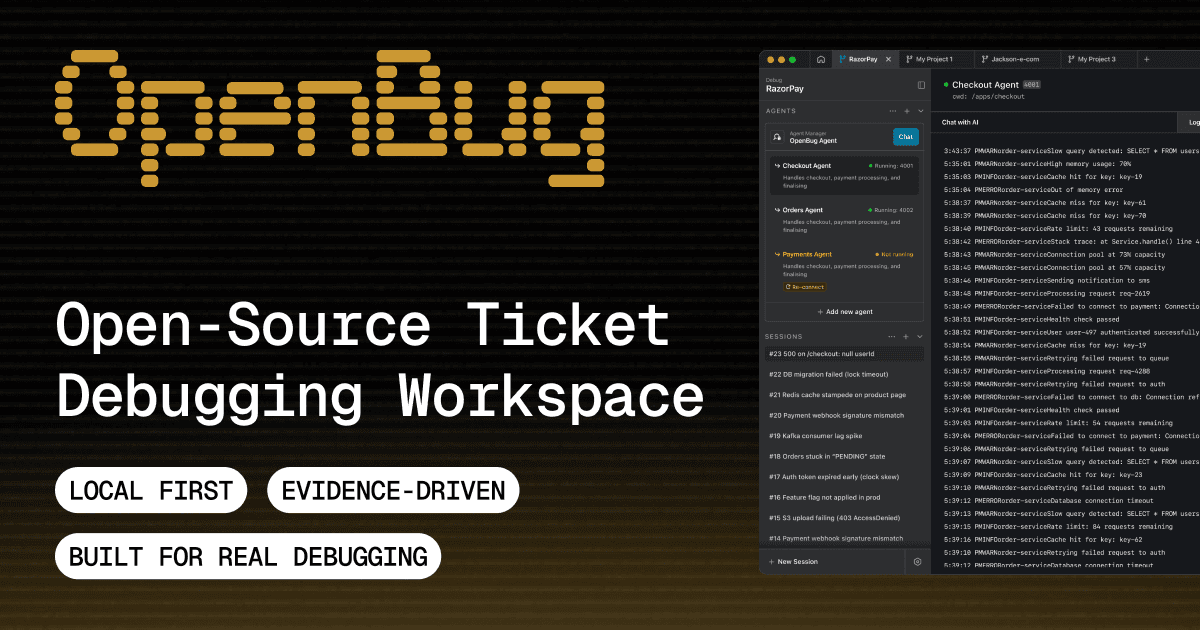
Open source collaborative workspace for debugging issues
Replaces Claude Code, Jira, Clickup, Asana
Who it's for
OpenBug fits developers who need a faster way to connect logs, code, and AI reasoning while a service is running.
You only need static code review without runtime logs.
OpenBug can help support-facing engineers gather runtime evidence and ask targeted questions during reproduction.
Your debugging workflow requires approved enterprise incident tooling.
The problem
Debugging production-like issues usually means switching between terminal logs, code search, stack traces, and issue notes. The context is fragmented, so developers spend time gathering evidence before they can reason about the failure. AI can help, but only when it sees the running process and relevant code. A generic chat prompt without logs or repository context produces guesses rather than useful debugging steps.
How it works
OpenBug captures runtime logs so the AI assistant can reason about current application behavior instead of relying on pasted snippets.
The README describes searching the codebase in natural language, which helps developers find relevant files during an investigation.
OpenBug runs as a command-line workflow, with npm installation and a debug command used to start the assistant.
Features
- Automatic log capture
- Natural-language code search
- Terminal debugging assistant
How to install
Install the CLI globally, then use `debug` to start the assistant or prefix an app command with `debug`.
npm install -g @openbug/cli
debug
debug npm run dev
Recommended for this setup
Strengths
- Keeps debugging in the terminal: Developers can inspect logs, ask questions, and search code without moving the investigation into a separate hosted dashboard.
- Focused on live application context: The tool is built around running applications, which makes it more practical for debugging than a detached code-only assistant.
Trade-offs
- Beta maturity: The README labels OpenBug as beta, so teams should expect rough edges and validate it on non-critical workflows before relying on it.
Tech stack
FAQ
OpenBug is a command-line AI debugging tool that captures logs, searches code, and helps investigate running applications.
The official README shows npm install -g @openbug/cli as the installation command.
The README marks OpenBug as beta, so teams should test it carefully before using it for critical debugging workflows.