
NX2Apple
Convert Switch game dumps into native iPhone and Mac apps.
Replaces —
Who it's for
If you own Switch games and an Apple silicon Mac, NX2Apple lets you play those titles natively without buying new ports or subscribing to a streaming service. The launcher handles the full build; you need your game dump files, your prod.keys from your own console, and Xcode installed.
You do not own the original Switch game dumps or prod.keys, or the title you want is not in the 147-title supported profile list.
The launcher builds one shell app containing all your Switch games and installs it on a paired iPhone or iPad. Touch controls include 2D and 3D layouts with a visual editor for repositioning buttons; physical controllers replace them. The app works on iOS and iPadOS 26 or later.
Your target game is memory-intensive (such as Tears of the Kingdom) and you use SideStore or Sideloadly, which drop the Increased Memory Limit entitlement the game needs to run.
NX2Apple is a community fork of nxnative. Developers who want to contribute a profile for an unsupported game can follow nxnative's bring-up guide covering extraction, binary survey, and bring-up. The project is seeking contributors; consistent pull request contributors are invited to help with reviews.
You need a production-grade or commercially licensed porting tool for a title you plan to distribute publicly; NX2Apple is for personal use with your own game dumps.
The problem
If you own Nintendo Switch games and want to play them on your Mac, iPhone, or iPad, your options are limited. Nintendo does not offer a way to play your existing library outside the Switch; App Store ports exist for a small fraction of the catalog and cost money per title. Cloud gaming services stream a curated set of games over the internet, requiring a connection and a monthly fee, and do not cover the games you already own. The technical side is a challenge even for users willing to do the work. Standard emulators simulate Switch hardware, adding a translation layer between the game and the host device. Getting a Switch game's own code running natively on Apple silicon requires rewriting binaries for the ARM64 architecture, translating GPU shaders to Metal, and assembling the runtime environment. Without a purpose-built tool, that process requires a terminal, build experience, and manual work across several components.
How it works
The game's own CPU and GPU code runs directly on Apple silicon via Metal, without a Switch hardware simulation. The build pipeline rewrites ARM64 binaries for the host architecture and translates NVN shaders to Metal. First-time shader compilation causes brief stutter; the app caches the results and subsequent scene loads run without it.
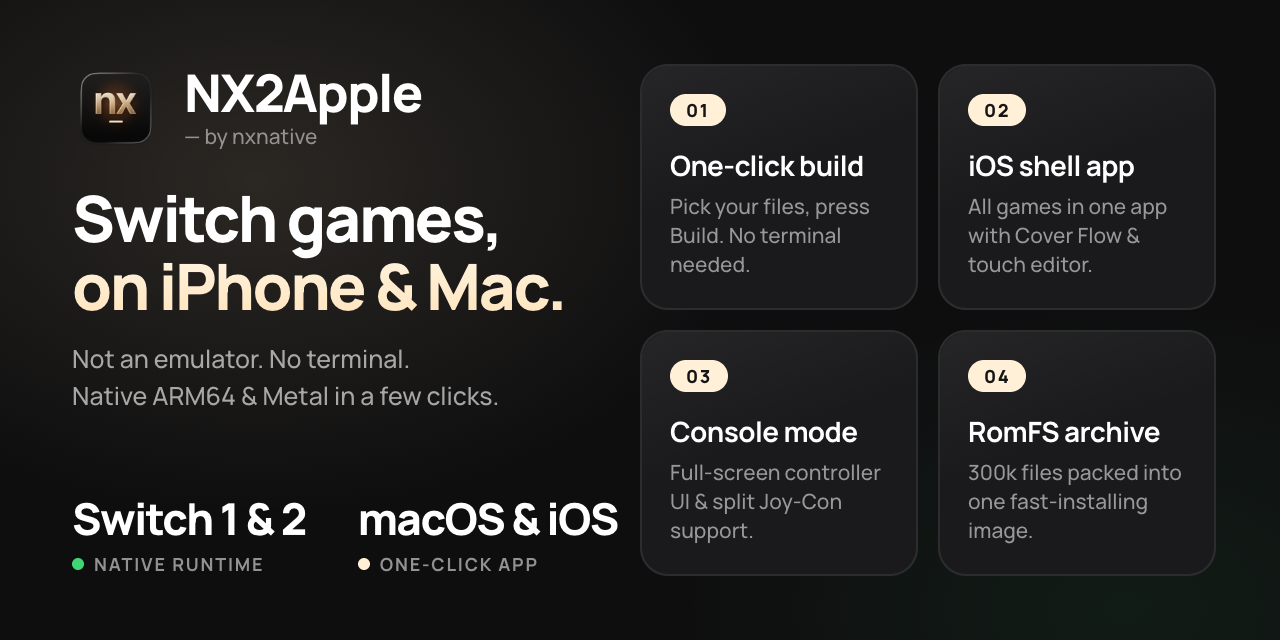
The macOS and Windows launchers walk through the full build: unpack the game dump, rewrite binaries, translate shaders, and pack the app. The launcher bundles its own Python and build tools, so no Homebrew or PATH setup is needed beyond Xcode. A build that stops mid-way resumes where it left off.
Building with the iPhone / iPad target produces one shell app for all your games. The launcher signs it with Xcode and your team, installs it on a paired device, and copies the game in. The app shows Cover Flow in landscape, supports per-game launch options, and syncs saves to iCloud Drive.
147 games have a build profile, with verified results listed in GAMES.md showing install sizes and required update versions. Switch 2 games (a game folder or .nup file) work without prod.keys; eleven Switch 2 titles have upstream profiles, with Donkey Kong Bananza verified on this fork on Mac, iPhone, and iPad.
Each game's launch options (frame rate, render scale, upscaling, game language, controller remapping) persist across rebuilds. Mods go in a folder beside the game's save data; the launcher sets the overlay path automatically. Per-game env.txt files override the shared settings for one title only.
The iOS app includes a visual layout editor for resizing and repositioning buttons and sticks. Physical controllers (Xbox, PlayStation, Switch Pro, MFi, Steam Controller 2026) work with per-game or global button remapping. Joy-Con pairs can be split into two sideways controllers on Mac.
Features
- Native Apple silicon execution, no emulation layer
- One-click macOS and Windows launcher
- iPhone and iPad target with one shell app
- 147 game profiles including Switch 2 titles
- Per-game settings, mods, and cloud saves
- Custom touch controls and physical controller support
How to install
Download the macOS launcher (NX2Apple-macOS-arm64.zip) or the Windows launcher (NX2Apple-windows-x64.zip) from GitHub Releases: https://github.com/LNPANDY/NX2Apple/releases/latest On macOS, right-click the app and choose Open for the first launch; the launcher is not signed with a paid developer certificate.
Recommended for this setup
Strengths
- MIT license, no recurring fees: The MIT license lets you run NX2Apple for personal or team use with no licensing cost and no restrictions on modification. Unlike paid cloud gaming subscriptions, there is no monthly fee; you pay for server or device time once, if at all.
- No emulation overhead, native performance: Games run on the actual CPU and GPU rather than a simulated Switch environment. Zelda: Tears of the Kingdom and Hades II are verified running on Mac and iPhone per GAMES.md. Breath of the Wild is reported playable upstream at 60 fps with engine version 1.9.0. There is no ongoing translation layer once the build is complete.
- Self-contained build tooling, minimal setup: The launcher bundles its own Python and build tools. Beyond Xcode (required for iOS signing) and the .NET SDK 10 (auto-installed on first run), no manual dependencies are needed: no Homebrew, no PATH configuration, no manual clones of build scripts.
- Incremental builds and save preservation: A stopped build resumes from where it left off rather than restarting. Rebuilding a game in the same library folder keeps saves and logs beside the app. Update NSPs can be applied to an existing build, and the launcher reuses cached work where possible.
Trade-offs
- Only games with an upstream profile work: 147 games have profiles at the time of writing. A title outside that list requires bring-up work using nxnative's agent guide; there is no automated path for unsupported games. The list grows as contributors add profiles, and milestones track the plan.
- iOS memory ceiling for large games without the entitlement: Without the Increased Memory Limit entitlement, iOS gives the app about 3.4 GB of RAM. Games like Tears of the Kingdom exceed that. AltStore Classic 2.2+, Impactor, and Xcode with a Personal Team preserve the entitlement; SideStore with a free Apple ID needs a one-time App ID fix; Sideloadly drops it.
- 163 open issues and an unsigned macOS launcher: As of November 2026, the tracker has 163 open issues. The macOS launcher is not signed with a paid Apple developer certificate; first launch requires right-clicking the app and choosing Open. The iPhone app is signed by Xcode with your own team when the launcher installs it.
- Requires Xcode 27.2 and macOS 26.6 for NVN games: Most Switch games use NVN, Nvidia's graphics API. Building those requires Xcode 27.2 on macOS 26.6 or later. Installing Xcode 27.2 alongside the system Xcode needs manual management, including giving it a distinct name and selecting it in Settings > Build tools. Using an older Xcode requires the --allow-other-metal flag.
Tech stack
FAQ
No. NX2Apple is not an emulator. The game's own CPU and GPU code runs directly on Apple silicon via Metal, with no simulated Switch hardware. The build pipeline rewrites binaries for the ARM64 architecture and translates NVN shaders to Metal, but the game's instructions run on the actual host CPU and GPU.
147 games have a build profile as of the time of writing. GAMES.md lists the verified titles, install sizes, and required update versions. Switch 2 games have a separate section with eleven profiled titles. A game not in the list requires new bring-up work using nxnative's agent documentation; there is no automated path for adding an unsupported title.
Yes. NX2Apple requires your own game dump (NSP or XCI file) and your own prod.keys from your own Nintendo Switch console. No game data, firmware, or keys are included or downloaded by the tool. Switch 2 games are the exception; they do not require prod.keys.
You need an Apple silicon Mac running macOS 13 or later. Building NVN-based Switch games requires Xcode 27.2 on macOS 26.6 or later. For iPhone and iPad targets, the device needs iOS or iPadOS 26 or later and must be paired with the Mac. The .NET SDK 10 is auto-installed on first run; no Homebrew or manual Python setup is needed.
Yes. NX2Apple is MIT licensed and free to run on your own hardware. The MIT license permits personal use, modification, and commercial team use with no restrictions. The Windows launcher, the iOS shell app, and the macOS launcher are all covered. The underlying engine (nxnative) is a separate open source project that NX2Apple follows daily.